***
title: Conversation Node
subtitle: Gather and store information from users
slug: configure-step-nodes
description: Learn how to use the Conversation node to collect variables and gather specific information from users during Flow Designer conversations.
---------------------
For clean Markdown of any page, append .md to the page URL. For a complete documentation index, see https://docs.synthflow.ai/llms.txt. For full documentation content, see https://docs.synthflow.ai/llms-full.txt.
The **Conversation** node collects variables by gathering specific information from users during conversations. It pauses the flow until the user provides a response, then stores that response in a variable for later use in branching logic, API calls, or personalization.
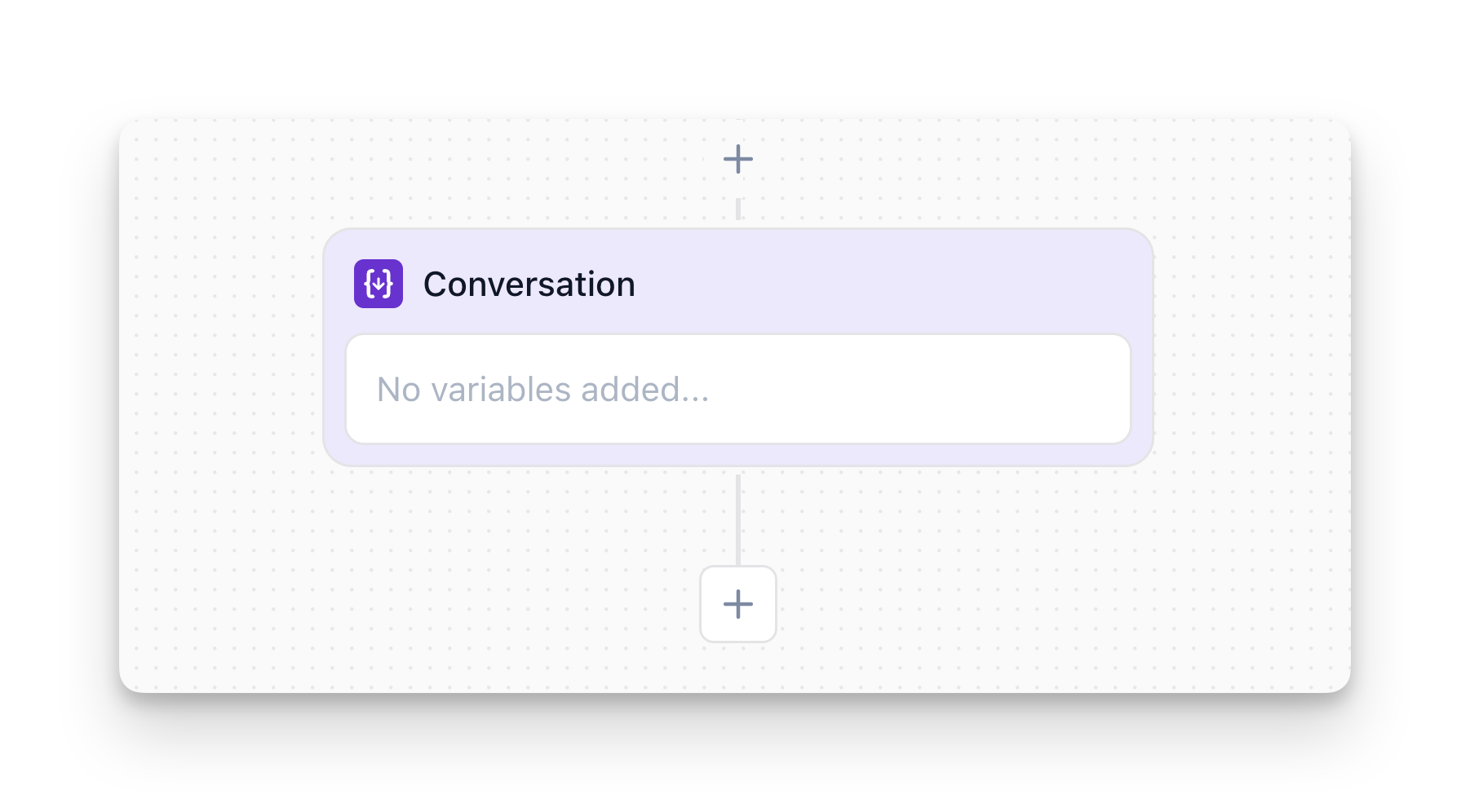
## Overview
The Conversation node:
* **Asks questions** to gather specific information from users
* **Pauses the flow** until the user provides a valid response
* **Stores responses** as variables (e.g., `{user_email}`, `{party_size}`)
* **Validates input** to ensure data matches expected formats
**Important:** The conversation pauses at a Conversation node until the user provides a valid response. If the user doesn't respond or gives an invalid answer, the agent will ask again or handle it according to your error handling logic.
## How to Configure
### Step 1: Add the Node
In Flow Designer, click the Plus icon and select **Conversation**
### Step 2: Add Instructions (Optional)
Describe how the agent should behave when collecting variables. This is especially useful when collecting multiple variables in sequence.
**Example:**
* `"First ask the user for their age, then ask for their gender."`
* `"Ask for party size first, then ask for the preferred date and time."`
The instructions guide the agent's behavior and help ensure variables are collected in the right order.
### Step 3: Define What to Collect
**Variable Name:**
* Choose a clear, descriptive name (e.g., `user_email`, `phone_number`, `preferred_date`)
* Use lowercase with underscores (snake\_case) for consistency
* This is how you'll reference the variable later: `{user_email}`
**Variable Type:**
* **String**: Free-form text input (name, address, comments)
* **Number**: Numeric values only (age, quantity, phone number)
* **List**: User selects from predefined options (product category, department)
* **Boolean**: Yes/no, true/false responses (opt-in consent, confirm/cancel)
**Prompt:**
* Write what the agent should say to request this information
* Examples:
* `"What's your email address?"`
* `"How many people will be joining us?"`
* `"Which department do you need? Sales, Support, or Billing?"`
### Step 4: (Optional) Add Validation
Configure validation rules to ensure data is in the correct format:
* **Email validation**: Ensures input follows email format
* **Phone validation**: Ensures input is a valid phone number
* **Range validation**: For numbers (e.g., "Age must be between 18 and 100")
* **Required vs Optional**: Choose whether the user must provide a value
## Conversation Node vs Message Node
This is a common point of confusion. Here's the difference:
| Conversation Node | Message Node |
| ------------------------------------------------------ | --------------------------------------------- |
| You need information from the user | You're delivering information or instructions |
| The conversation should pause until you get a response | You don't need a response from the user |
| You want to store the user's response for later use | You want to move to the next node immediately |
**Example - Conversation Node:**
```mermaid
flowchart TD
A["Conversation Node
What's your email address?"] -->
B["Variable stored: {user_email}"]
B --> C["Continue to next node"]
```
**Example - Message Node:**
```mermaid
flowchart TD
A["Message Node
Thanks! I've recorded {user_email}."] -->
B["Immediately continues
No pause"]
```
## Using Collected Variables
Once collected, variables can be referenced throughout your flow:
* **In Message Nodes**: Personalize messages (e.g., `"Thanks, {user_name}! I've scheduled your appointment for {appointment_date}."`)
* **In Branch Nodes**: Make decisions based on collected data (e.g., `{budget} > 10000`)
* **In Custom Actions**: Pass variables to external APIs
* **In Multi-Agent System**: Variables collected in the main flow are accessible to sub-agents
For more details on how variables work and how to view them, see the [Variables documentation](/collect-variables).
## FAQ
No. Only use Conversation nodes when you need to **store** the response for later use. For simple confirmations or conversational flow, you can handle responses in other ways (e.g., Branch nodes that detect intent).
Yes! A Conversation node can collect multiple variables during the same conversation. Configure each variable you want to collect within the node settings.
The AI will detect that the user doesn't have the information. You should handle this with a Branch node to check if the variable was collected, and provide a fallback path if not.
Yes. Variables collected in the main agent are accessible to sub-agents (Multi-Agent System). The sub-agent can also update variables that the main agent will see when control returns. See the [Variables documentation](/collect-variables) for more details.