> For a complete page index, fetch https://docs.synthflow.ai/llms.txt. For full documentation content, fetch https://docs.synthflow.ai/llms-full.txt.
# Conversation Node
> Learn how to use the Conversation node to collect variables and gather specific information from users during Flow Designer conversations.
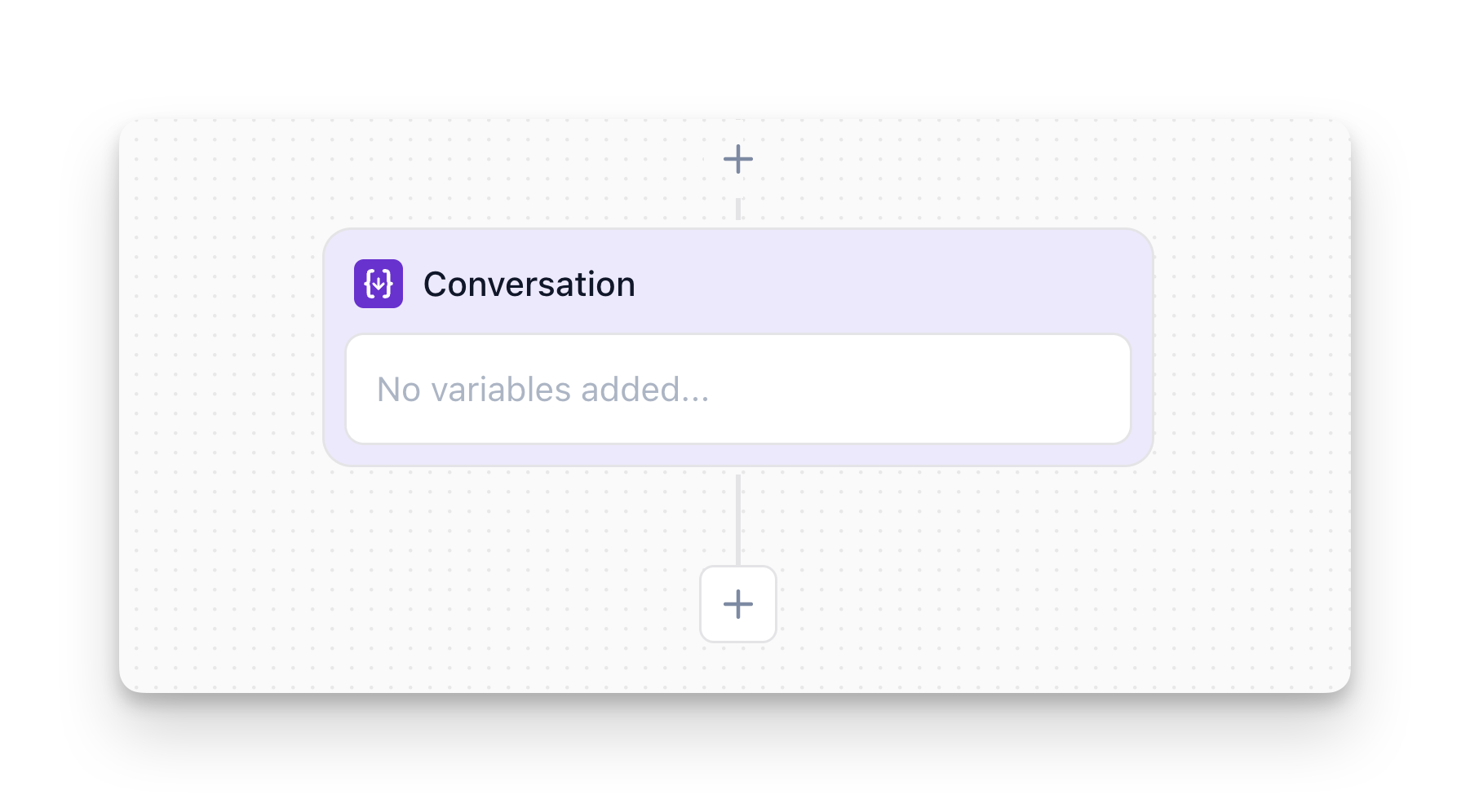
The **Conversation** node collects variables by gathering specific information from users during conversations. It pauses the flow until the user provides a response, then stores that response in a variable for later use in branching logic, API calls, or personalization.
## Overview
The Conversation node:
* **Asks questions** to gather specific information from users
* **Pauses the flow** until the user provides a valid response
* **Stores responses** as variables (e.g., `{user_email}`, `{party_size}`)
* **Validates input** to ensure data matches expected formats
**Important:** The conversation pauses at a Conversation node until the user provides a valid response. If the user doesn't respond or gives an invalid answer, the agent will ask again or handle it according to your error handling logic.
## How to Configure
### Step 1: Add the Node
In Flow Designer, click the Plus icon and select **Conversation**
### Step 2: Add Instructions (Optional)
Describe how the agent should behave when collecting variables. This is especially useful when collecting multiple variables in sequence.
**Example:**
* `"First ask the user for their age, then ask for their gender."`
* `"Ask for party size first, then ask for the preferred date and time."`
The instructions guide the agent's behavior and help ensure variables are collected in the right order.
### Step 3: Define What to Collect
**Variable Name:**
* Choose a clear, descriptive name (e.g., `user_email`, `phone_number`, `preferred_date`)
* Use lowercase with underscores (snake\_case) for consistency
* This is how you'll reference the variable later: `{user_email}`
**Variable Type:**
* **String**: Free-form text input (name, address, comments)
* **Number**: Numeric values only (age, quantity, phone number)
* **List**: User selects from predefined options (product category, department)
* **Boolean**: Yes/no, true/false responses (opt-in consent, confirm/cancel)
**Prompt:**
* Write what the agent should say to request this information
* Examples:
* `"What's your email address?"`
* `"How many people will be joining us?"`
* `"Which department do you need? Sales, Support, or Billing?"`
### Step 4: (Optional) Add Validation
Configure validation rules to ensure data is in the correct format:
* **Email validation**: Ensures input follows email format
* **Phone validation**: Ensures input is a valid phone number
* **Range validation**: For numbers (e.g., "Age must be between 18 and 100")
* **Required vs Optional**: Choose whether the user must provide a value
## Conversation Node vs Message Node
This is a common point of confusion. Here's the difference:
| Conversation Node | Message Node |
| ------------------------------------------------------ | --------------------------------------------- |
| You need information from the user | You're delivering information or instructions |
| The conversation should pause until you get a response | You don't need a response from the user |
| You want to store the user's response for later use | You want to move to the next node immediately |
**Example - Conversation Node:**
```mermaid
flowchart TD
A["Conversation Node
What's your email address?"] -->
B["Variable stored: {user_email}"]
B --> C["Continue to next node"]
```
**Example - Message Node:**
```mermaid
flowchart TD
A["Message Node
Thanks! I've recorded {user_email}."] -->
B["Immediately continues
No pause"]
```
## Using Collected Variables
Once collected, variables can be referenced throughout your flow:
* **In Message Nodes**: Personalize messages (e.g., `"Thanks, {user_name}! I've scheduled your appointment for {appointment_date}."`)
* **In Branch Nodes**: Make decisions based on collected data (e.g., `{budget} > 10000`)
* **In Custom Actions**: Pass variables to external APIs
* **In Multi-Agent System**: Variables collected in the main flow are accessible to sub-agents
For more details on how variables work and how to view them, see [Variables](/variables).
## FAQ
#### Do I need a Conversation node for every question I ask?
No. Only use Conversation nodes when you need to **store** the response for later use. For simple confirmations or conversational flow, you can handle responses in other ways (e.g., Branch nodes that detect intent).
#### Can I collect multiple variables in one Conversation node?
Yes! A Conversation node can collect multiple variables during the same conversation. Configure each variable you want to collect within the node settings.
#### What happens if the user says 'I don't know'?
The AI will detect that the user doesn't have the information. You should handle this with a Branch node to check if the variable was collected, and provide a fallback path if not.
#### Can variables be passed between different agents?
Yes. Variables collected in the main agent are accessible to sub-agents (Multi-Agent System). The sub-agent can also update variables that the main agent will see when control returns. See [Variables](/variables#collected-variables) for more details.
> Gather and store information from users