***
title: Manage Subaccounts
subtitle: null
slug: create-a-subaccount
description: null
-----------------
You can create subaccounts from scratch, import existing subaccounts from GoHighLevel, or delete subaccounts you no longer need.
This page covers managing subaccounts through the Synthflow interface. For API-based management, see the Subaccounts section of our Platform API [here.](/api-reference/platform-api/subaccounts/create-subaccount)
### Create a single subaccount
On the left-hand sidebar, click **Agency**.
Click **New Subaccount** in the top-right corner.
Click **Create New Subaccounts**.
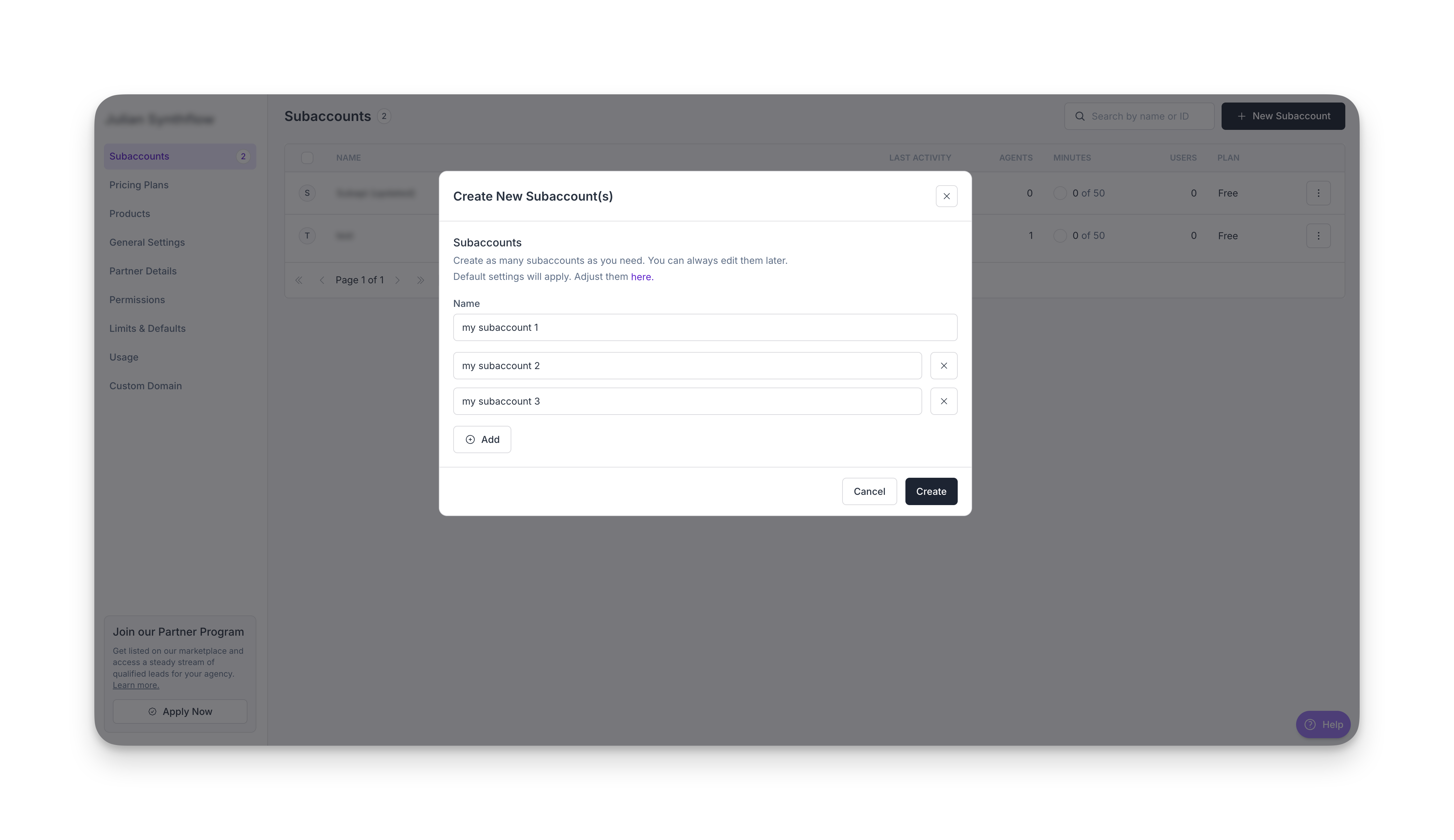
Enter a name for your new subaccount. To create more than one subaccount at once, click **Add**. Once you're done, click **Create**.
### Create multiple subaccounts
Save time by creating multiple subaccounts in a single batch. Before you begin, ensure your [limits and defaults](/limits-and-defaults) match how you want new subaccounts configured.
### Import subaccounts from GoHighLevel
If you have a GoHighLevel account with agency-level access, you can import existing subaccounts into Synthflow. For more details, see the full guide on how to connect and manage your GoHighLevel inside Synthflow [here.](/gohighlevel)
### Delete a subaccount
Deleted subaccounts cannot be restored.
On the left-hand sidebar, click **Agency**.
Click the subaccount you want to delete.
Select **Settings** on the left-hand navigation sidebar.
Click **Delete Subaccount**.
Click **Permanently delete**.