***
title: Manual Testing
subtitle: null
slug: test-your-agent
description: >-
Learn how to test your voice agent before going live using manual testing
methods or automated simulations.
---------------------------------
Testing is essential before deploying your agent to real customers. Synthflow provides four ways to test your agent, from quick manual checks to automated simulations that run dozens of scenarios in minutes.
## Testing methods
You can access all testing options by clicking **Test** in the agent editor. A panel opens on the right side where you can choose your testing method.
### Phone Call
Test your agent with a real phone call. Enter your phone number and click **Call Me** to receive a call from your agent. This is the most realistic way to test voice quality, latency, and the overall call experience.
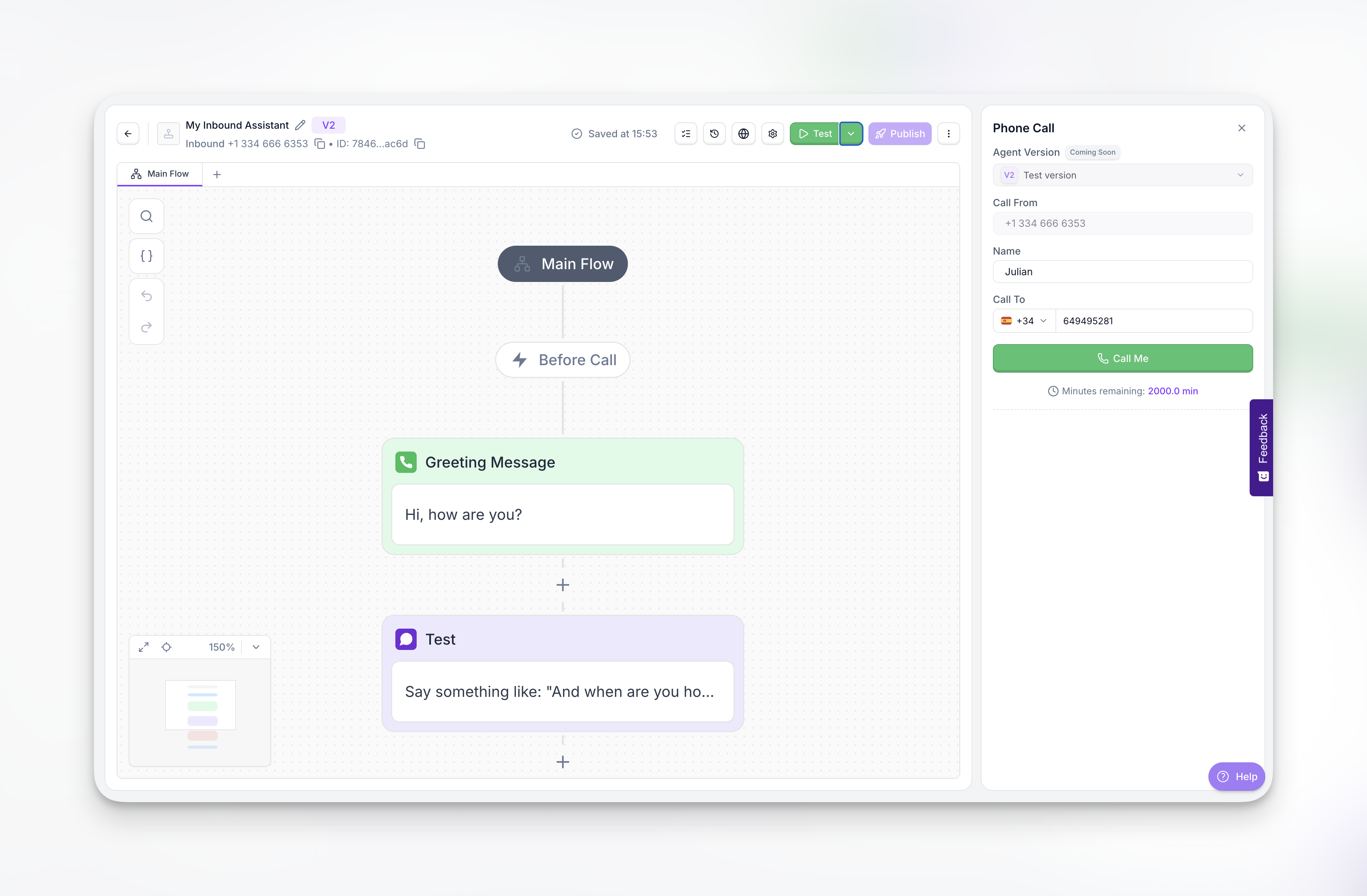
Use phone testing when you need to verify audio quality, test how the agent sounds in a real conversation, or debug specific voice-related issues.
### Chat
Test your agent using text-based chat. Type messages and see how your agent responds in real time. The chat panel shows the full conversation flow including any internal prompts or state transitions.
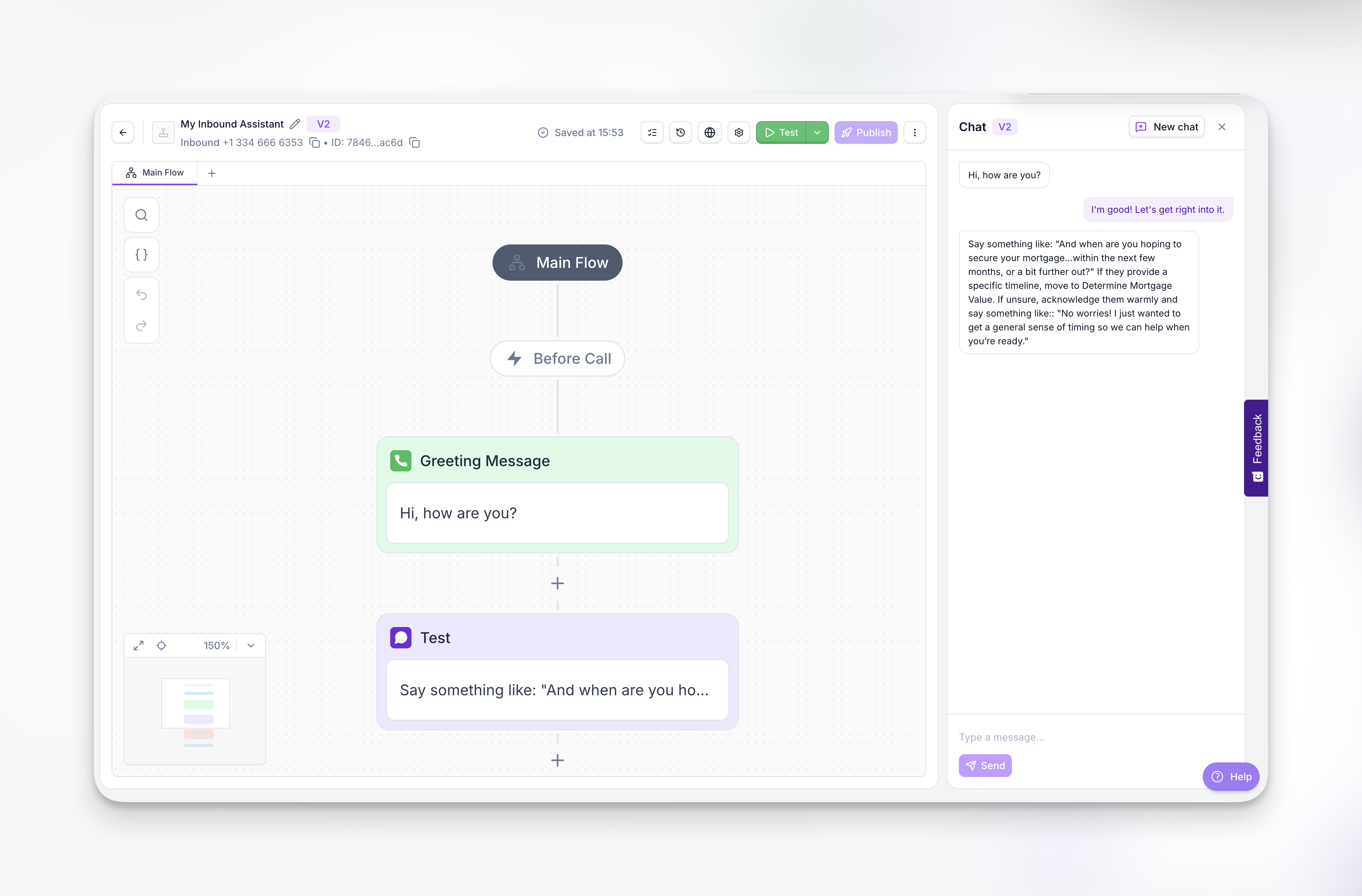
Chat testing is useful for quickly validating conversation logic, testing specific phrases, or debugging prompt issues without the overhead of a phone call.
### Widget
Test the embeddable voice widget that you can add to your website. Click the widget to start a voice conversation directly in the browser.
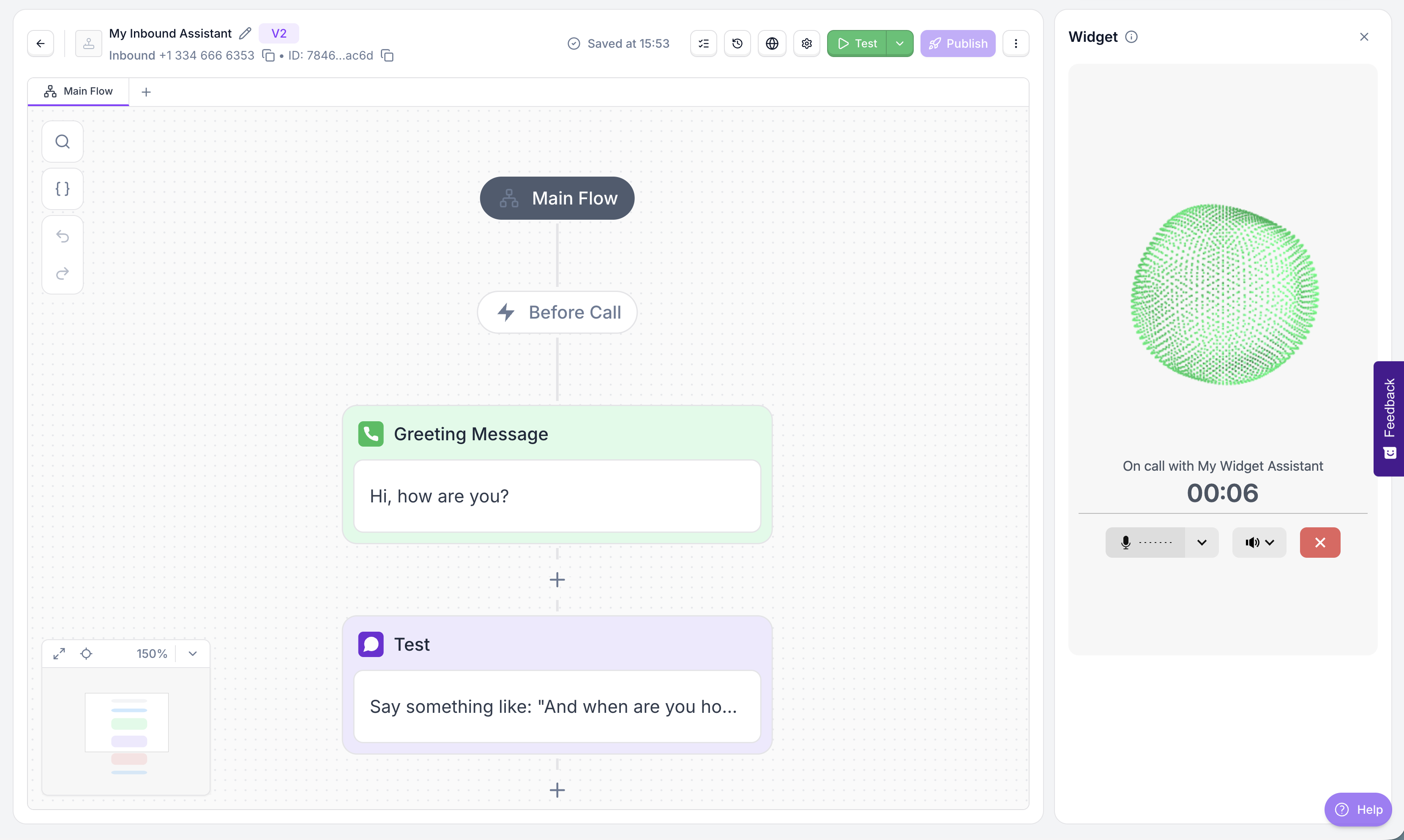
Use widget testing to verify the end-user experience for web-based voice interactions.
### Simulations
Run automated test suites that execute multiple scenarios against your agent. Simulations pair your agent with a persona agent (a simulated customer) and evaluate results against defined success criteria.
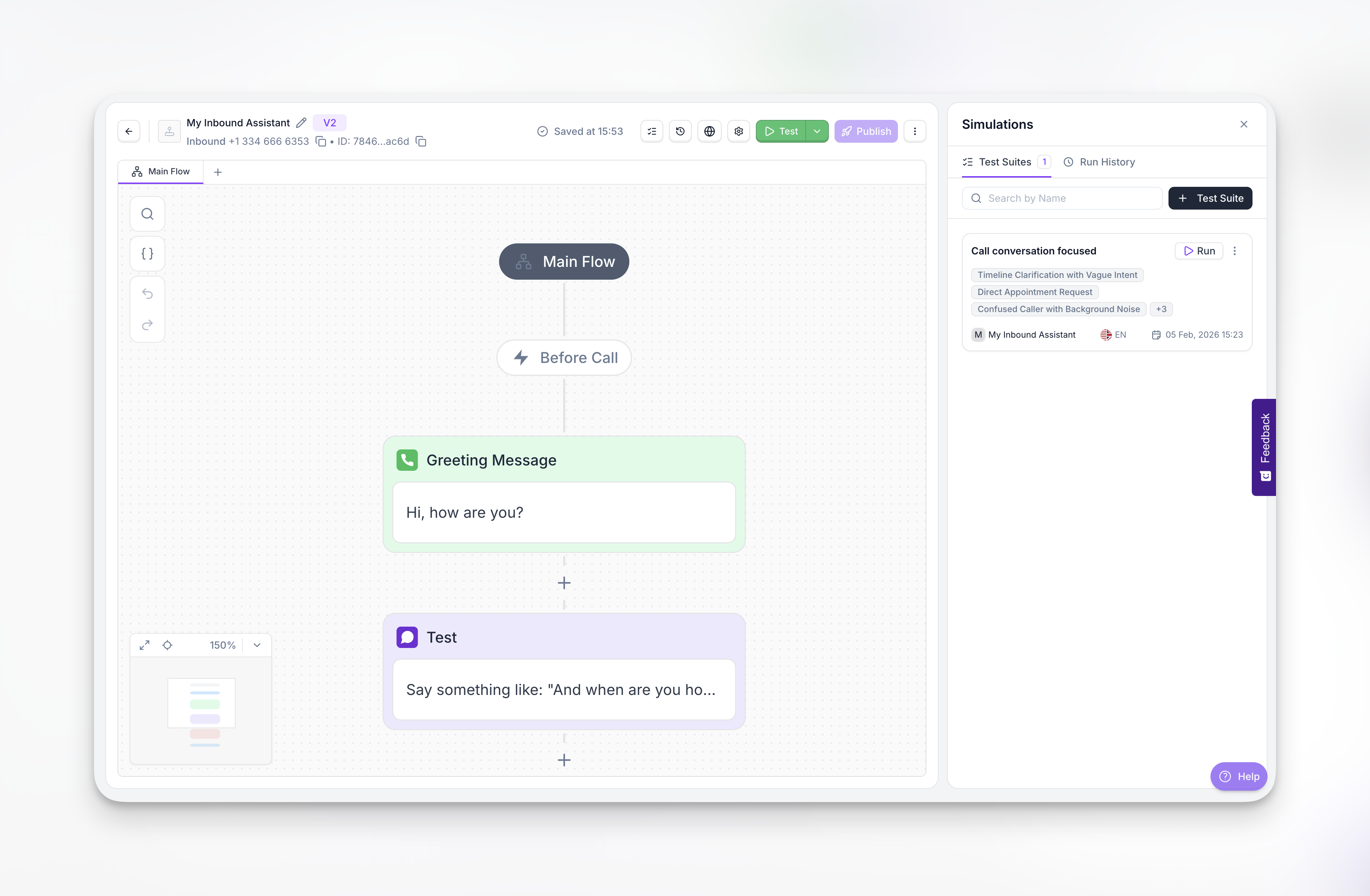
Simulations are the most powerful testing method for systematic validation. See [Simulations](/simulations) for full documentation.
## When to use each method
**Manual testing** (Phone, Chat, Widget) is best for quick spot-checks, debugging specific issues, and verifying voice quality. These methods test one conversation at a time and require you to manually evaluate the results.
**Simulations** are best for systematic validation before deployment. They let you test dozens of scenarios in parallel with measurable success criteria, making it easy to catch regressions and validate prompt changes.
**Recommended workflow**: Use chat for rapid iteration while developing your prompts, then run a full simulation suite before deploying to production. After any significant changes, re-run your test suite to catch regressions.
## Why use simulations
Manual testing can require hours of phone calls to cover all scenarios, and it's difficult to reproduce edge cases consistently. Simulations solve these challenges by automating your testing workflow.
With simulations you can:
* Validate agent behavior across multiple scenarios simultaneously
* Test edge cases and failure scenarios that are hard to trigger manually
* Iterate faster when refining prompts—test changes in minutes instead of hours
* Ensure consistency before client deployments with repeatable test suites
* Track improvements over time by comparing results across test runs
Create automated test suites, define success criteria, and validate your agent at scale.