

Call recordings move to a new endpoint
The recording_url field in the calls endpoints becomes unavailable on January 10, 2027. It keeps working until then. Use Get a recording instead: ask for a download link whenever you need the audio, instead of storing one.
Follow our guide to switch.
Reconnect Salesforce by November 30
We changed how Synthflow connects to Salesforce. To keep your Salesforce custom actions working, reconnect Salesforce in each workspace by November 30, 2026.
Follow these instructions to reconnect.
Webhook signatures for subaccounts
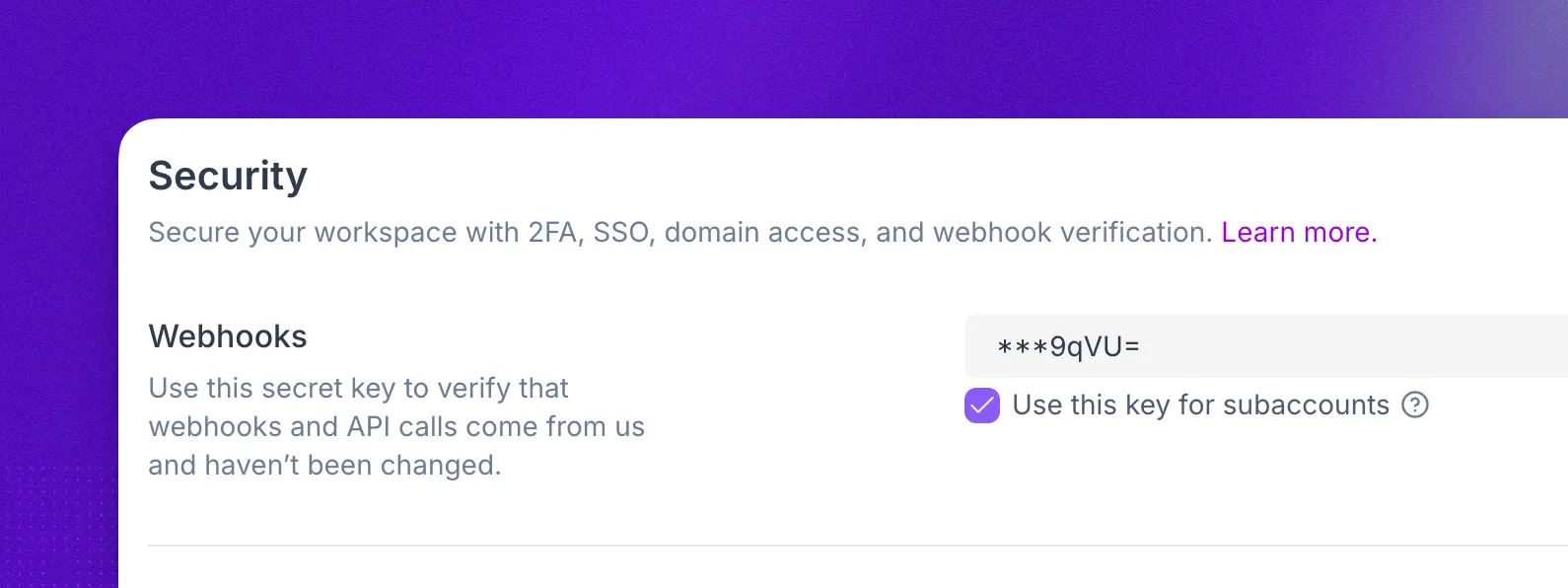
Subaccount webhooks went out unsigned, so you couldn’t confirm they came from Synthflow. You can now share your workspace’s secret key with your subaccounts, so their webhooks carry the same HTTP_SYNTHFLOW_SIGNATURE header you already validate.
Manage subaccounts from Settings
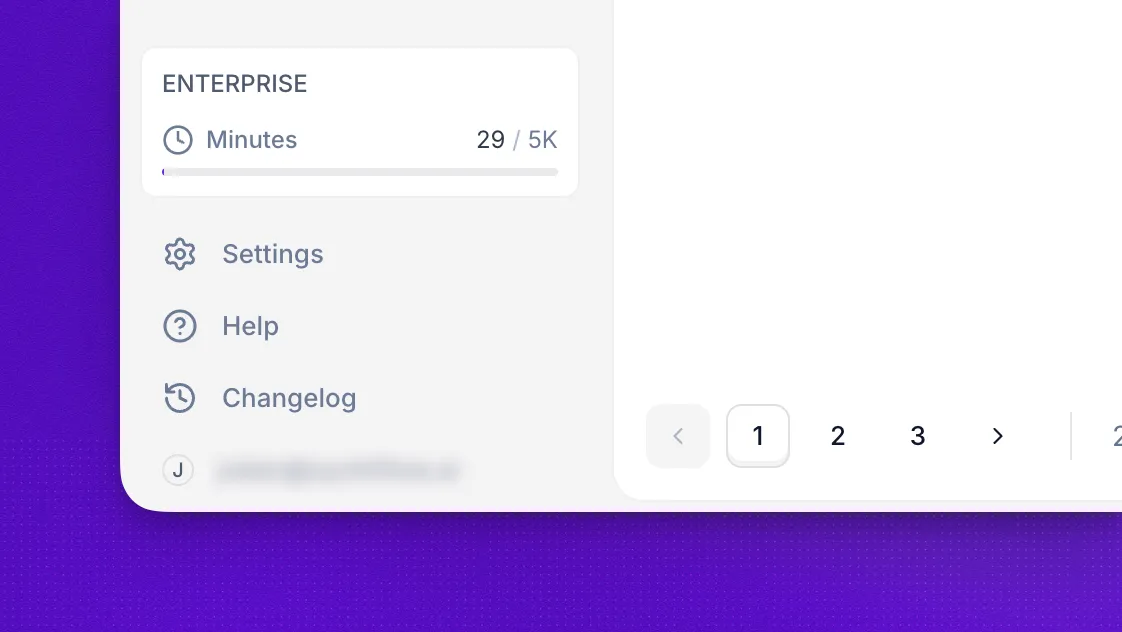
We redesigned the main sidebar to cut clutter and keep it focused on the pages you use every day. As part of that change, the Agency button is gone and everything it opened now lives in Settings. To manage your subaccounts, select Settings, then Subaccounts.
Filter call logs by action
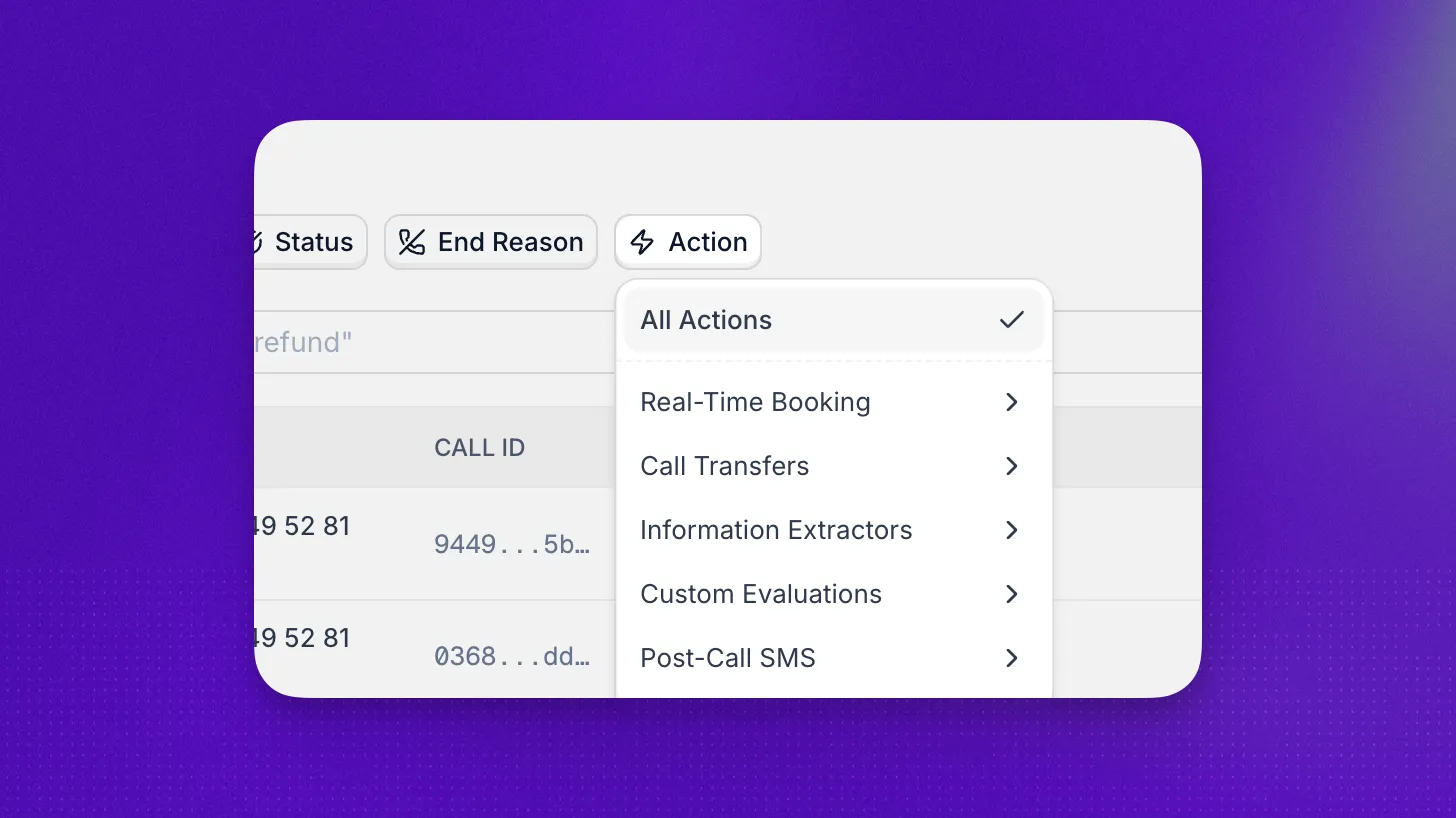
To check how an action performed, you had to open calls one by one. In Call logs, the Action filter now shows only the calls that ran the action you pick.
Starting from the action works too: on the Actions page, open an action’s menu and select View Call Logs to see its calls.
Through the API, List calls filters by action too.
Set action input sources via API
Actions attached to an agent through the API asked the caller for every input, even values you already had. When you attach an action, you can now choose where each input comes from, with the same input sources as in the app.
Advanced transfer settings via API
The advanced call transfer settings could only be set in the app. You can now set them when you create or update a call transfer action.
See every variable on a call
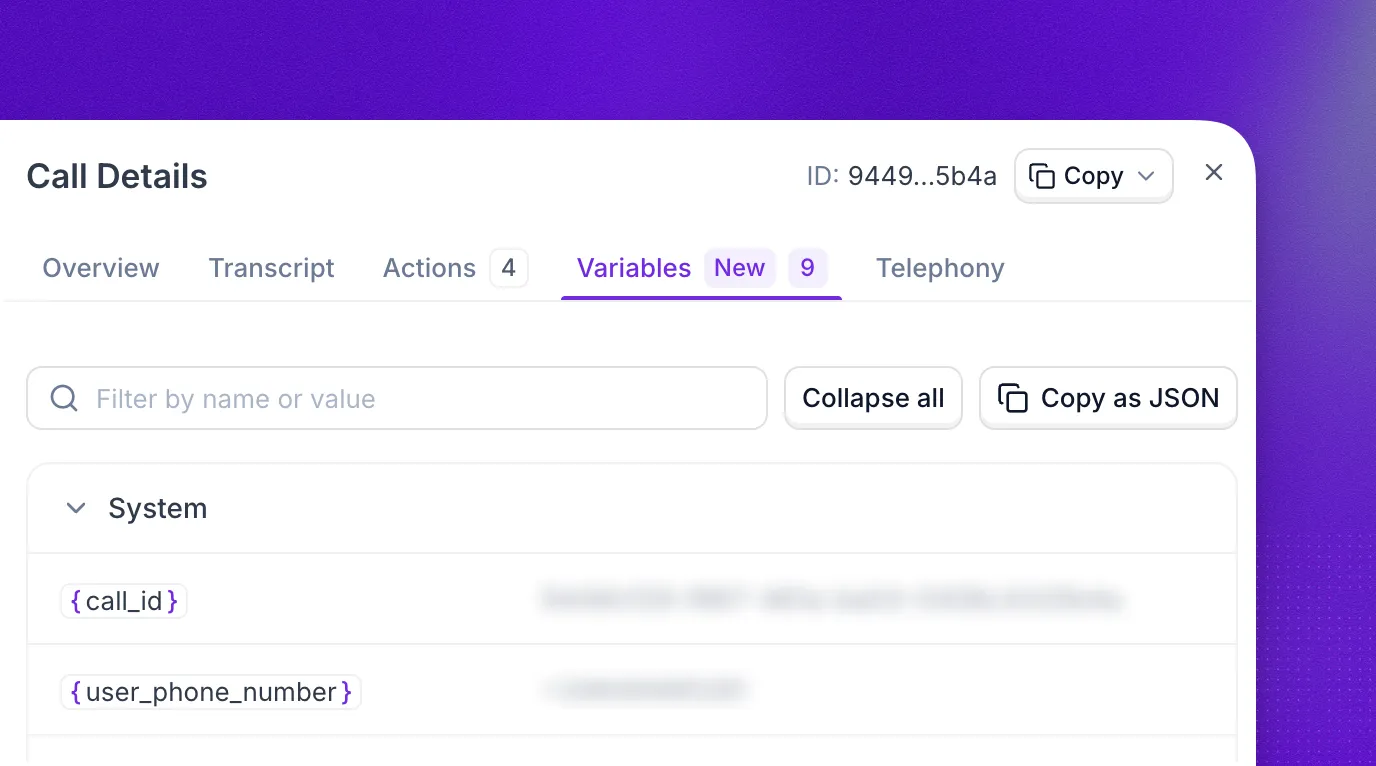
If you’ve been piecing together what a call sent to your actions, open the new Variables tab in Call logs. It shows the value each variable had on that call:
- System, pre-call, and collected variables, and inbound SIP headers
- Every action’s inputs and outputs, including transfer SIP headers
Manage phone book entries via API
Once you added numbers to a phone book through the API, you could not read them back. You can now list a phone book’s entries, up to 100 per page, and update an entry by sending its new phone_number and transfer_condition.
Redesigned sidebar
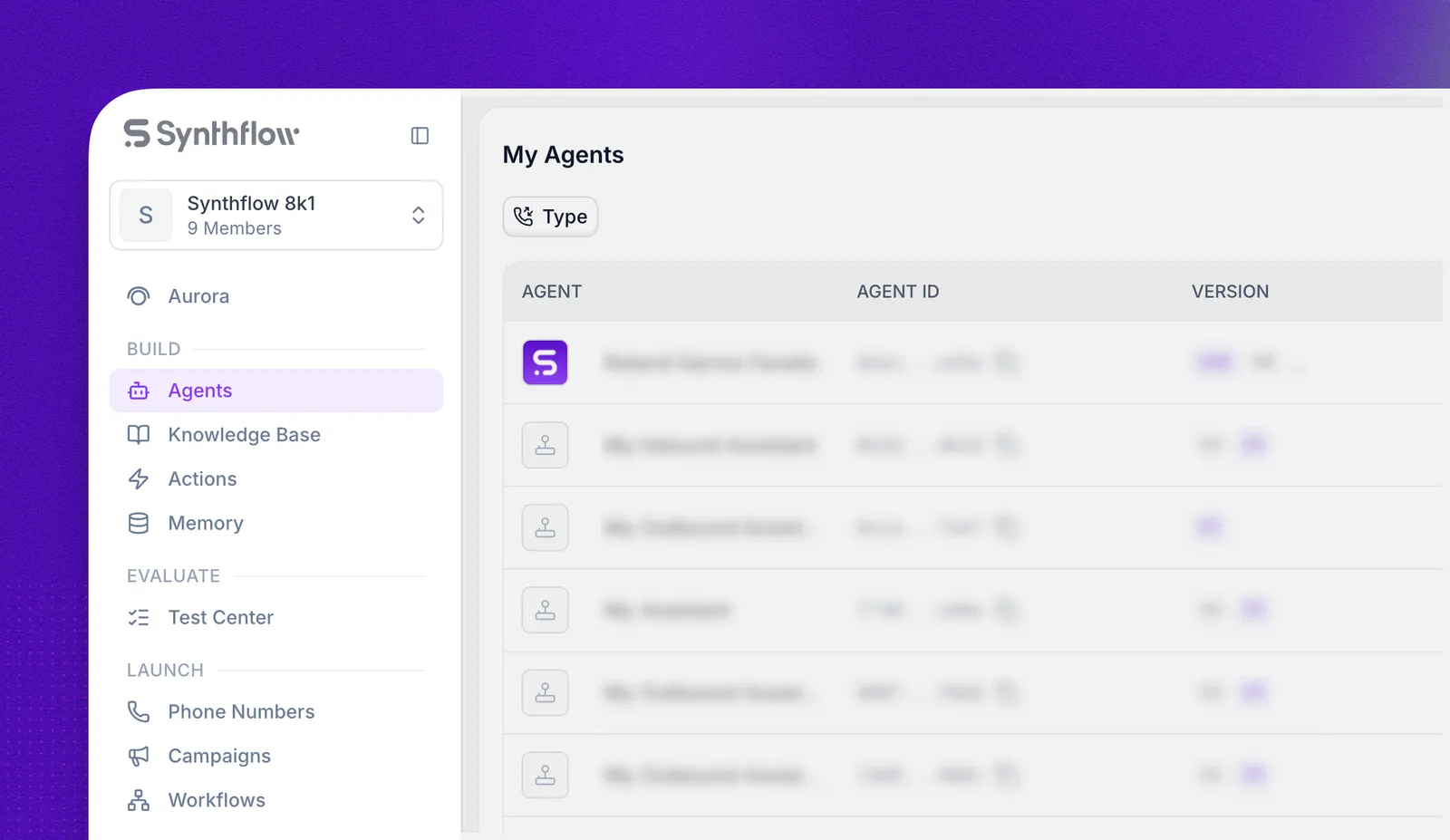
Every page in the sidebar now sits under the step of the BELL framework it belongs to.
Help and Changelog have moved to the bottom of the sidebar. Open Changelog to see what’s new without leaving the app.
Read a full knowledge base source via API
Listing a knowledge base’s sources returns only the first 200 characters of each text source, and no content for other types. To read one source in full, use Get a knowledge base source. For a text source, content holds the full text. For a file, url is a download link that expires after 7 days.
Send emails via API
Post-call email actions showed up in the API, but you could only create them in the app. You can now create and update them with SEND_EMAIL, sending a name and 1 to 50 recipients.
GPT-6 Luna
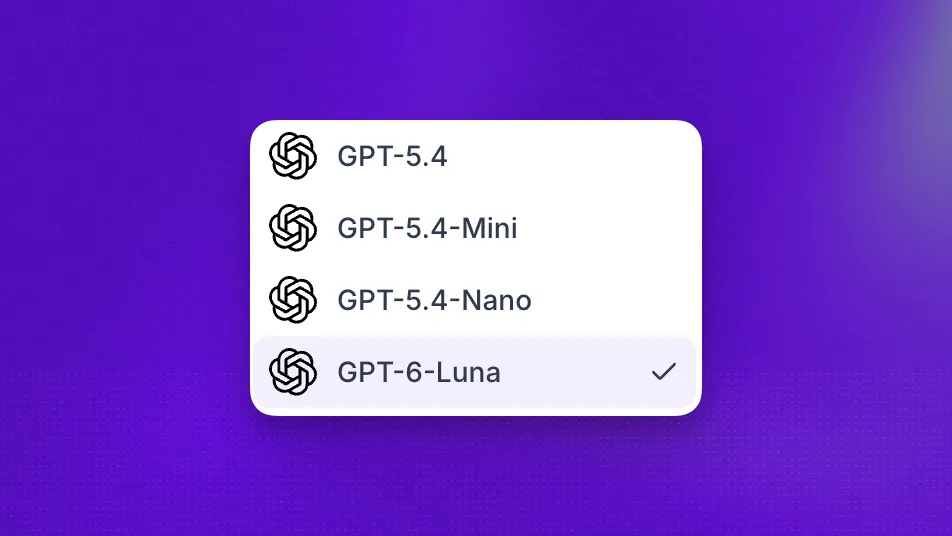
You can now run your agents on OpenAI’s GPT-6. Pick GPT-6-Luna in the AI Model selector, or set llm to gpt-6-luna when you create or update an agent.
Business hours through the API
An agent’s business hours could only be set in the app. You can now set them through the API as well. When you create or update an agent, send:
working_hours: the weekly schedule.out_hours_action: the call transfer or custom action that handles inbound calls outside those hours.
Getting or listing agents returns both.
Custom action results through the API
Until now, you had to initialize a custom action before you could pick its result variables. Through the API, you can now enter the response yourself instead. When you create or update the action, send:
api_response: an example of the response your API returns.variables: the fields to keep from it, such asresults.data.order_id.
Redesigned call Overview tab
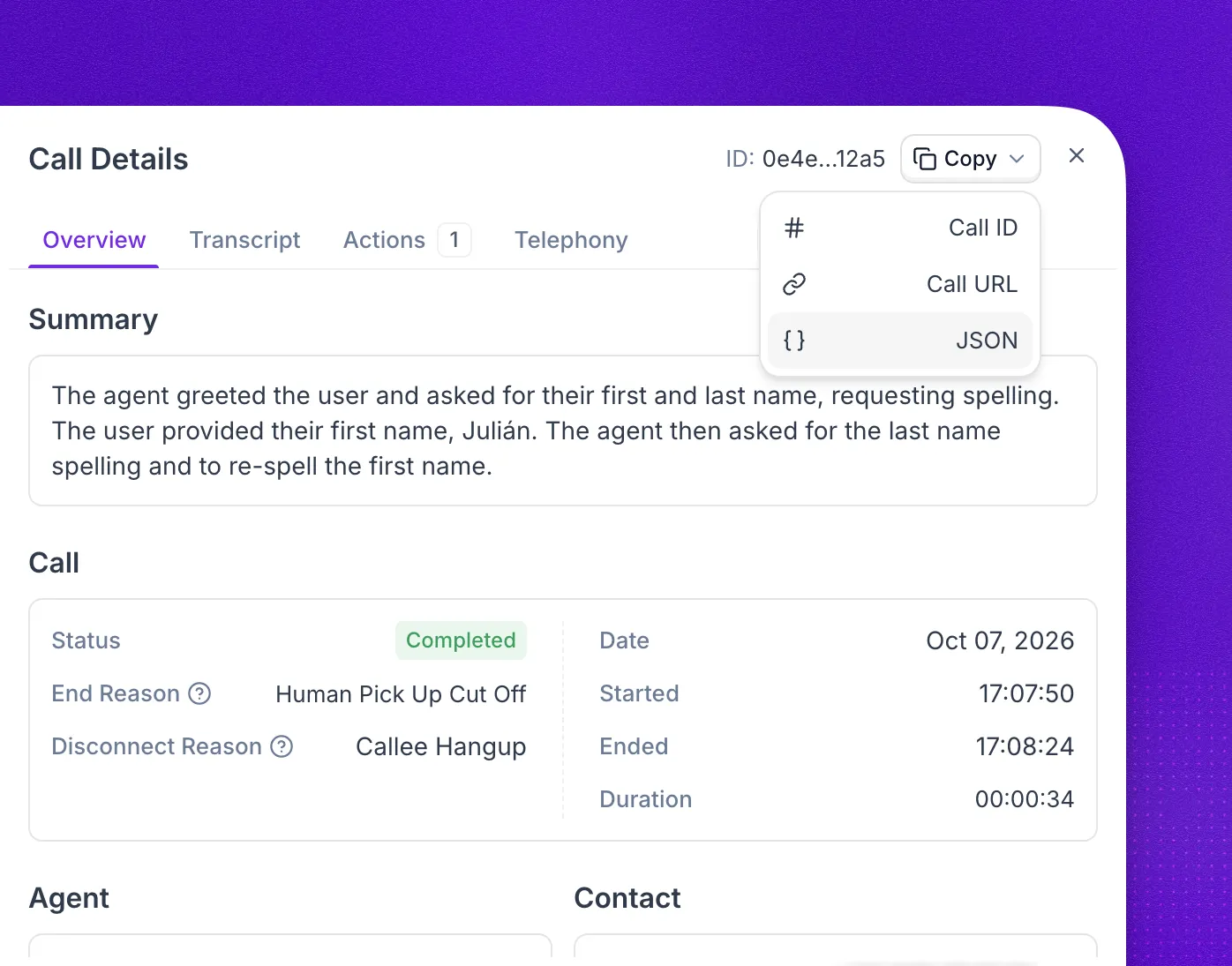
The post-call webhook was one place to see why a call ended or whether it reached voicemail. The Overview tab in Call logs now shows it on the call itself:
- The summary, end reason, disconnect reason, and voicemail result, side by side. Hover over a field to see what it means.
- Transfer: each attempt, its outcome, and how far into the call it started, so you no longer search the transcript to see if a transfer worked.
- Call, Agent, Contact, and Technical groups for the rest, including the agent number, the agents used, and the node timings.
- Copy menu in the header: copy the call ID, a link to the call, or the full call data as JSON for a support ticket.
ElevenLabs v4 and v4 Turbo
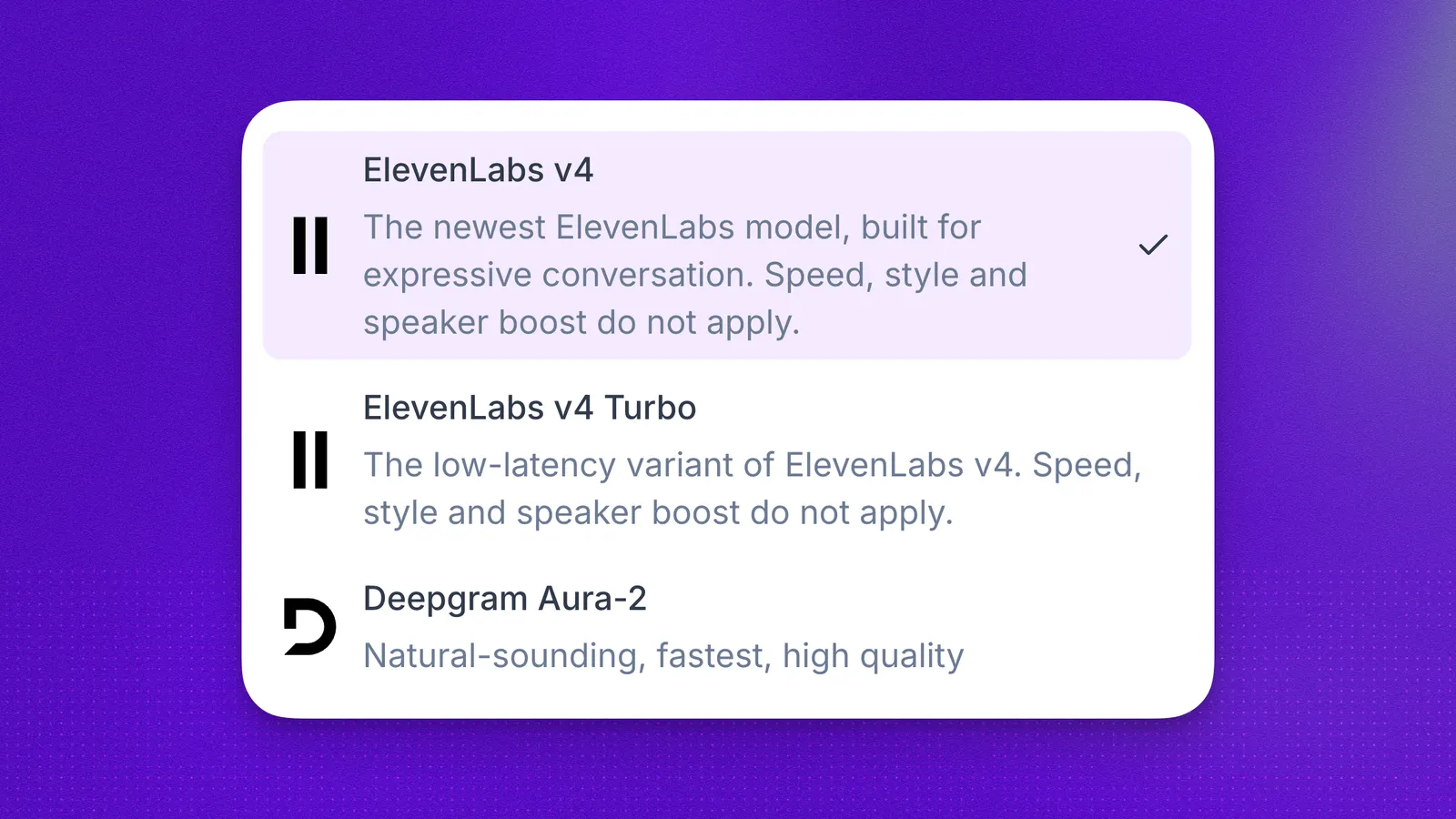
You can now pick ElevenLabs v4 or ElevenLabs v4 Turbo as your voice model. Both support audio tags, the same as V3.
In the API, set voice_synthesizer to eleven_v4 or eleven_v4_turbo.
Every action run in the Calls API
When a call ran the same action more than once (such as knowledge base lookups or custom actions), the Calls API returned only the last run. Add include_all_actions=true to Get a call or List calls to get all_executed_actions, which lists every run with its start and finish time. executed_actions is unchanged, so existing integrations keep working.
Voice accent in GET /voices
You can now choose a voice by accent without opening the app. GET /voices returns each voice’s accent, such as american.
Transfer results in Call logs
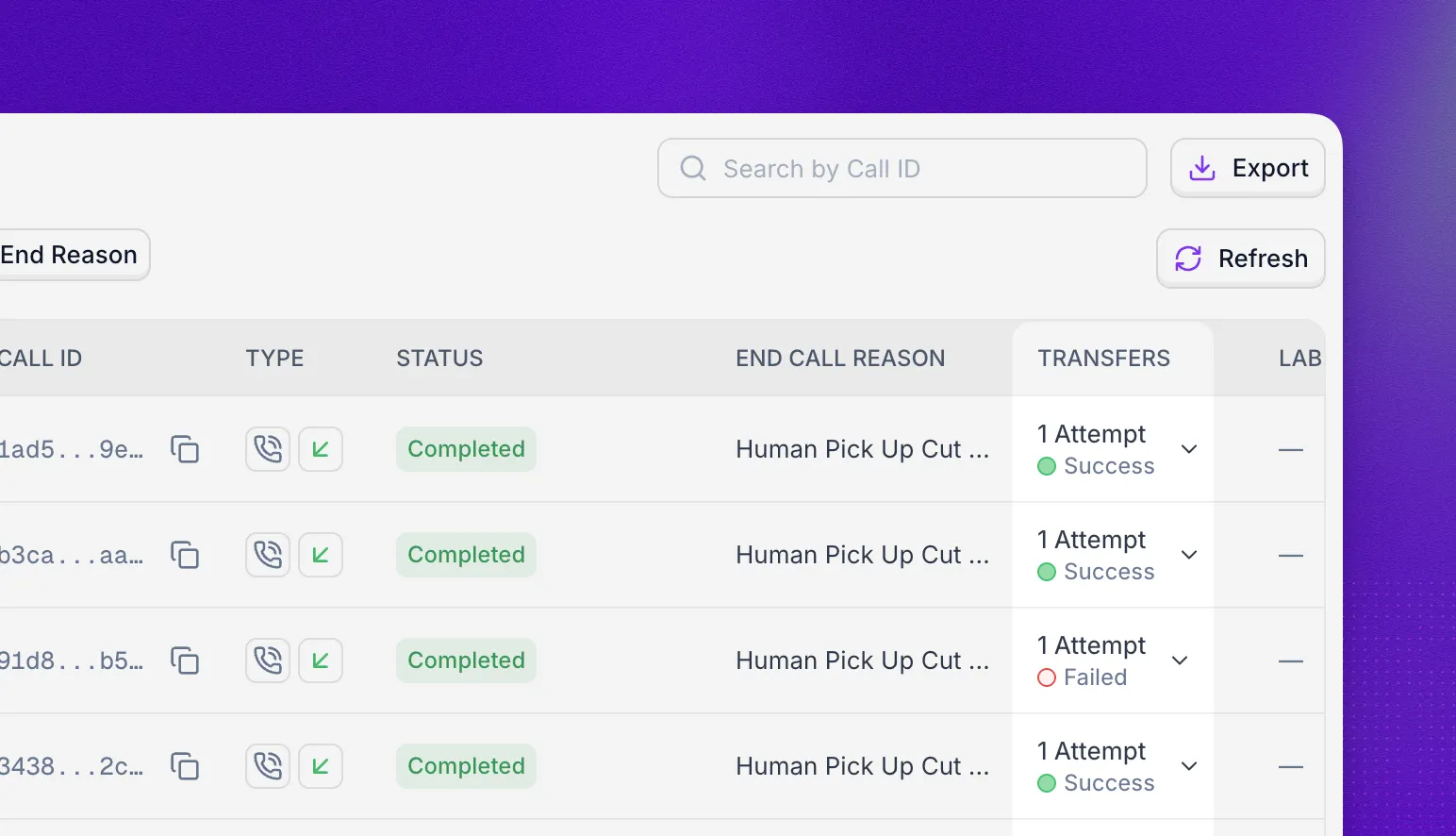
Check whether transfers connected without opening the call. Select the arrow in the Transfers column to see every attempt and its result.
SIP ladder for warm transfers
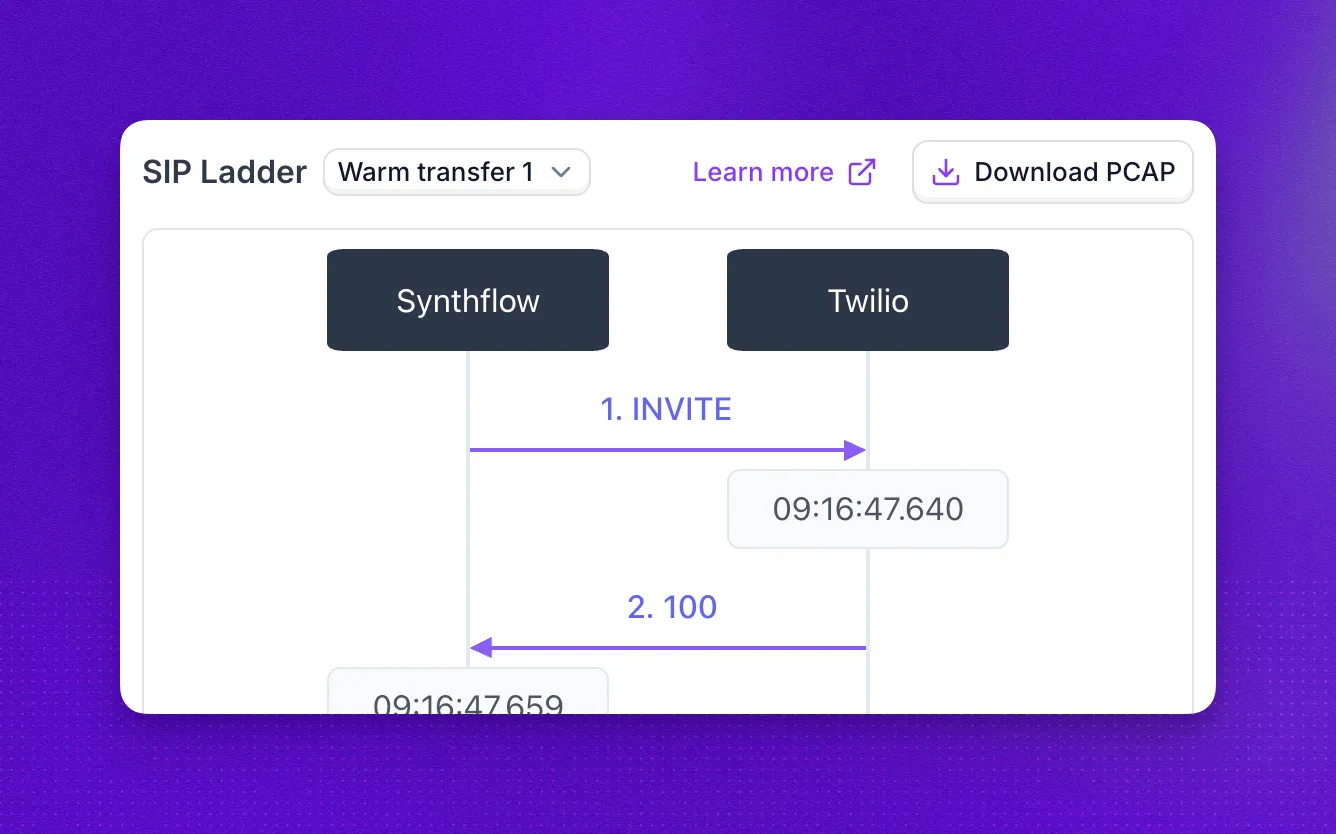
The SIP ladder now shows every warm transfer attempt, not only the original call, so you can follow each transfer’s SIP signaling message by message, with timestamps.