

Account Access & Login
Synthflow uses a unified sign-up and login experience. The welcome page supports Google login, SSO, and email-based sign-up or login. The method you use depends on how your workspace is configured and how your account was created.
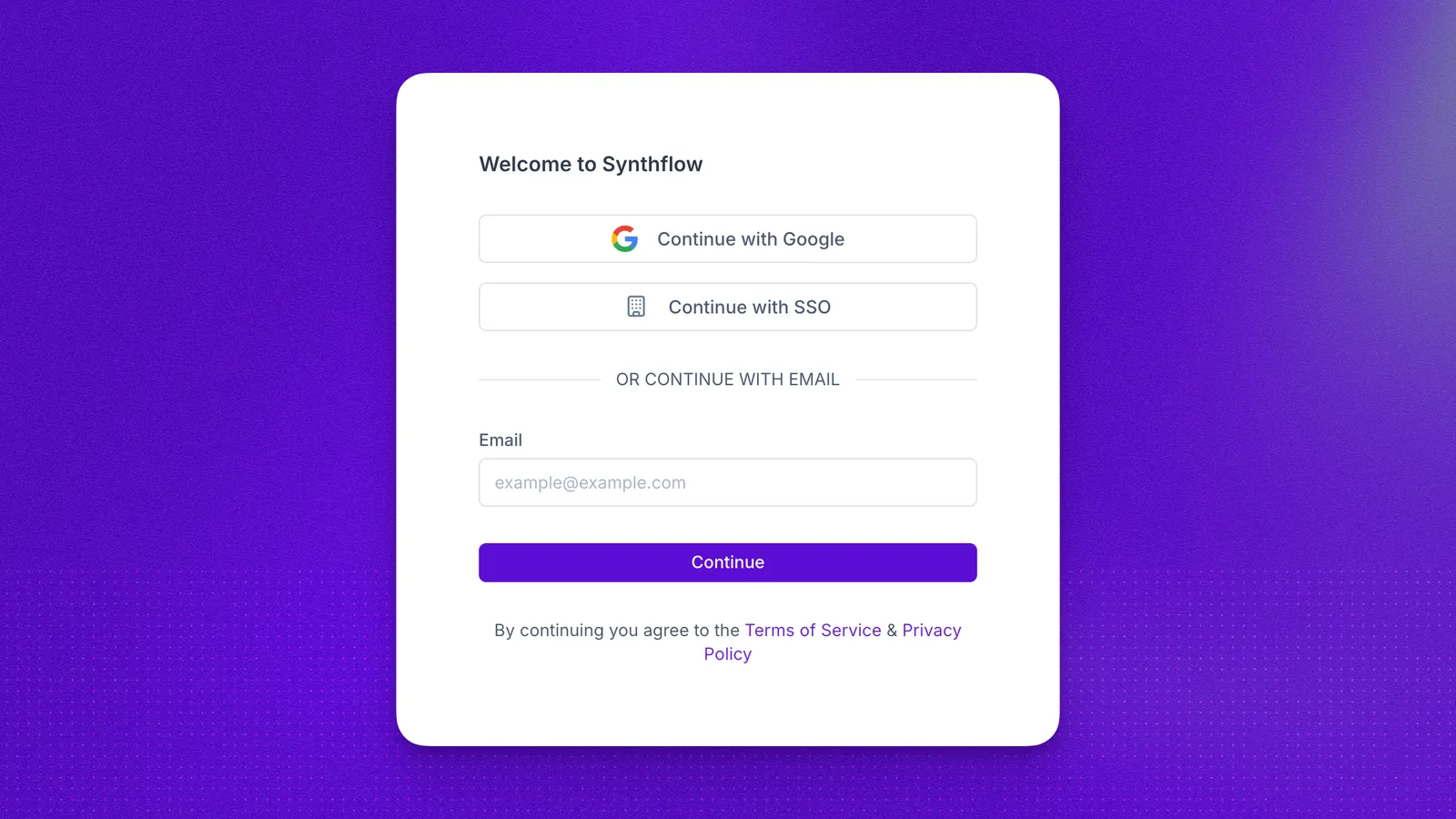
Create a new account
To create a Synthflow account:
- Go to the Synthflow welcome page.
- Enter your work email address.
- Complete the requested account details.
- Submit the form.
In some cases, new accounts may be reviewed before full workspace access is enabled. While your account is being reviewed, you may see a holding page confirming that your access request has been received.
Once your access is ready, you will receive an email with the next step. What you need to do depends on your login method.
Sign in to an existing account
To sign in:
- Go to the Synthflow welcome page.
- Use the login method associated with your account, such as Google, SSO, or email.
- Complete any required verification steps for your workspace.
If you previously signed in on the same device, the email field may show a “last used” indicator to help you identify the account you used before.
Email and password login
If you sign up with email and password and your account is approved, you must reset your password before you can sign in.
You will receive an email with a secure password reset link. Follow the steps in that email to reset your password. Once the reset is complete, your account is ready to use.
If your workspace requires 2FA, you must enter your authenticator code after your password is accepted.
Google login
If you sign up or log in with Google, continue using Log in with Google for that account.
When your access is enabled, you will receive an email letting you know that your account is ready. You do not need to reset a password.
If your workspace requires 2FA, you may still need to complete the second verification step after Google sign-in.
Single Sign-On (SSO)
If your organization uses Single Sign-On, continue signing in through your organization’s SSO method. SSO is available on Enterprise plans.
SSO access is managed through your organization’s configuration and does not follow the email password reset or Google approval email flow. Super Admins and Admins can also combine SSO with allowed email domains to control which domains can receive invitations.
Invited team members
If you were invited to an existing Synthflow workspace by a team member, follow the invitation link in your email. Invited users can join the workspace directly through the invitation flow.
FAQ
I submitted the form but cannot access Synthflow yet.
Your account may still be under review. Check your inbox for an email from Synthflow with the next step.
I signed up with Google. Do I need to set a password?
No. Continue using Log in with Google for that account.
I received a password setup email. What should I do?
Open the secure link in the email and set your password. This also confirms your email address.
I was invited by my team. Should I sign up separately?
Use the invitation link from your email instead of creating a separate account. Admins can manage workspace invitations from Invite Users.
My company uses SSO. Which login method should I use?
Use your organization’s SSO login method. If you cannot access the identity provider, contact your workspace admin.
Why am I being asked for a 2FA code?
Your account has 2FA enabled, or your workspace requires 2FA for all users. Enter the code from your authenticator app or use a saved recovery code.