

New Synthflow app migration
The main part of the app is moving from fine-tuner.ai to app.synthflow.ai
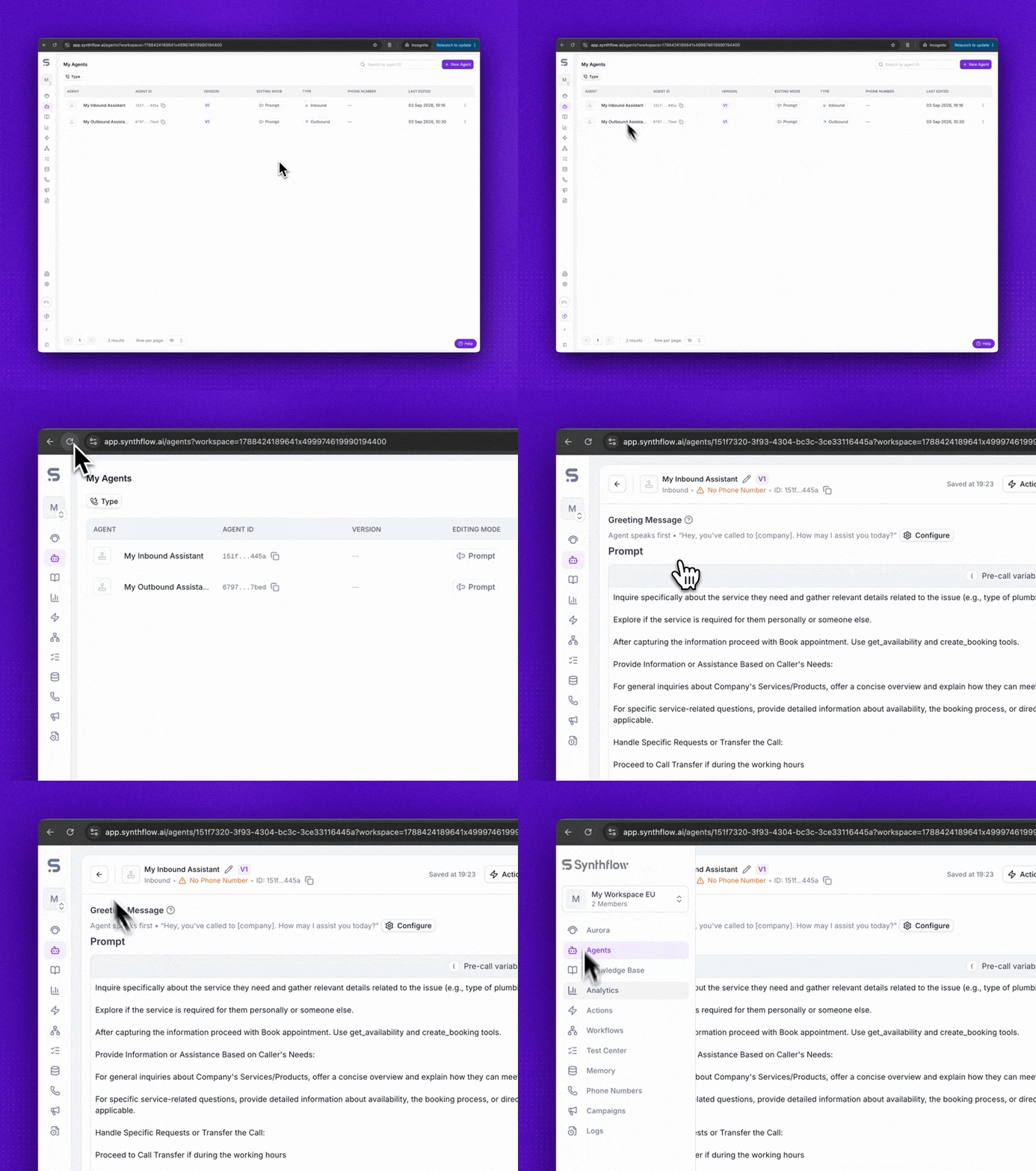
The new Synthflow app is a rebuilt version of the dashboard that runs at app.synthflow.ai instead of fine-tuner.ai. It is the same product with the same data behind it, so your agents, calls, and settings are exactly where you left them. The main difference you will notice is speed: pages load faster and navigation is more responsive.
For now, only the main part of the app has moved. Authentication and the Settings pages still run on fine-tuner.ai, so you will see both domains while the migration is in progress.
Starting October 14, 2026, the new app is enabled for all workspaces. No action is required: your workspace opens at app.synthflow.ai automatically. Until then, you can turn it on early from Early Access. Workspaces on a custom domain are the exception and keep serving from their own domain.
More of the app moves over as the work continues, so this page is updated along with it. Check back if something looks different from what is described here.
Turn on the new app
To go back to the old app, turn the same toggle off from Early Access. After October 14, 2026, the new app can no longer be turned off.
Early Access features always apply only to the master workspace, not subaccounts. If you do not see Early Access under Workspace Settings, contact your workspace admin or Synthflow support.
What changes
- Your workspace URL. The main part of the app, where you build agents and review calls, is served from
app.synthflow.airather thanfine-tuner.ai. - Page loading. The new app loads pages faster and responds more quickly as you move between sections.
What stays the same
- Your data. Agents, prompts, actions, knowledge bases, phone numbers, contacts, and call logs are unchanged. The new app reads the same workspace.
- The API. Platform API endpoints and your API keys are not tied to the dashboard domain, so integrations, webhooks, and scripts keep working without changes.
- Team access. Team members, roles, and permissions carry over as they are.
- Billing. Your plan, usage, and billing records are the same in both apps.
Custom domains
Workspaces on a custom domain are not affected by this move. Your whitelabel app keeps serving from your own domain, and you and your subaccounts keep signing in there exactly as before.
You do not need to change DNS records, reconnect the domain, or update your site metadata. The change from fine-tuner.ai to app.synthflow.ai applies to the Synthflow-hosted app only.
Pages that still run on the old domain
Two parts of the product have not been rebuilt in the new app yet and still run on fine-tuner.ai:
- Authentication. Signing in still happens on
fine-tuner.ai/auth. - Settings pages. Workspace Settings, Personal preferences, and subaccounts open in a new browser tab on
fine-tuner.aiwhen you click them from the new app.
Everything in those pages works the way it always has. This is temporary, and they move into the new app as the migration continues.
FAQ
Do I need to do anything on October 14?
No. The new app is enabled automatically on October 14, 2026 for every workspace that is not on a custom domain. Your data, settings, and integrations carry over. The only thing to update is any bookmark to your workspace that still points at fine-tuner.ai. Sign-in and Settings pages stay on fine-tuner.ai, so those bookmarks keep working.
Does this break my API integrations or webhooks?
No. The Platform API and your API keys are independent of the dashboard domain. Nothing needs to be re-pointed at app.synthflow.ai.
Why do I still see fine-tuner.ai after turning the new app on?
Only the main part of the app has moved to app.synthflow.ai so far. Authentication and the Settings pages have not been rebuilt yet, so they still run on fine-tuner.ai and open in a separate tab. They behave the same as before and move over as the migration continues.
Do my subaccounts switch over with me?
Not before October 14. Early Access applies to the master workspace only, so turning the new app on early does not move your subaccounts. On October 14, 2026, your subaccounts move to app.synthflow.ai along with every other workspace. Subaccounts on a custom domain keep using that domain.