Branding
Apply customer-facing changes such as brand color, logo, and support.
Make the platform truly your own! The Branding page under Partner in Admin is where you shape the look and feel of your agency’s workspace and set the stage for even more customization as we continue to release new features.
Agency name
Give your agency a name that will appear across the entire platform—your brand starts here. This is how clients and team members will recognize you everywhere.
Custom Logo
Show off your brand identity by uploading your own logo.
- Recommended ratio: 5:4
- Max size: 500 KB
Simply click Upload Logo to add your image. You can update or remove it anytime to keep your brand fresh.
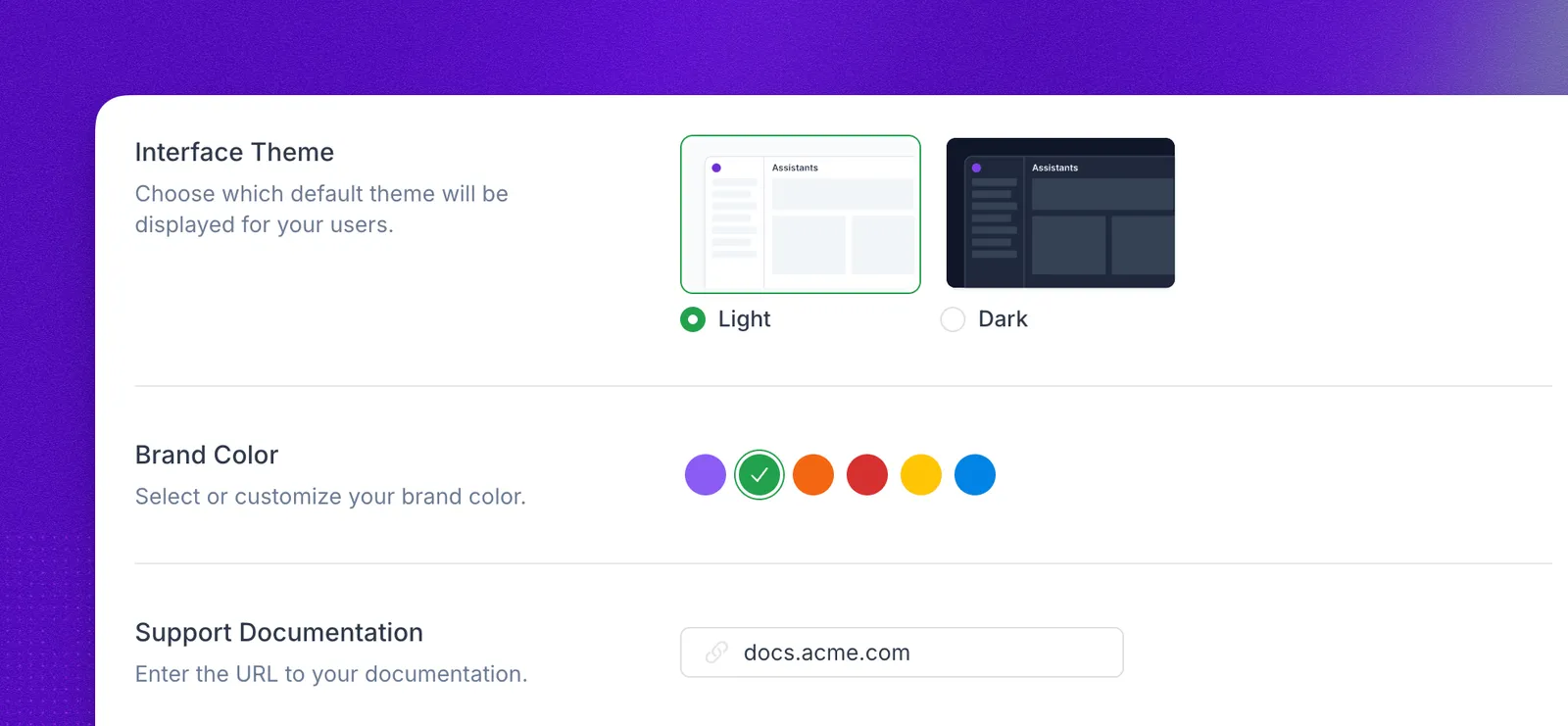
Interface Theme
Choose the default experience for your users:
- Light: a bright, clean look.
- Dark: a sleek, modern vibe that’s easy on the eyes.
Brand Color
Select the color that best represents your agency. Your brand color will shine across key interface elements, helping you create a distinctive, recognizable presence. We are exploring more theme options for the future.
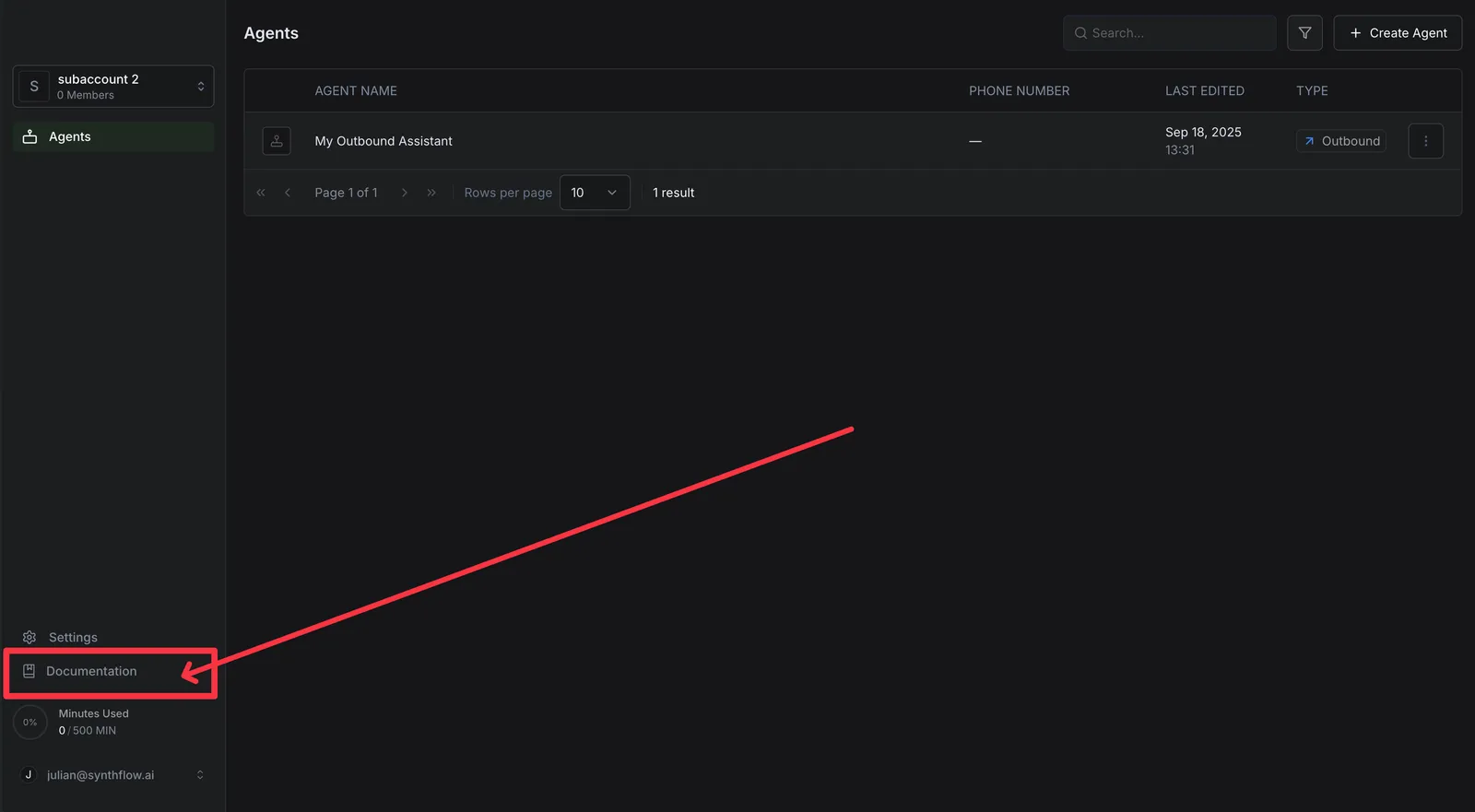
Support Documentation
Add the URL to your own help center or support docs so your users can quickly find answers. As we expand, this area will grow to support richer self-service experiences.