

Version Control
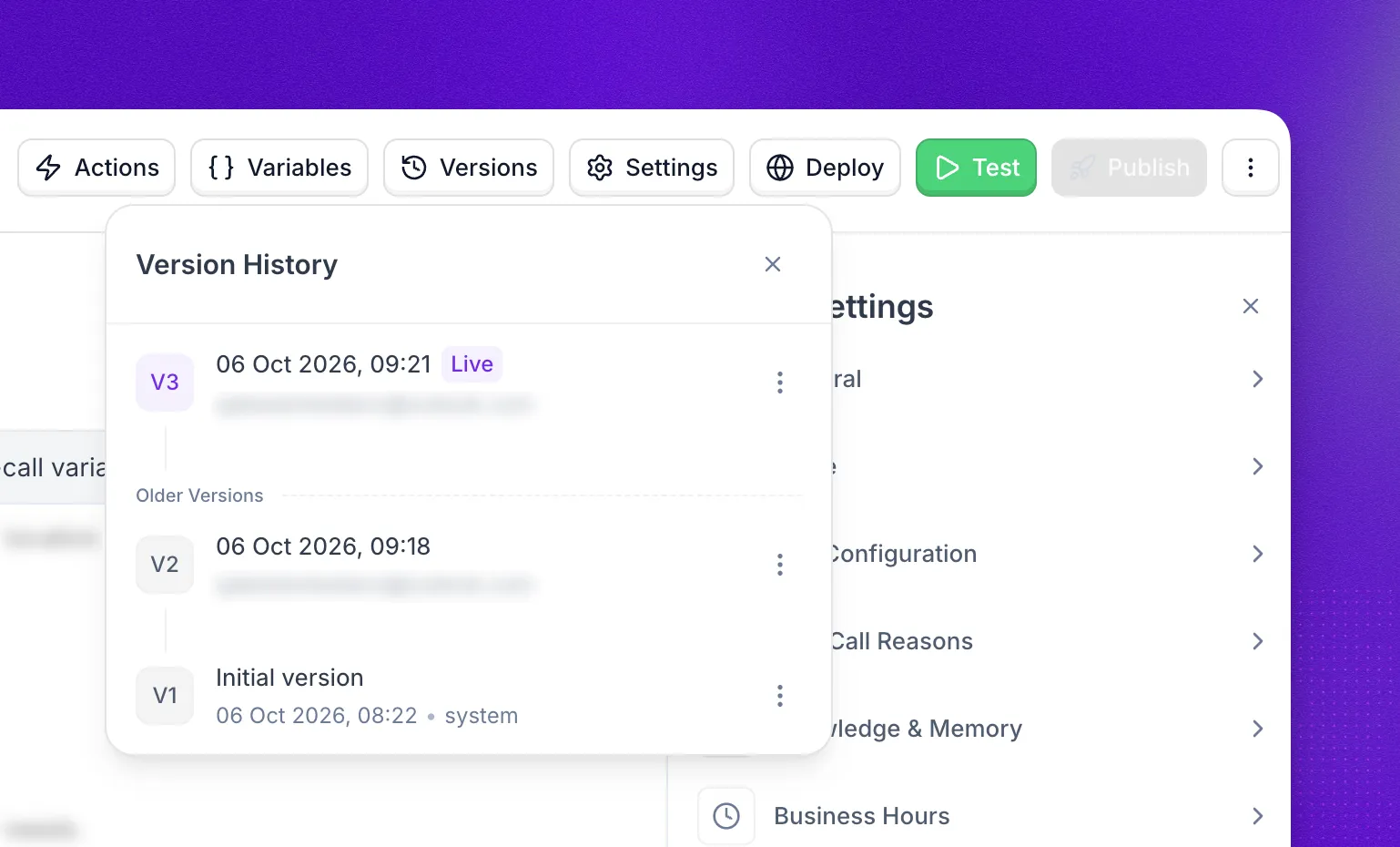
Every time you publish an agent, Synthflow saves a new version. From the version history you can see what changed in each version, restore an earlier one when a change goes wrong, export any version to JSON, and delete versions you no longer need. It works the same way for Prompt Builder and Flow Designer agents.
Changes made in the Synthflow UI, through the REST API, through the MCP server, or by Aurora are saved to a draft and versioned. The REST API does not expose version history, and actions are not included in version history.
Publish a new version
Changes you make to an agent are saved to a draft version automatically, and the draft stays unpublished until you publish it. To make it live, select the purple Publish button in the agent editor. Before you confirm, Synthflow shows what the draft adds and removes compared with the live version. New calls then route to the latest published version, while calls already in progress finish on the version they started with.
Publishing a Flow Designer agent
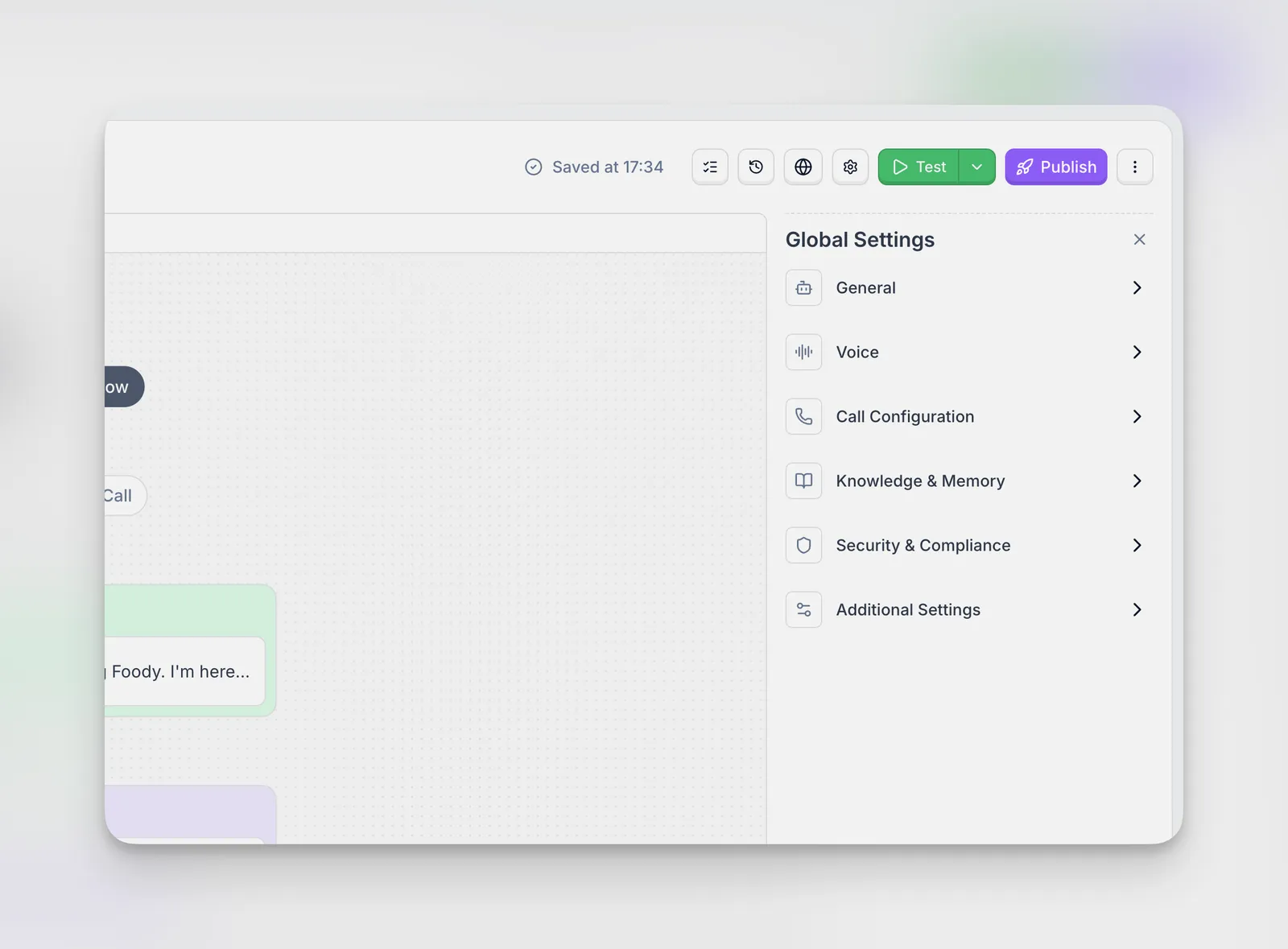
Flow Designer agents can only be published once every item in the issue checklist is resolved: missing required nodes, invalid connections, variables that are referenced but never collected, and node configuration errors. Select Publish in the Flow Designer and confirm. Sub-agents in a Multi-Agent System are published together with the main flow.
Manage previous versions
Select Versions in the agent editor header to open the version history. It lists every version, with the live one marked Published and older ones marked Archive. Open the menu next to any version to restore it, view its changes, export it, or delete it.
Restore this version
Restore this version first shows a detailed view of the changes that will be applied. When you confirm, Synthflow creates a new version with the configuration of the version you restored, so the history stays intact and you can undo a bad publish without losing anything.
View changes
View Changes compares the version with the one right before it, not with the version that is currently published. For example, opening it on V10 compares V10 with V9 even if V14 is live. The comparison lists each modified field (such as language or voice_id) with its old value and new value, so you can trace exactly what a given publish changed.
Export to JSON
Export to JSON downloads that version’s configuration as a .json file. Use Import from JSON to create a new agent from it, in the same workspace or another one.
Exports do not include actions or knowledge bases. Re-add them to the new agent after importing.
Delete version
Delete Version removes the version from the version history. You cannot delete the published version.
Deleting a version is permanent. A deleted version cannot be restored, viewed, or exported.
FAQ
Are changes made through the API versioned?
Yes. Updating an agent through the REST API saves the changes to a draft, the same as editing in the UI. Version history itself is not available in the REST API, but the MCP server can list, compare, publish, and restore versions.
Are actions versioned?
No. Changes to actions do not appear in version history.
What happens to active calls when I publish?
They finish on the version that was live when they started. Only new calls use the newly published version.
Do I need to publish sub-agents separately?
No. Sub-agents in a Flow Designer agent are published together with the main flow.