

Post-Call Email
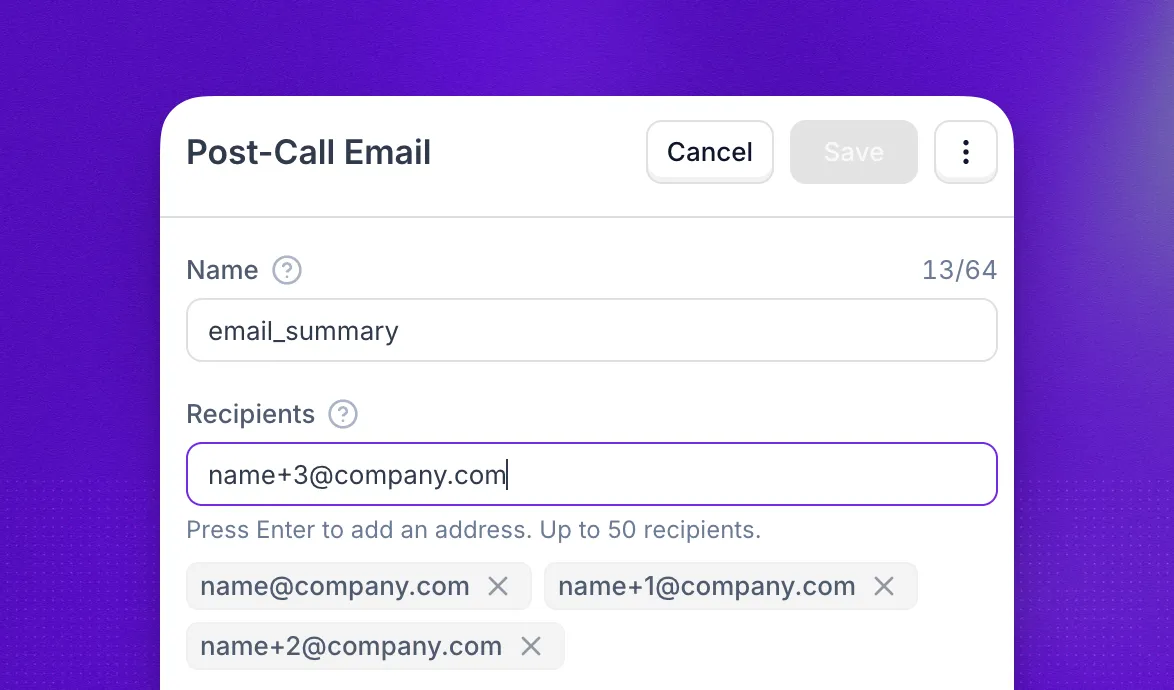
Post-call email tells your team what happened on a call without anyone opening the dashboard. Attach the action to an agent, and every completed call sends one email to as many as 50 addresses with the agent name, the other party’s number, and a summary of the conversation.
There is no message to write and no trigger to describe. The content is fixed and the email goes out on every completed call. If you want to reach the customer instead, and only when the conversation goes a certain way, use post-call SMS.
Email content
Emails arrive from notifications@notify.synthflow.ai. The subject names the agent and the other party, so you can tell calls apart at a glance.
Subject: Riley: call from +14155550123
On outbound calls the second line reads Callee and shows the number the agent dialed. When a call ends too early to summarize, the summary reads “No summary was produced for this call.”
Every email comes from the Synthflow address above, including on workspaces with a custom domain. Sending from your own domain is not supported yet.
Action setup
Open Actions in the left-hand sidebar, select Post-Call Email, and click Create. Give the action a Name, which defaults to email_summary, then add your recipients: type an address and press Enter to turn it into a chip, or paste a whole list at once. One address is enough and 50 is the limit. Addresses are lowercased and duplicates are dropped when you save.
To put it to work, open the agent, go to its Actions tab, and click Add under Post-Call Email. From the next call onwards, everyone on the list hears about it once the call ends. One action covers as many agents as you attach it to, and an agent can carry more than one email action when different teams need different lists.
Email records
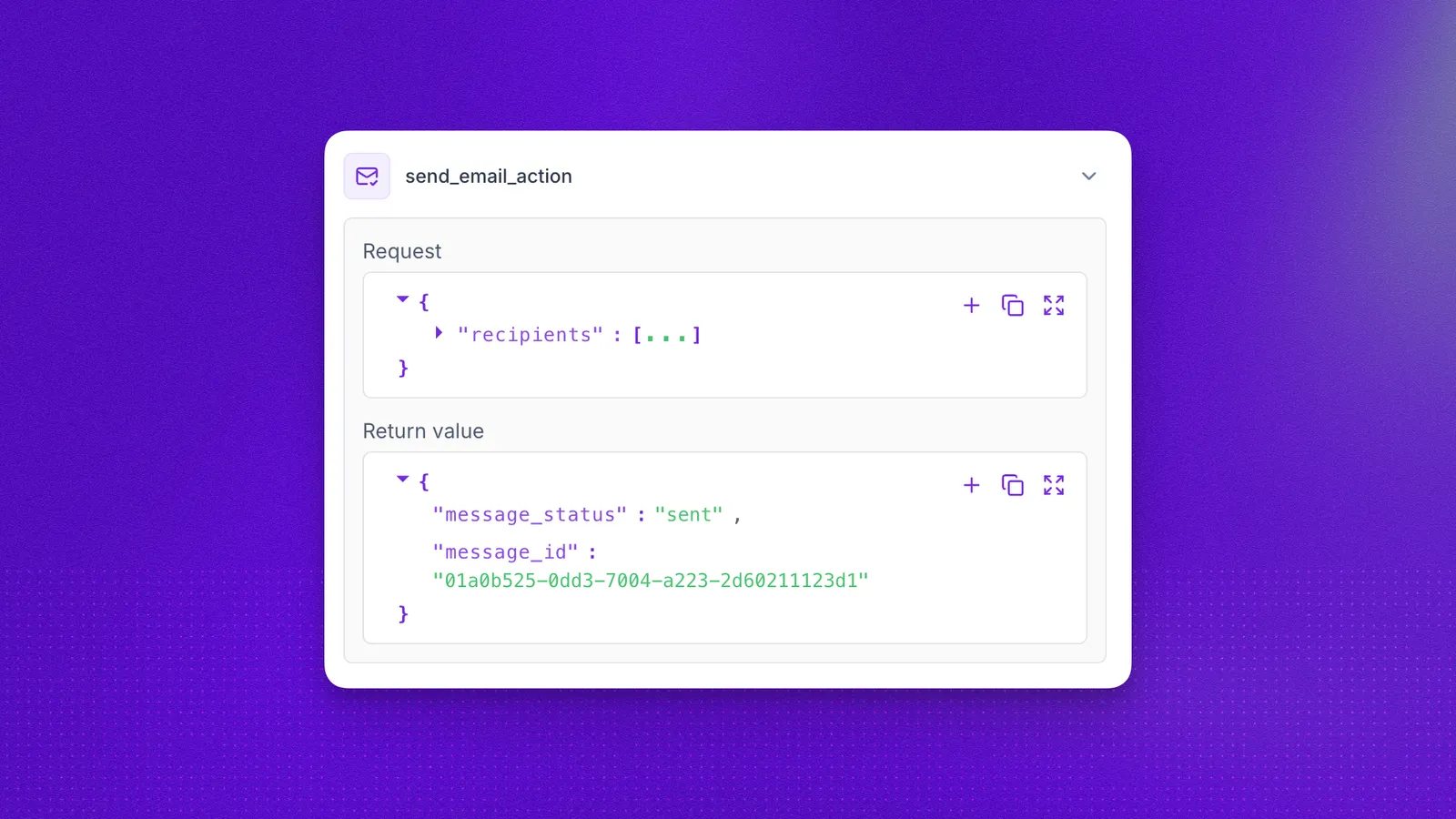
Open the call in call logs and check the Actions tab to see whether the email went out and who received it. Failed sends are recorded there too, so you can tell an email that never left from one that simply has not arrived yet. If you track calls in your own systems, the same record comes through on the post-call webhook.
FAQ
Can I change what the email says?
No. The body is fixed: agent name, the other party’s number, direction, duration, and the call summary. You cannot edit the wording or add your own variables.
Can the recipients change from call to call?
No. The list is fixed on the action, and variables are not accepted as recipients. To route summaries by customer, region, or outcome, send the post-call webhook to your own system and email from there.
Does every call trigger an email?
Every completed call handled by an agent with the action attached sends one email. Simulations are excluded, so test runs never reach your team’s inbox.
Does the email include the recording or the transcript?
No. It carries the summary only. Open the call in call logs for the recording and the full transcript.
The email never arrived. What should I check?
Check that the action is attached to the agent that handled the call, that the address is spelled correctly, and that your mail filters are not diverting notifications@notify.synthflow.ai. The Actions tab on the call shows whether the send succeeded.