

End-Call Reasons
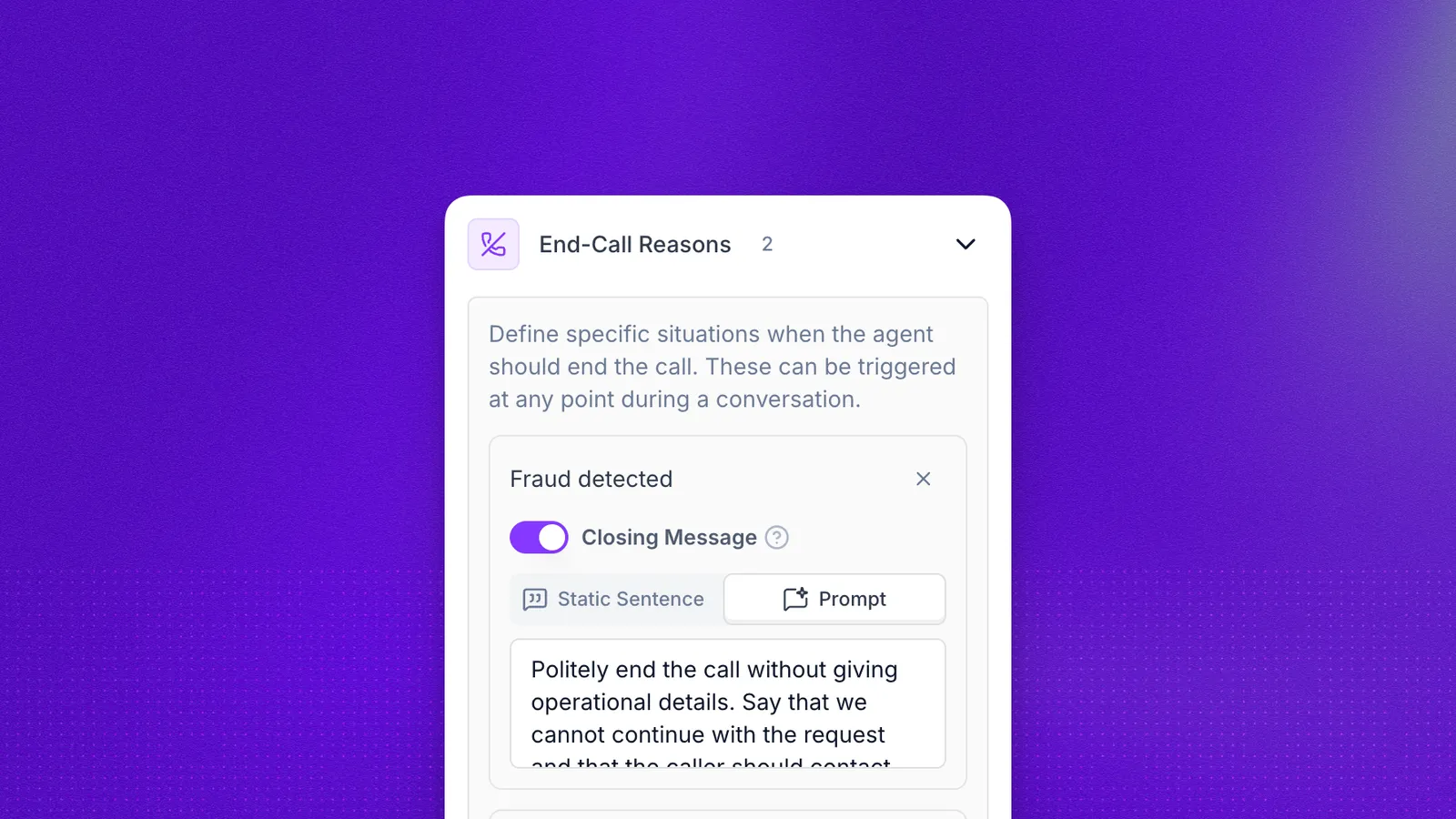
End-Call Reasons let you define custom conditions that trigger automatic call termination. When the AI agent detects one of these conditions during a conversation, it says a brief farewell and ends the call. This feature works with both simple prompt and Flow Designer agents.
How it works
End-call reasons are evaluated by the AI agent on every conversational turn. The agent compares the current context of the conversation against the configured reasons and decides whether any condition has been met.
- Simple prompt agents: End-call reasons are registered as an OpenAI function tool. The agent can invoke the
end_calltool at any point when it detects a matching condition. - Flow Designer agents: An
end_call <actual reason>command is injected into the prompt for every state type (utterance, slot collection, action, transfer, terminal). The agent can issue this command whenever a condition is met. End-call conditions are also checked via a global evaluation step before each state transition, so they work even in verbatim utterance states that skip normal LLM processing.
Configuring end-call reasons
Dashboard
In the agent editor, open Global Settings and expand the End-Call Reasons accordion. Add each reason as a tag by typing the condition and pressing Enter.
Examples of useful end-call reasons:
- “Customer is being abusive or threatening”
- “Caller is asking for something outside our scope”
- “Fraud detected”
- “Wrong number”
API
Legacy format (end_call_reasons)
end_call_reasons string array format is deprecated. Use end_call_reasons_v2 instead for new integrations.Include end_call_reasons on the nested agent object when creating or updating an agent. The API only applies values from agent.end_call_reasons; if you send end_call_reasons at the top level of the request body, it is ignored and does not cause an error.
V2 format (end_call_reasons_v2)
The v2 format provides per-reason control over the closing message behavior. When both end_call_reasons and end_call_reasons_v2 are present, end_call_reasons_v2 takes precedence.
Each object in the array has the following fields:
Closing message modes:
static— Theclosing_messagetext is spoken verbatim to the caller before hanging up. The LLM-generated farewell is overridden.prompt— Theclosing_messageis passed as an instruction to the LLM, which generates a contextual farewell following that guidance.none— The LLM generates a farewell message on its own (default behavior).
Prompt-based end-call (#end_call)
You can also enable the end_call tool by including #end_call in your agent’s system prompt, without configuring sidebar reasons. This is useful when you want the LLM to decide when to end calls based on prompt instructions alone.
When using prompt-based end-call, the end_call tool is available with no enum constraint on the reason field — the LLM can use any descriptive reason string guided by your prompt instructions. The built-in conversation_ended reason is always available for normal goodbyes.
Example prompt excerpt:
end_call_reasons_v2 AND include #end_call in your prompt, the tool is available with enum reasons from the sidebar plus any prompt-guided behavior.Flow Builder
In the Global Settings node, expand the End-Call Reasons section and add reasons using the modal interface.
Post-call data
When a call is terminated by an end-call reason, the post-call webhook includes:
The custom_end_call_reason field is only present when the call was ended by an end-call reason.