

HubSpot
Use HubSpot with Synthflow to connect CRM data with AI phone calls. Install the Synthflow AI Phone Calling app from the HubSpot Marketplace, connect your HubSpot account in Synthflow, and let agents call contacts from HubSpot workflows or manual enrollments.
The integration helps sales and support teams trigger outbound calls, keep contact records updated, and review call activity from the same CRM where they manage leads and customers.
Overview
With HubSpot and Synthflow, teams can combine CRM data with voice AI workflows to reach contacts, qualify leads, and keep call activity connected to customer records.
- Trigger outbound calls from HubSpot contacts and workflows.
- Use HubSpot contact data such as phone number, name, email, record ID, and timezone in Synthflow calls.
- Log call activity so teams can review AI call outcomes alongside contact history.
- Support sales and service workflows such as lead qualification, follow-up calls, reminders, and appointment scheduling.
Installation
Install Synthflow AI Phone Calling from the HubSpot Marketplace before you connect HubSpot to Synthflow.
Open the Synthflow AI Phone Calling app listing.
Connect HubSpot in Synthflow
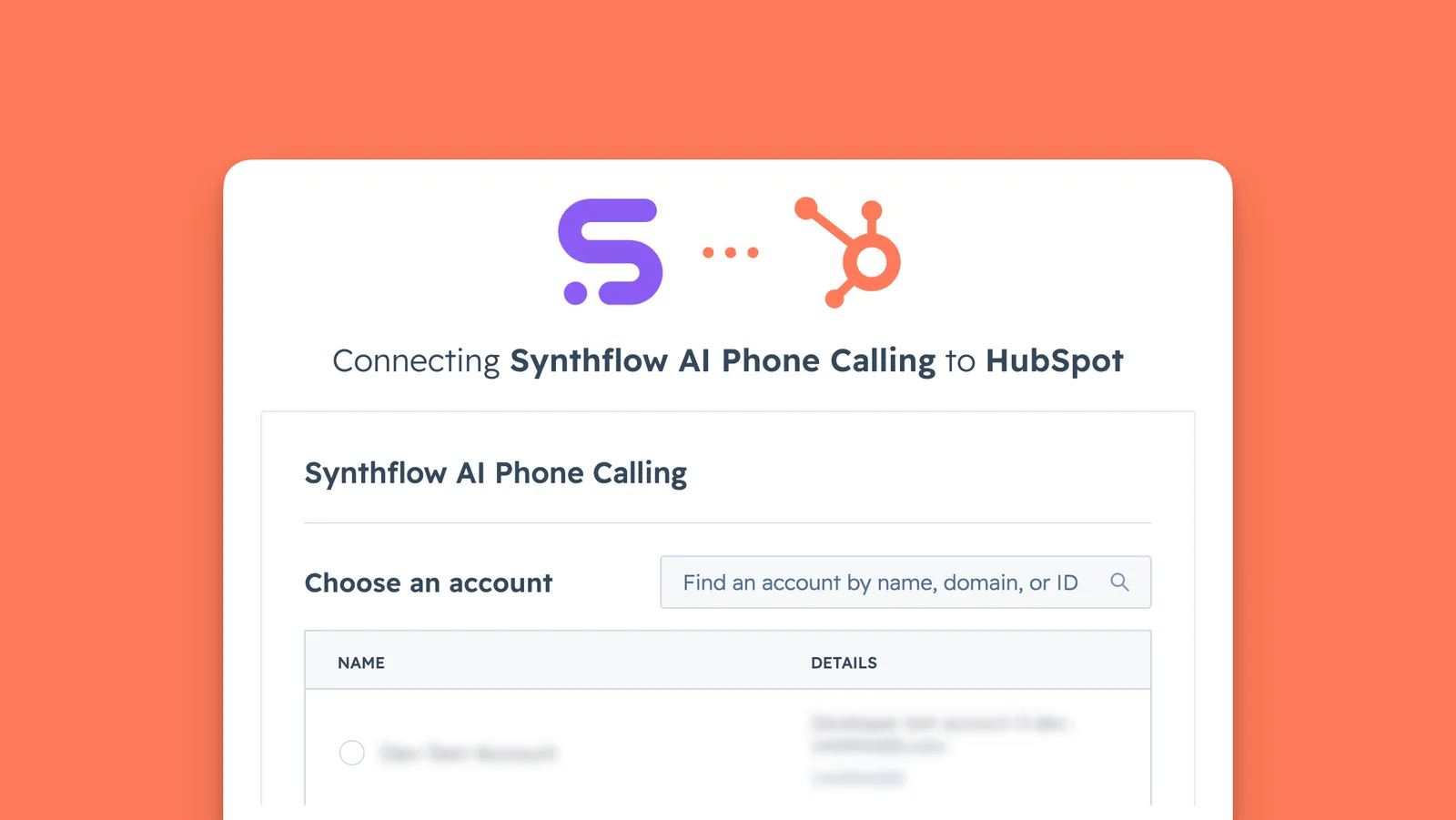
After the app is installed, connect HubSpot from Synthflow so agents and workflows can access the integration.
Make a phone call
Use the Synthflow action in a HubSpot workflow when you want a HubSpot event to trigger an outbound call. For example, you can manually enroll one contact and ask a Synthflow agent to call that contact.
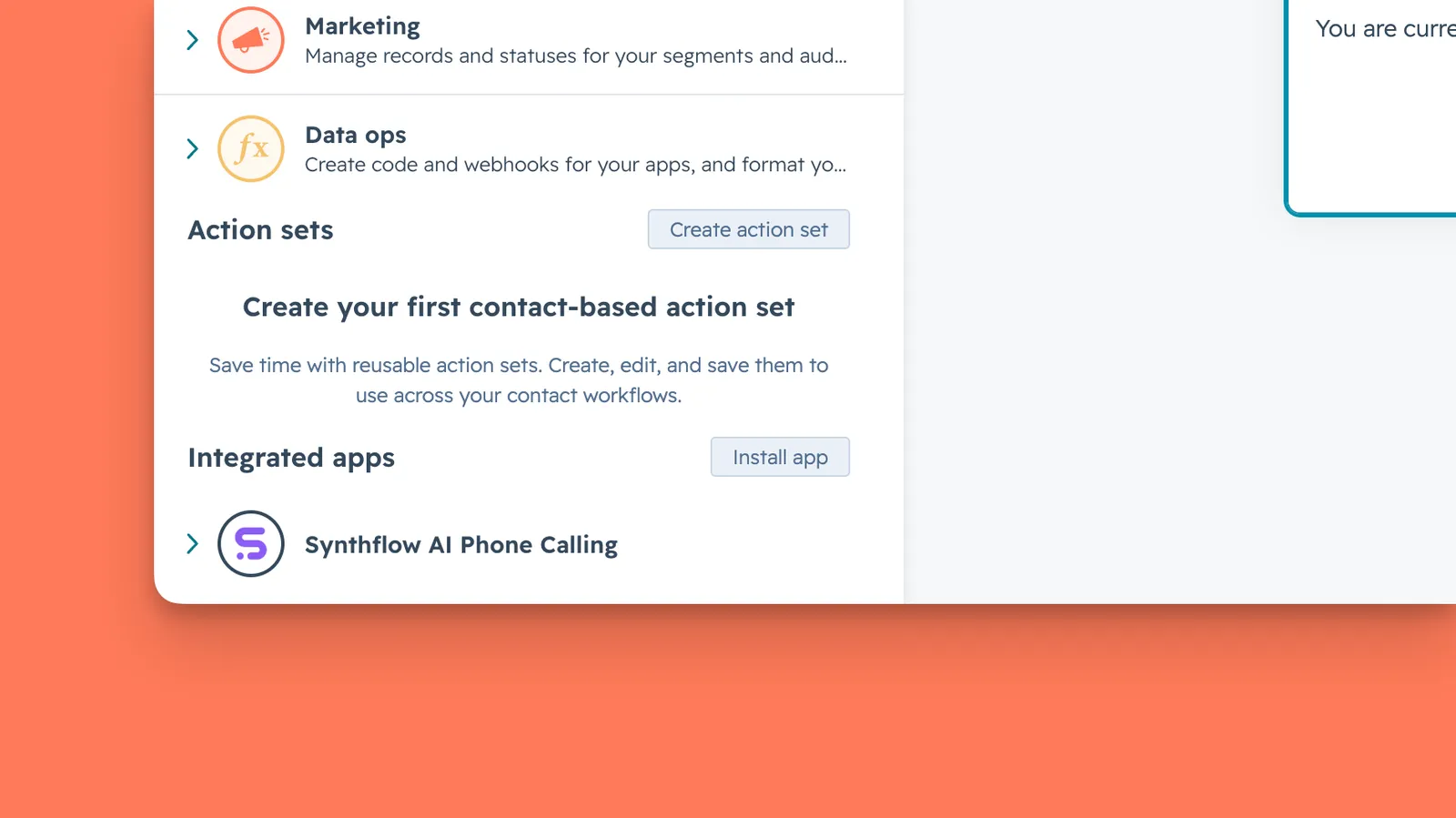
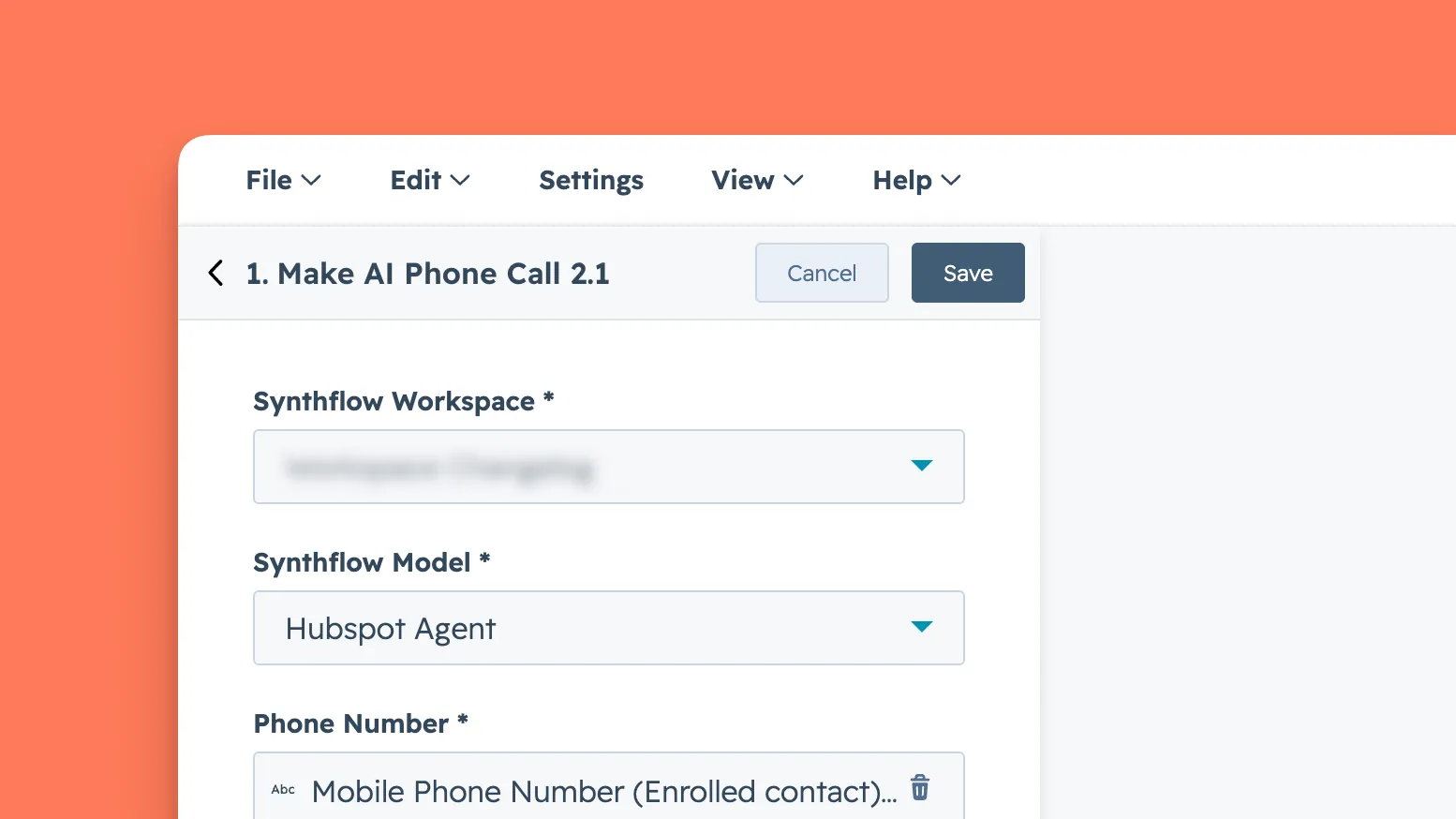
To test the setup, open a HubSpot contact with a valid phone number, enroll the contact in the workflow, and confirm that the Synthflow agent starts the outbound call. Start with one contact before enrolling lists or using automatic triggers.
Call activity
After calls run, you can review call activity in both HubSpot and Synthflow. Call information is passed to both platforms, including outcomes, transcripts, and recordings. Use the Synthflow dashboard for agent-level performance details.
Uninstall
To disconnect HubSpot, go to Settings → Workspace Settings → Integrations in Synthflow or Settings → Integrations → Connected Apps in HubSpot, then disconnect the Synthflow app. Disconnecting stops new AI-powered calls and sync activity, but existing HubSpot data remains in HubSpot.
To uninstall the app completely, remove Synthflow AI Phone Calling from HubSpot Connected Apps. HubSpot provides more detail in its guide to connecting and uninstalling apps.
FAQ
Where do I install the Synthflow app for HubSpot?
Install Synthflow AI Phone Calling from the HubSpot Marketplace.
Can I trigger calls from a HubSpot workflow?
Yes. Add the Synthflow AI Phone Calling action to a HubSpot workflow, choose the Synthflow model or agent, and map the HubSpot contact fields the call needs.
What happens if I uninstall the app?
Uninstalling stops new calls and sync activity from the HubSpot app. Existing HubSpot contact data and activity history remain in HubSpot.