

OpenAI
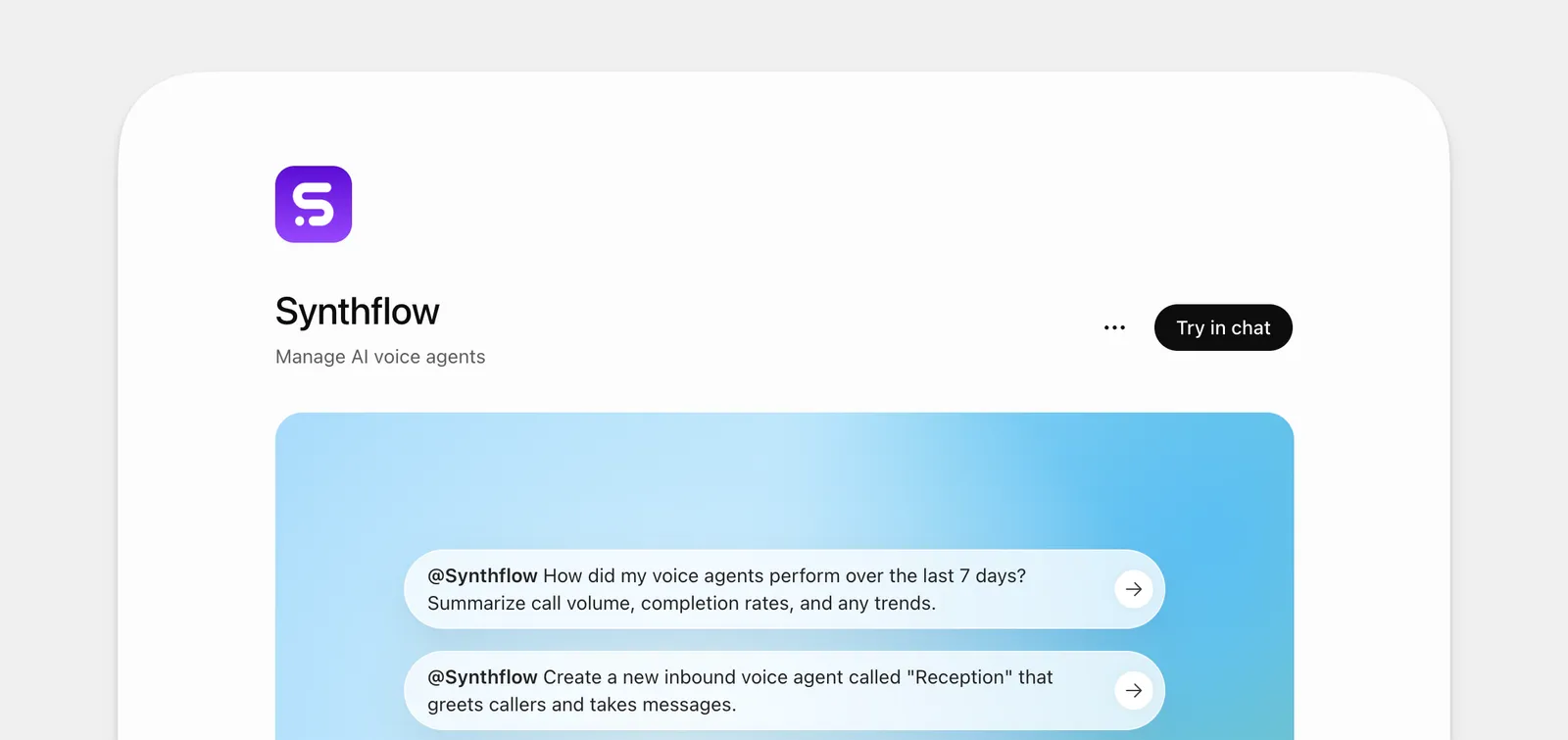
The official Synthflow plugin lets you manage your workspace with natural-language prompts in ChatGPT and Codex.
You can also bring your own API key so that Synthflow runs supported models with your own OpenAI credentials. This is independent from the plugin: it changes which credentials power model access for your agents, not how you manage your workspace.
What you can do
Ask ChatGPT or Codex to:
- Build and update agents: Create agents, draft and refine prompts, publish drafts, and compare versions before you go live.
- Manage calls: Place test calls, review recent calls, and surface summaries or negative-sentiment moments when you ask.
- Manage knowledge: Create knowledge bases, add items from files or URLs, and attach them to the agents that should use them.
- Run actions and simulations: Scaffold and test actions, then run simulations to validate behavior before launch.
Plugin installation
You sign in through Synthflow, so there is no API key to copy or manage by hand. Setup differs slightly between ChatGPT and Codex.
ChatGPT
Open the Synthflow plugin in ChatGPT and install it.
When ChatGPT shows Finish setting up Synthflow, connect the connector that matches your workspace region. The list includes Synthflow EU, Synthflow Global, and Synthflow US. Connect only the one that matches.
You are redirected to Synthflow to log in, where you select the workspace you want to manage.
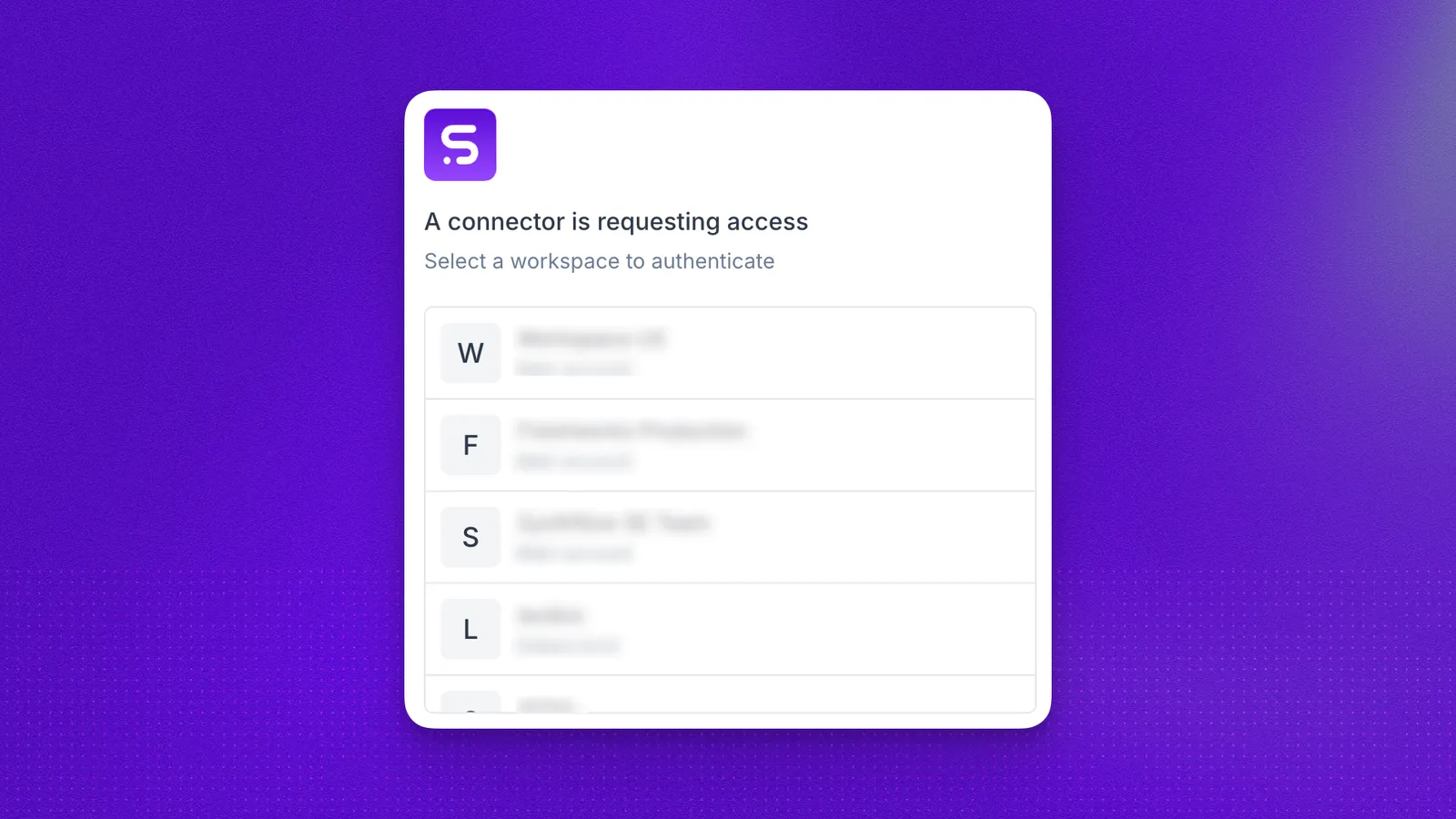
After you select the workspace, click Allow access on the next screen and the connection is established. You can then start prompting.
Codex
Know which region your workspace belongs to, then connect the Synthflow plugin to the matching MCP server URL:
Sign in to Synthflow, select the workspace, and click Allow access, the same way as in ChatGPT.
Example prompts
Security considerations
Connecting an AI tool to operational tools introduces new risks. The primary risk class unique to these workflows is prompt injection: untrusted content (like call transcripts, user messages, or knowledge base documents) can include instructions that try to trick the model into taking unintended actions. Keep confirm before running tools enabled and review each action carefully.
Bring your own key
Connect your OpenAI API key when you want Synthflow to run supported models with your own credentials instead of a shared key. This is separate from the Synthflow plugin above: it changes which credentials power model access for your agents, not how you manage your workspace.
Before you connect
Make sure you have:
- An active OpenAI platform account.
- An API key from the OpenAI API keys dashboard.
Generate the key in your OpenAI account settings, then copy it before you return to Synthflow. OpenAI shows the full key value only once.
Connect your API key in Synthflow
After connection, Synthflow routes supported LLM traffic through your OpenAI account using your API key. Billing and usage limits follow the terms of your OpenAI account.
FAQ
What is the difference between the Synthflow plugin and BYOK?
The Synthflow plugin lets you manage your workspace with natural-language prompts in ChatGPT and Codex. BYOK is separate: it tells Synthflow to run supported models with your own OpenAI credentials. You can use any combination.
Which connector should I connect in ChatGPT?
Connect Synthflow Global, Synthflow US, or Synthflow EU to match your workspace region. Check the region under Settings → Workspace Settings → Preferences → Customer Region. Connecting the wrong one stops the plugin from working.
How is this different from Aurora?
Where do I generate an OpenAI API key?
Create one in the OpenAI API keys dashboard. Copy the key before you leave the page.
Why do I not see OpenAI in my workspace integrations?
The OpenAI API key integration appears only when BYOK access is enabled for your account. Contact your account team if you need this option added.
How is model usage billed?
ChatGPT and Codex run in your own OpenAI account, so model and subscription charges are billed by OpenAI according to your plan. Synthflow bills only for the workspace usage your actions generate, such as calls, under your existing Synthflow plan.
Can I use Azure instead of OpenAI?
Yes. If you run models through Azure OpenAI, connect Azure and provide your Azure endpoint, API version, and API key.