Dialpad
Synthflow connects to Dialpad as a generic SIP IP phone. You create the SIP phone in Dialpad, then enter its connection details on a custom number in Synthflow.
Prerequisites
- An Enterprise plan.
- Access to the Dialpad account’s settings portal.
Dialpad SIP phone
In the Dialpad portal, select an existing generic SIP IP phone, or create a new one with manual provisioning.
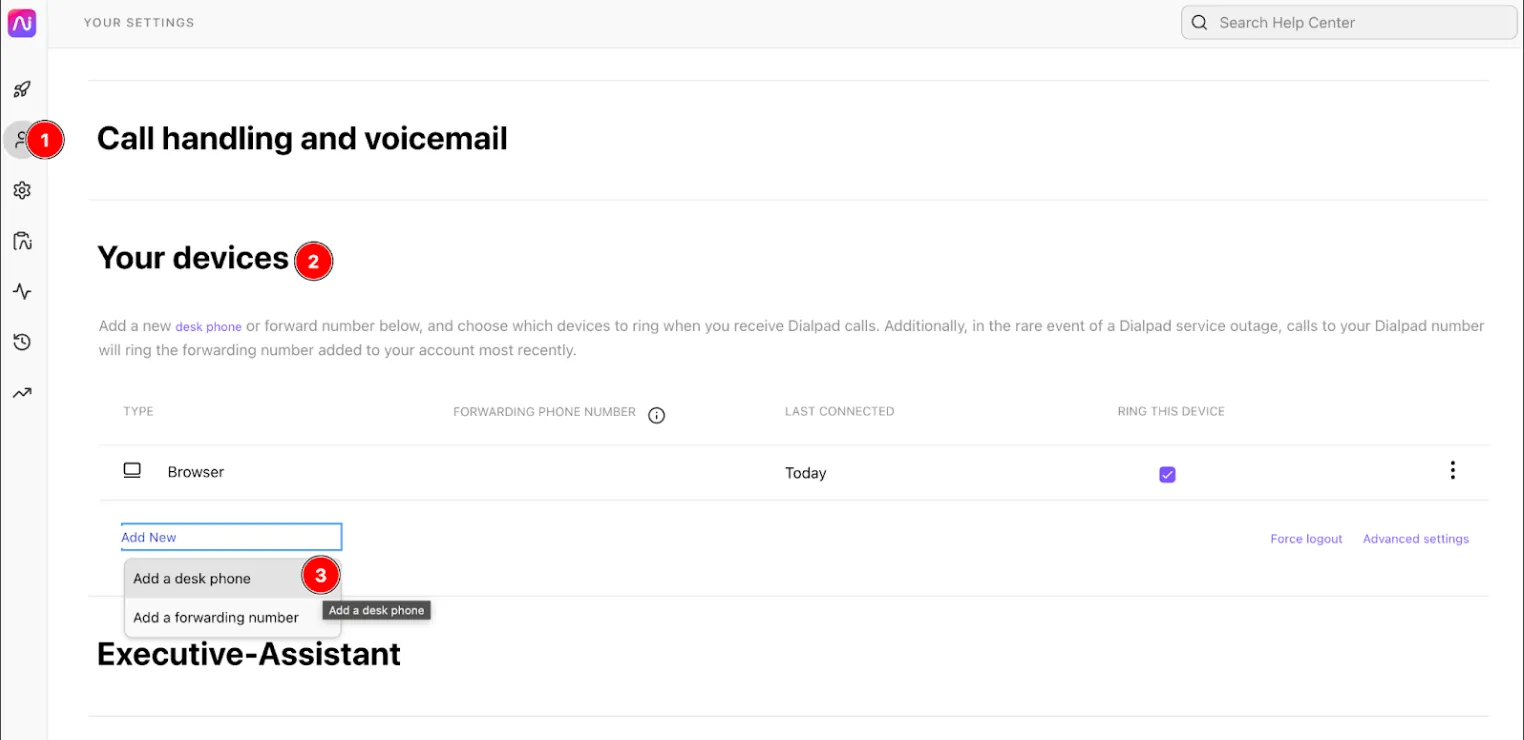
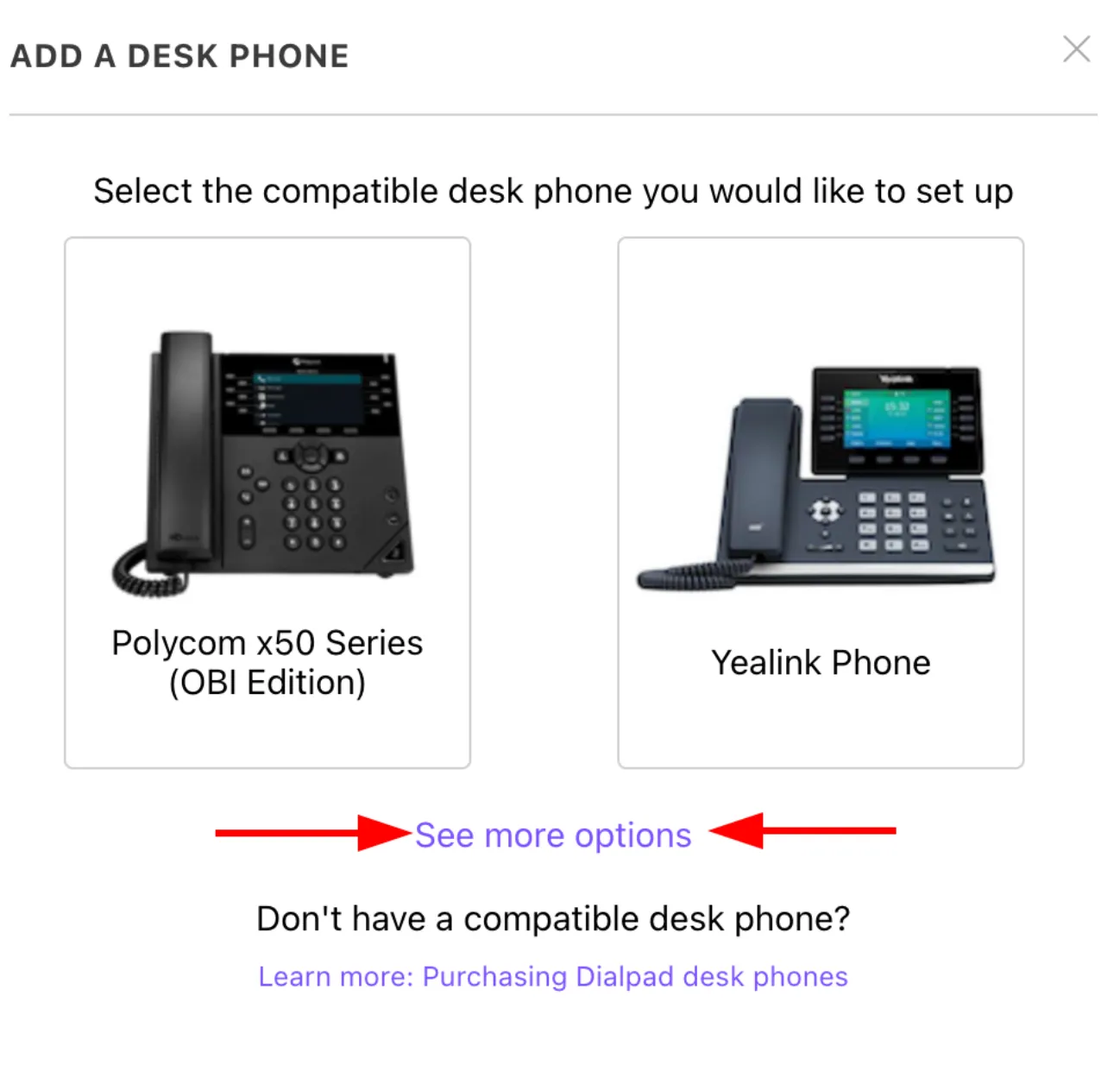
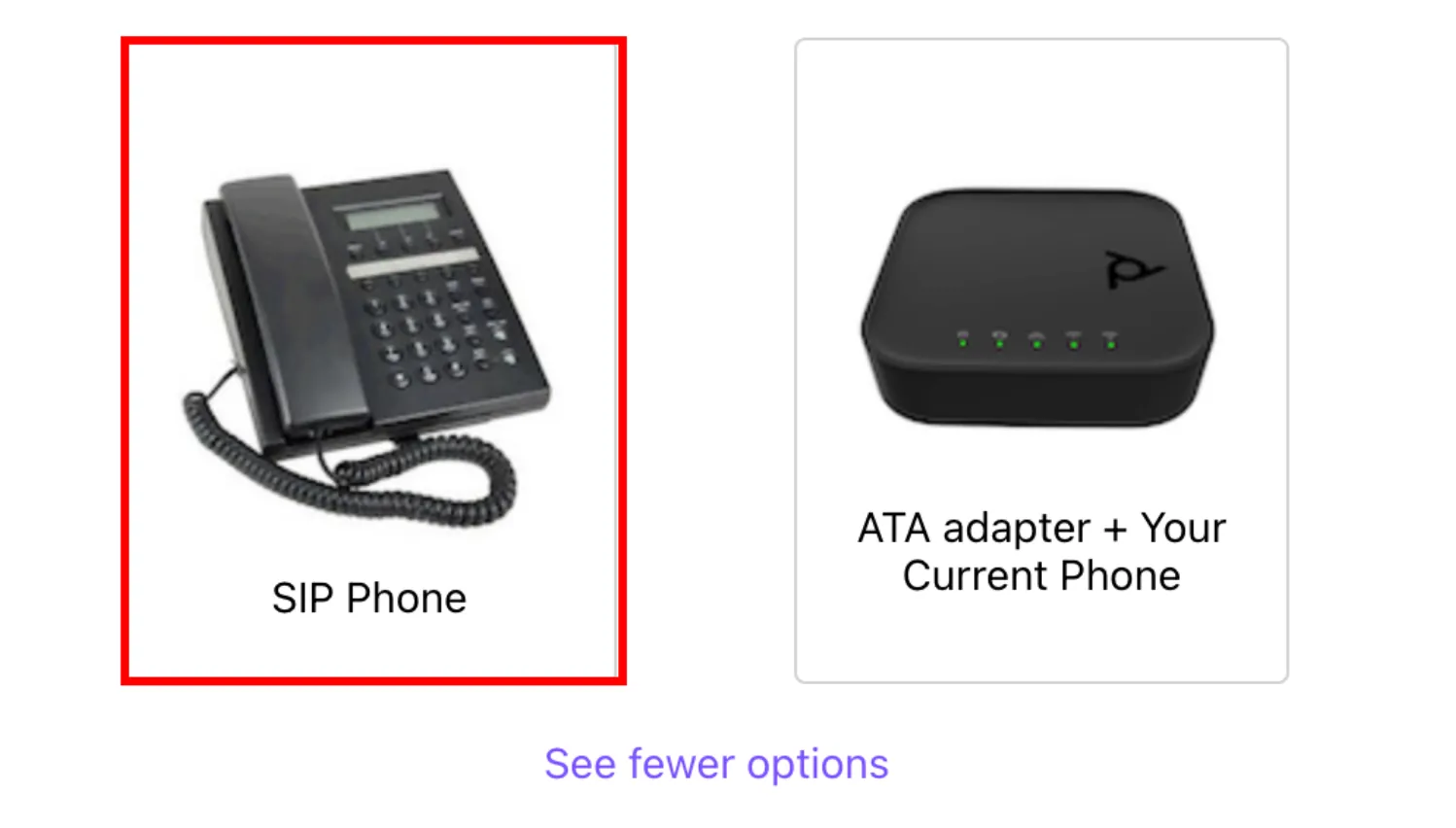
Select SIP Phone.
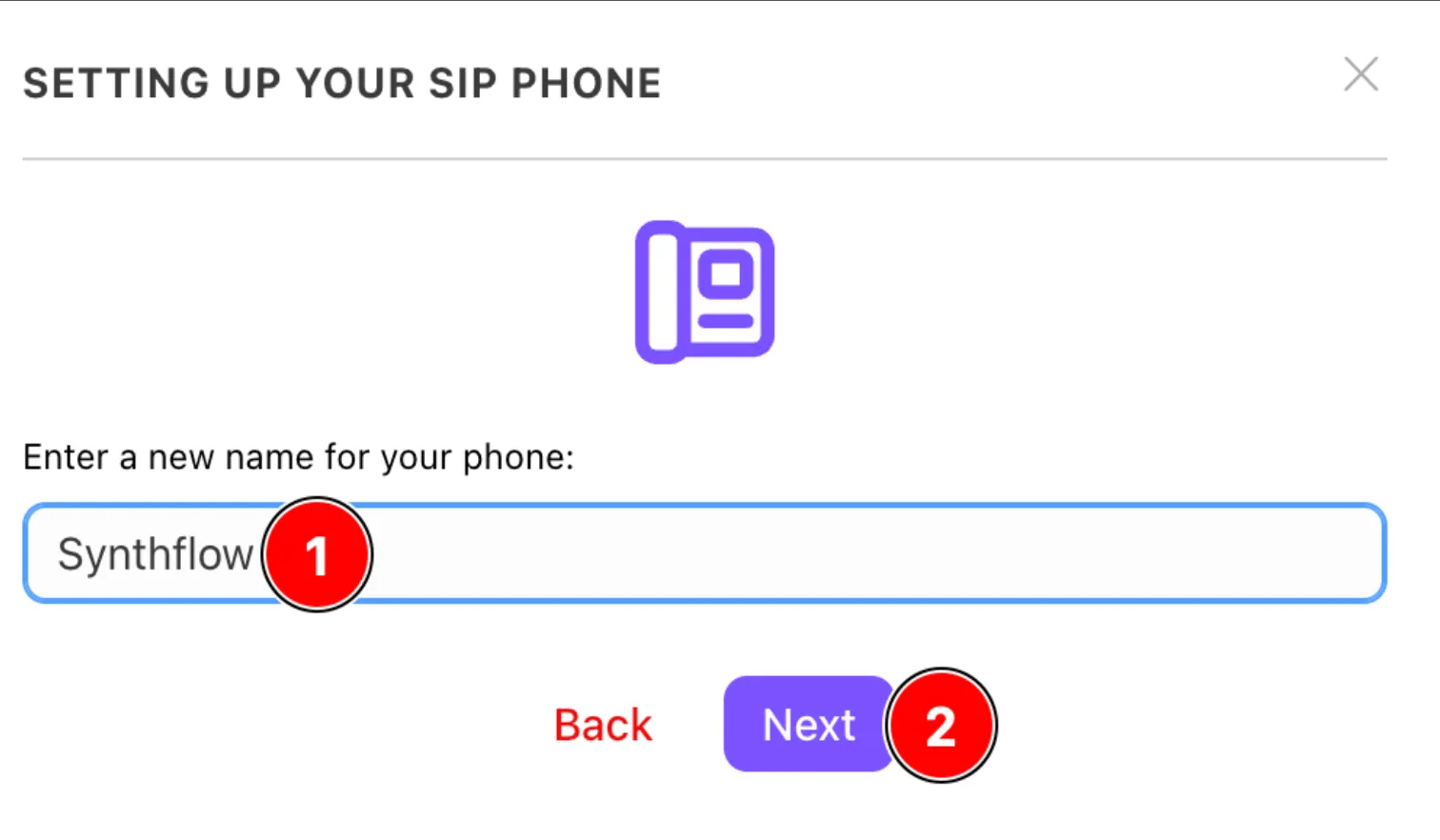
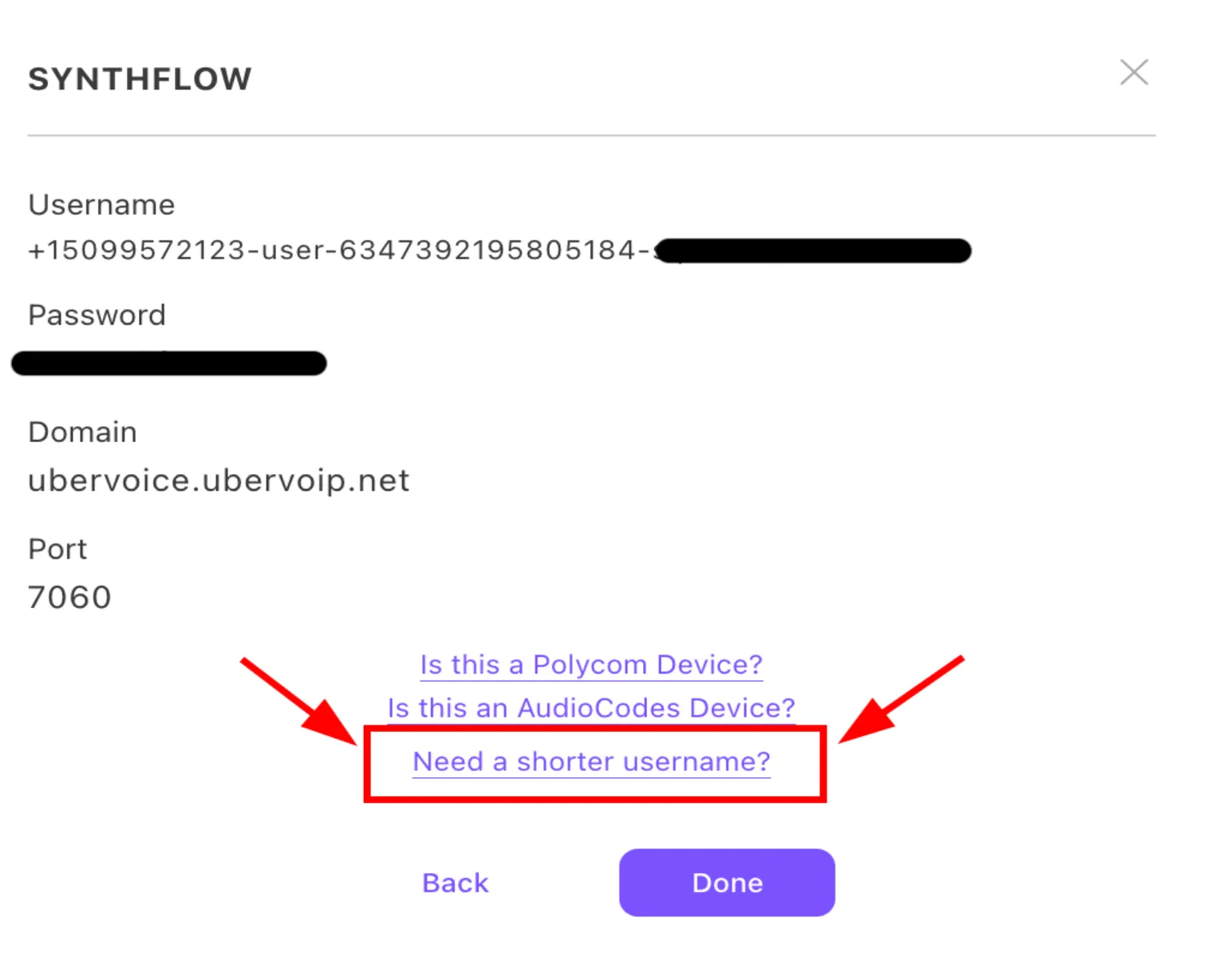
Select Need a shorter username?
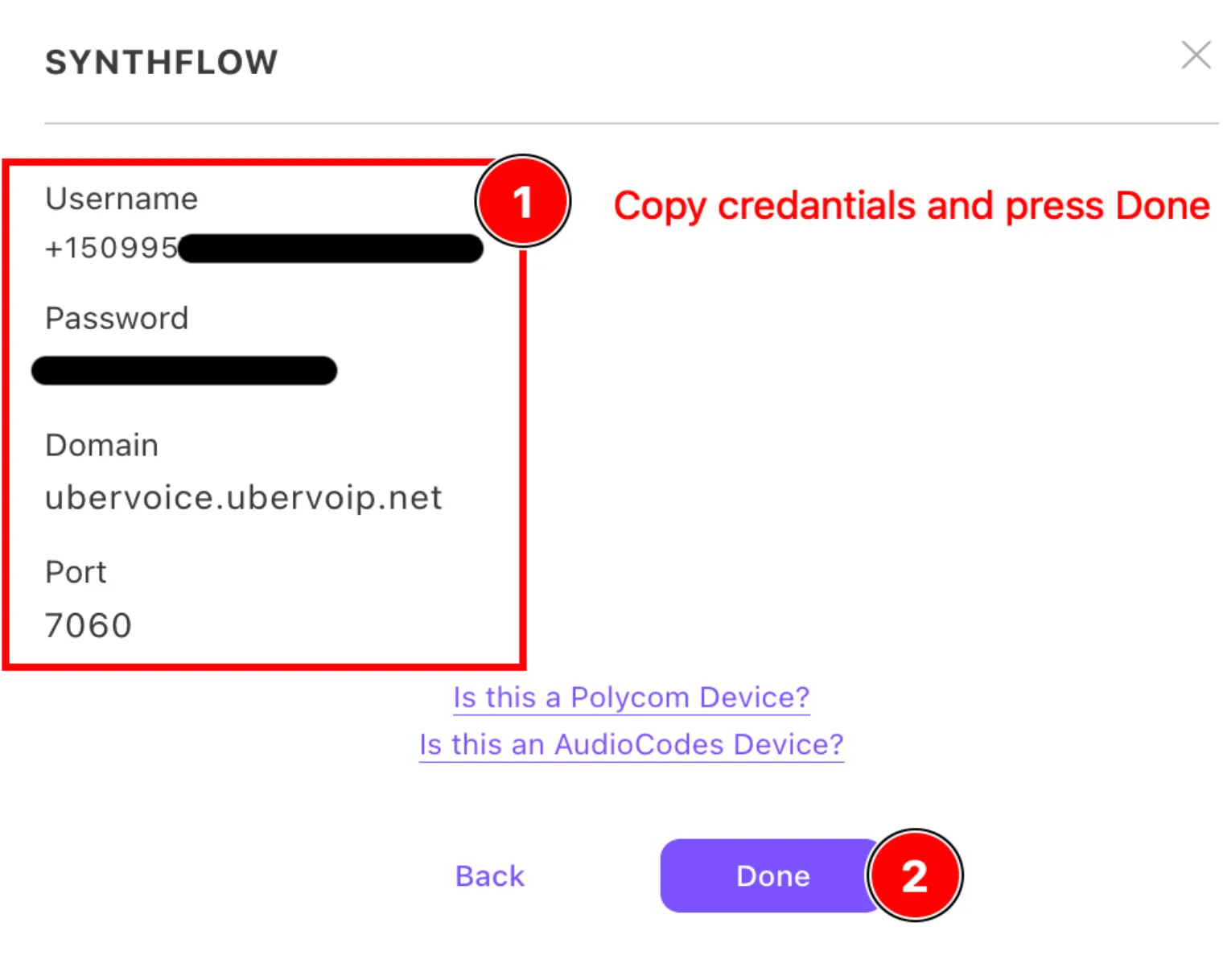
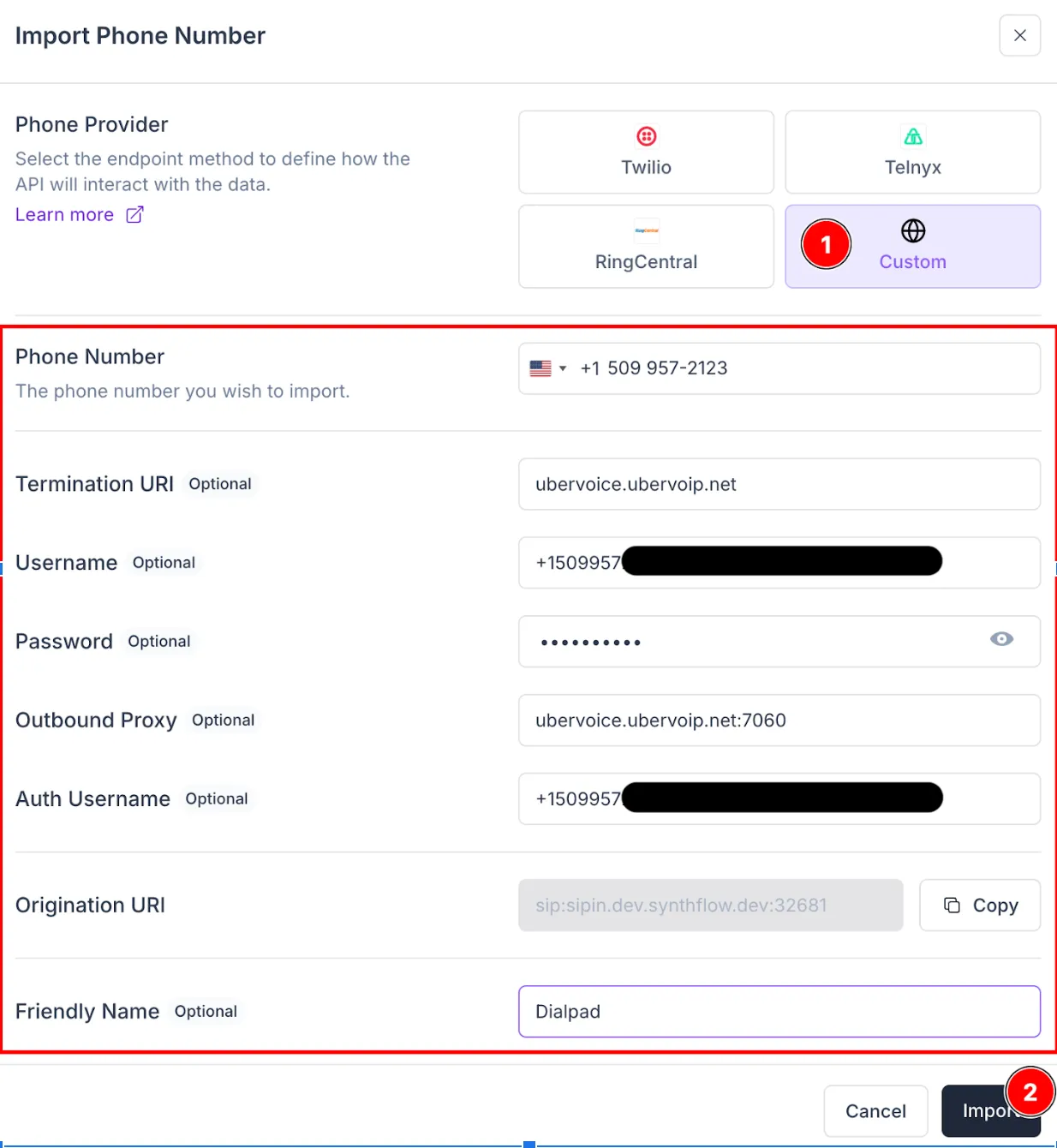
Save the Connection Details. You enter them in Synthflow in the next step.
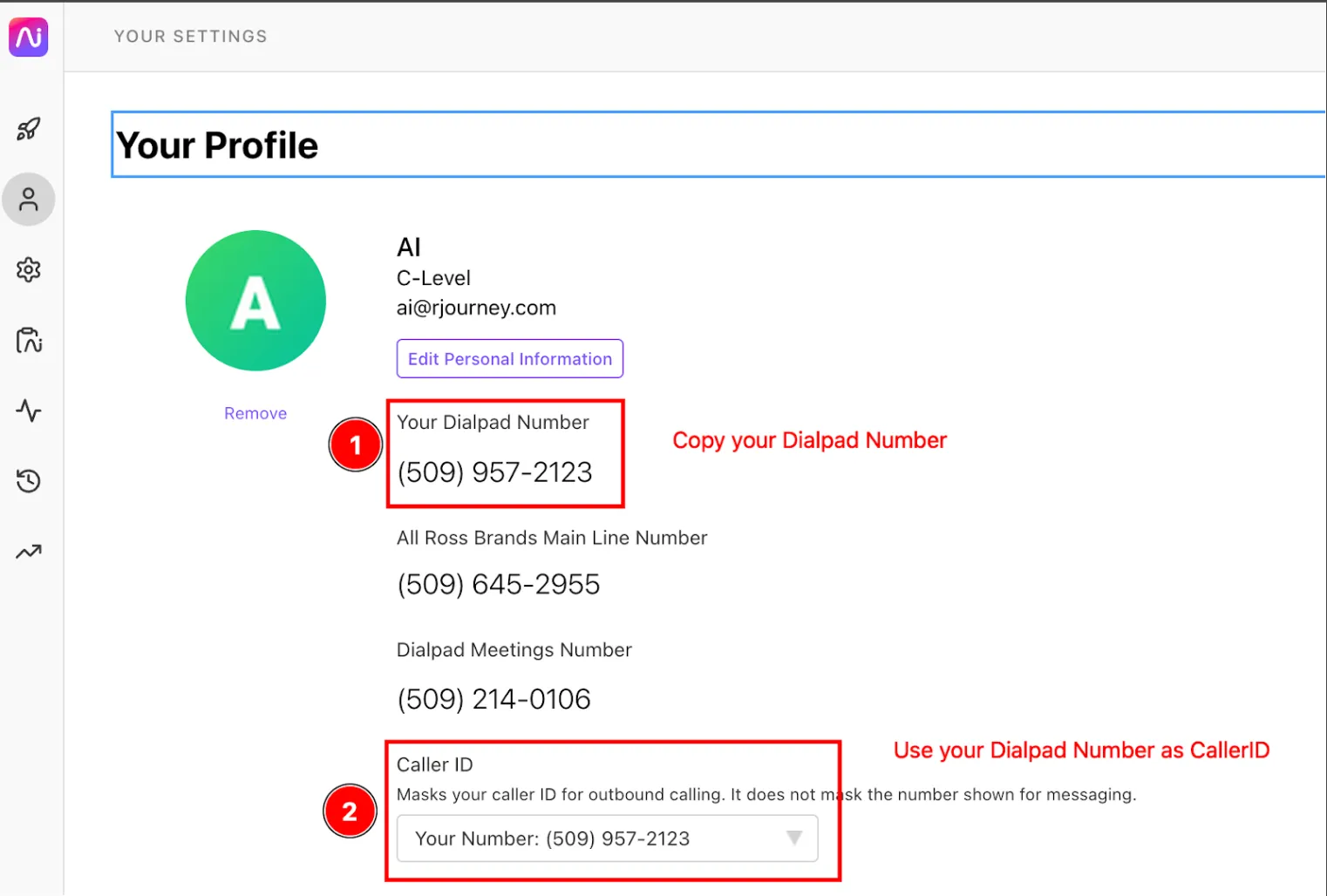
Copy and paste the SIP details exactly, so Dialpad’s anti-flood logic does not block the connection.
Number import
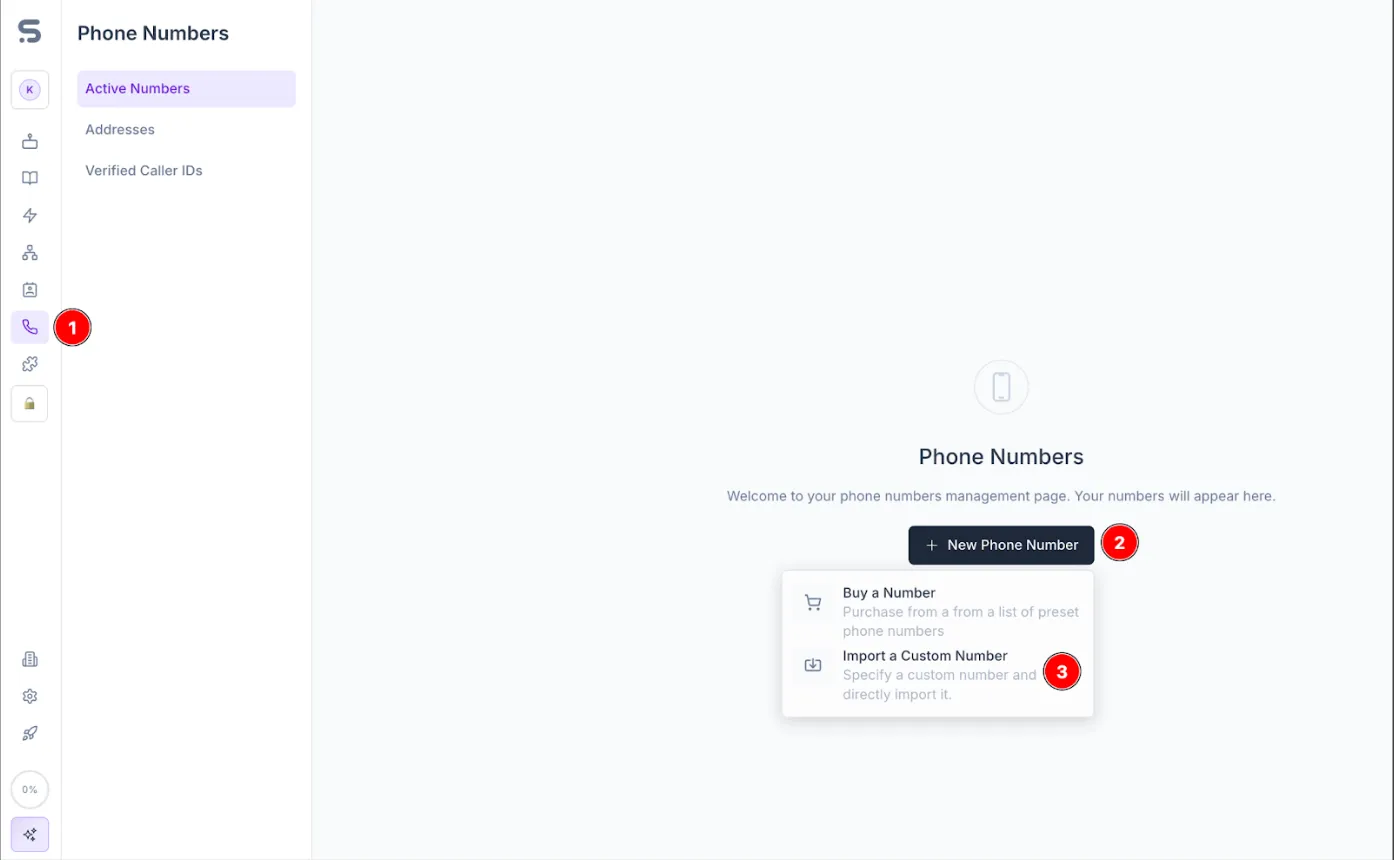
In Synthflow, select Phone Numbers → New Phone Number → Import a Custom Number, and enter the Dialpad connection details. Add a custom number explains each field.
Agent assignment
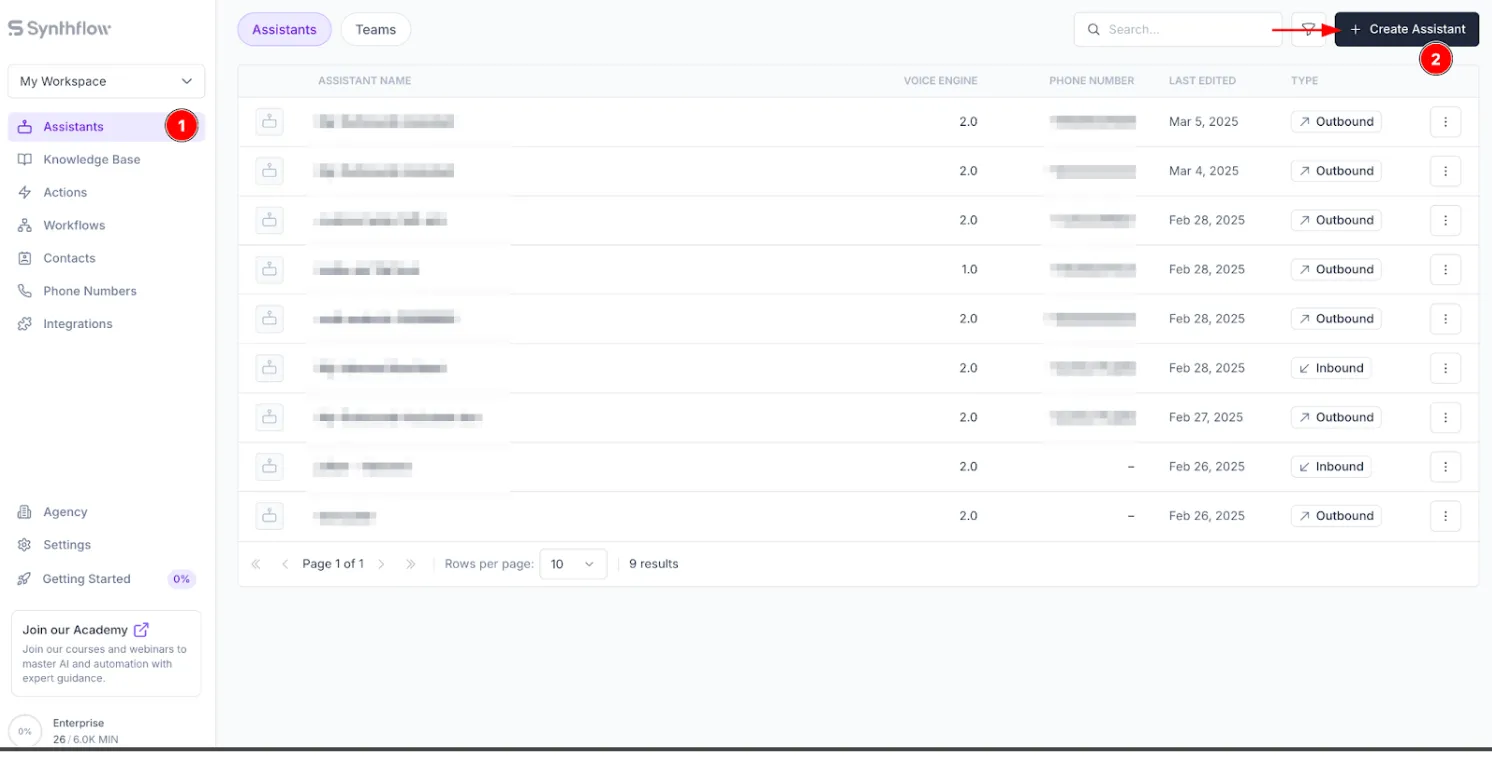
Create an agent and attach the number to it.

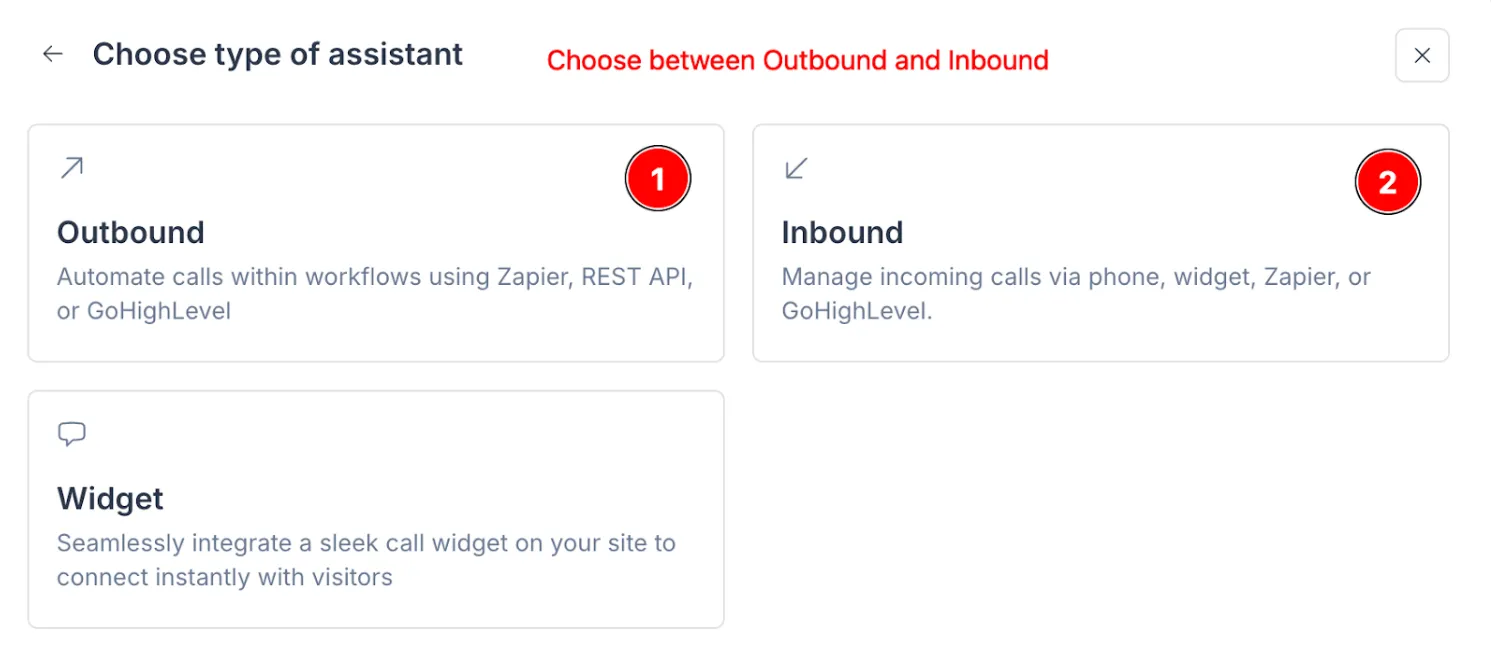
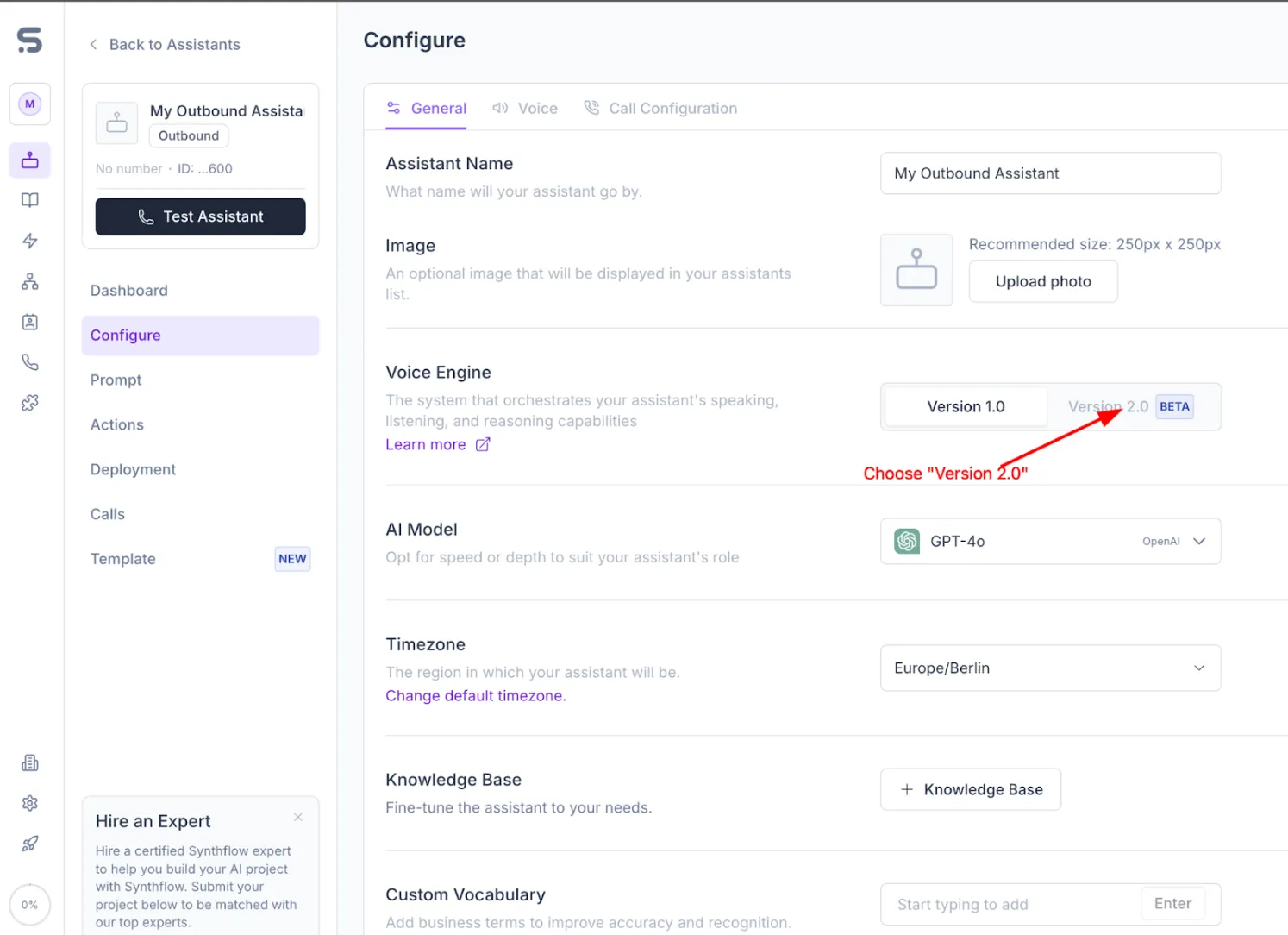
We create the SIP trunk when you attach the number to the agent.
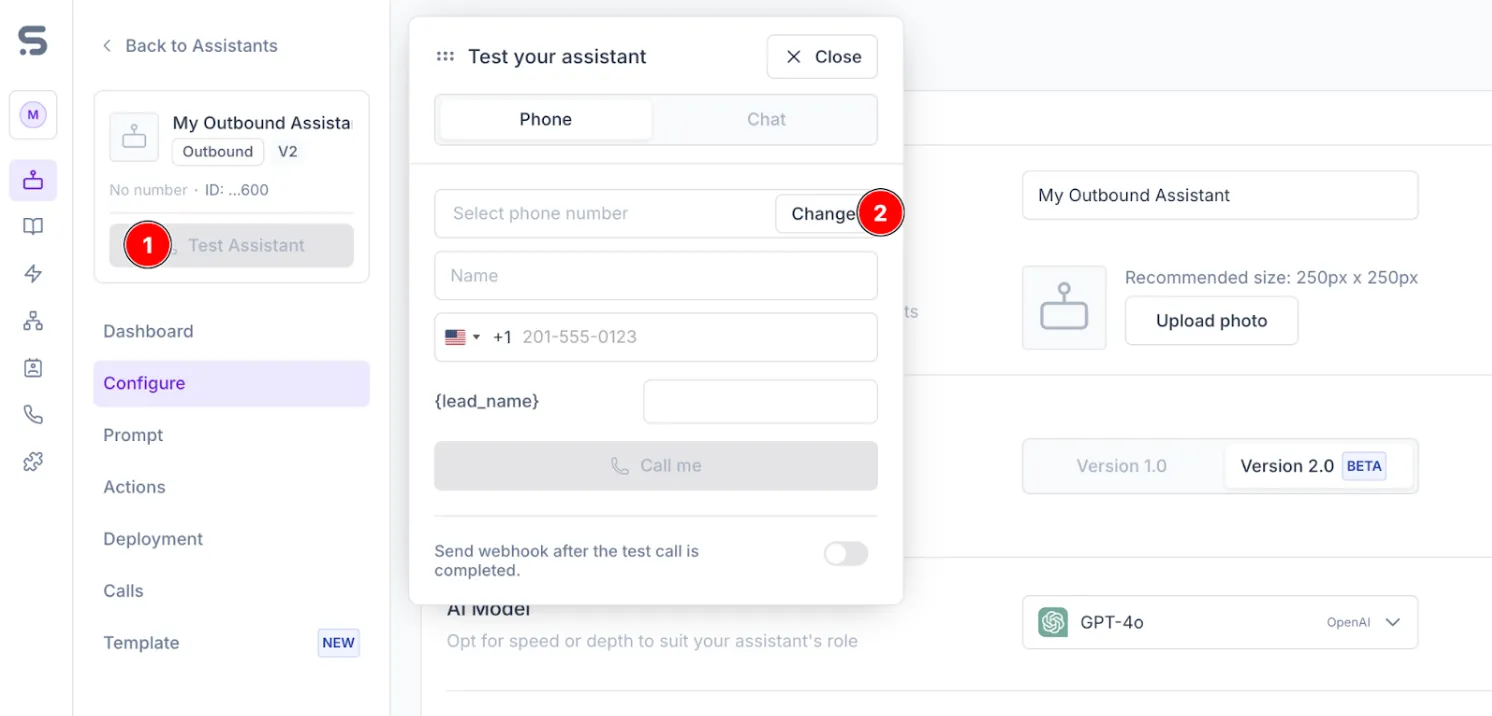
Dialpad processes the registration in one to two minutes. After that, you can place a test call.