

Set up an after-hours receptionist
A guided tutorial for 8x8 customers
Synthflow for 8x8
In about two minutes, you’ll have an agent that answers calls and takes messages while you’re closed.
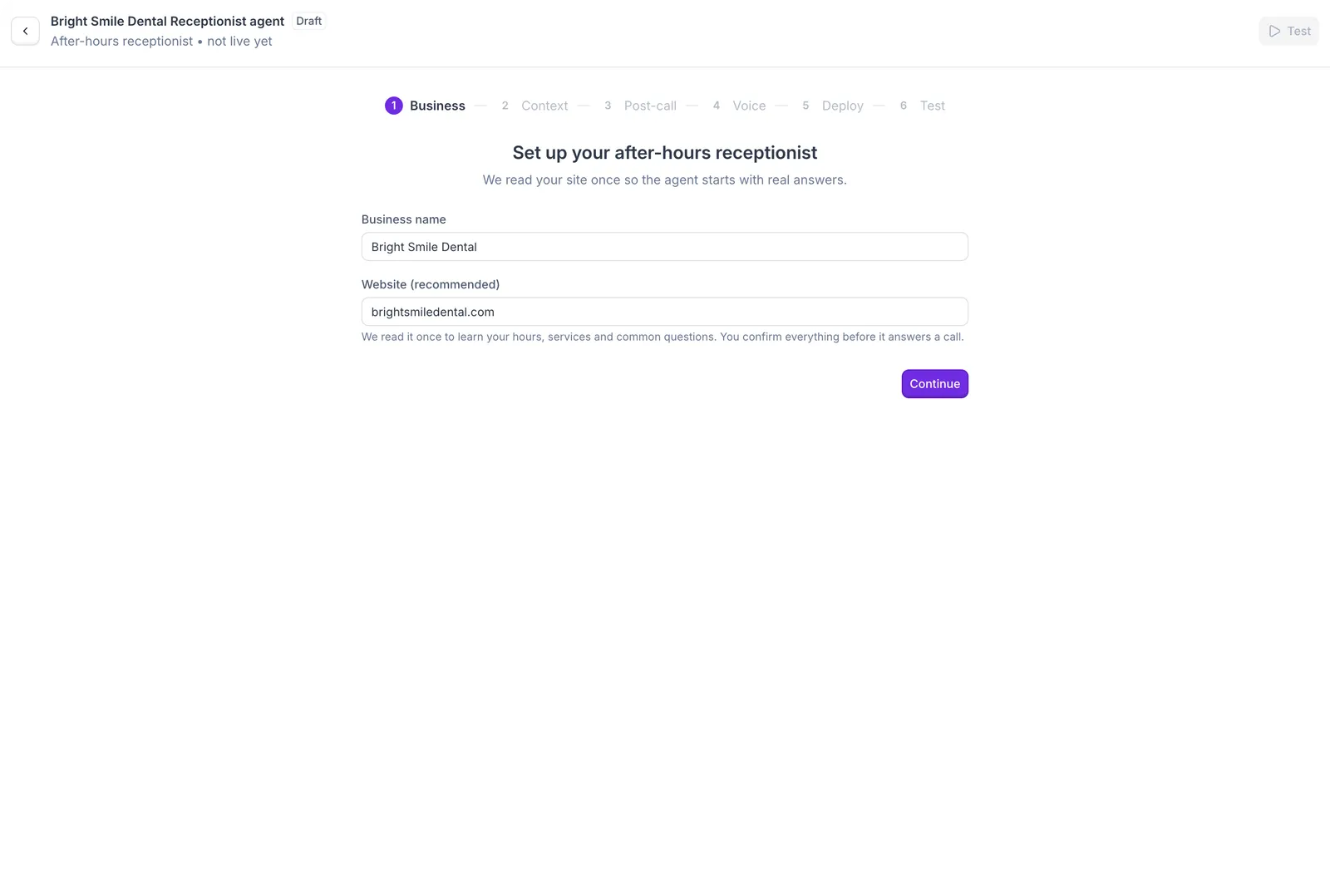
Enter your business details
Your website gives the agent a head start, so it doesn’t begin from a blank page.
- Use the name callers know you by, not your registered company name. It’s how the agent introduces your business.
- If Synthflow can’t read your website (some websites block automated visits), you can still continue and add the details yourself in the next step.
Tell it what it should know
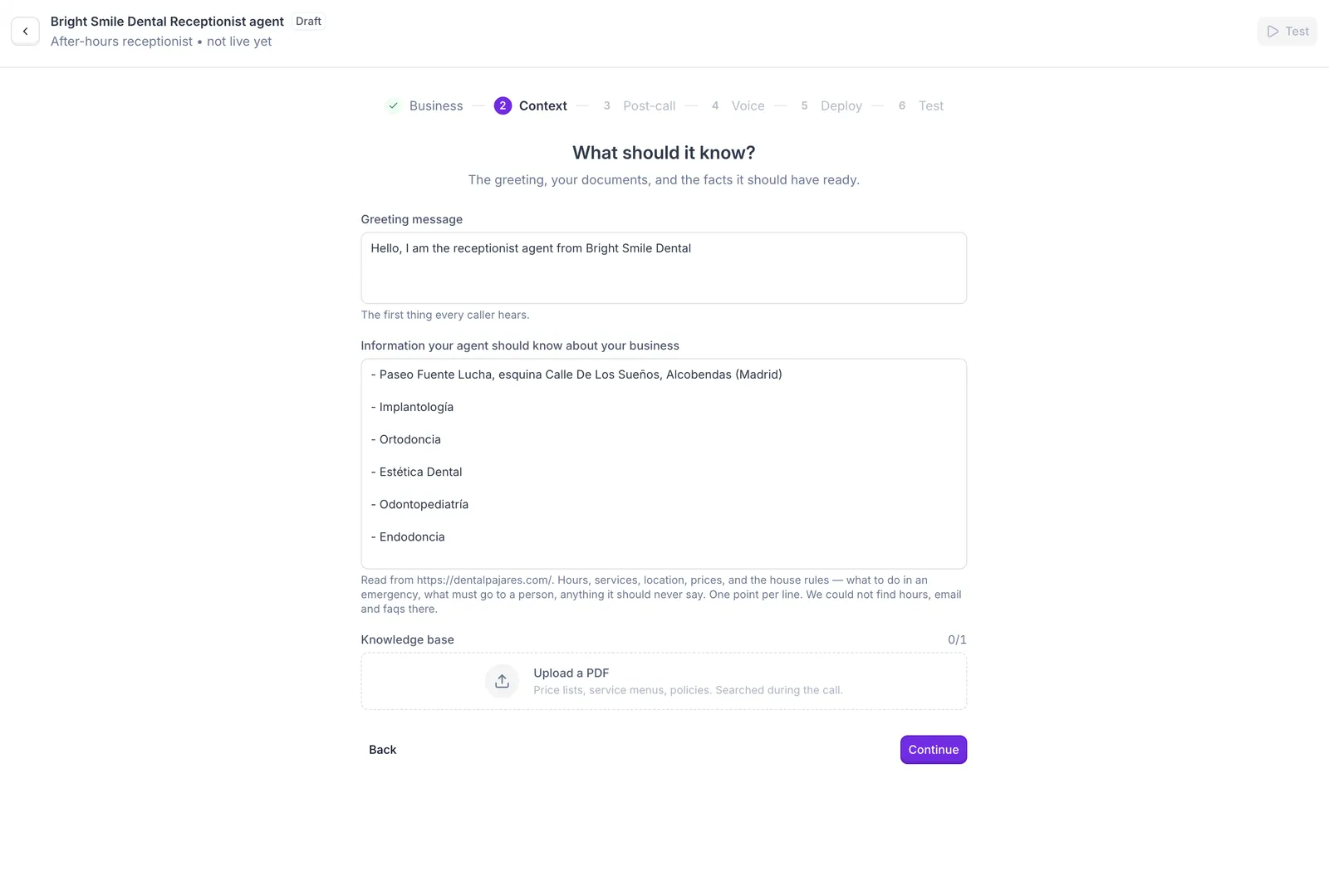
The agent only knows what’s on this screen, so a few minutes here pays off on every call.
- Greeting: Synthflow writes it from your website, and you can edit it to sound like you. Keep it to a sentence or two, because callers want to get to the point. Mentioning that you’re closed sets the right expectation from the start.
- Business information: start with anything Synthflow says it couldn’t find. Then add what websites rarely cover but after-hours callers ask about, and write it the way you’d brief someone covering the phones for the first time.
- Knowledge base: a document the agent can look things up in during a call, like a binder at the front desk. Use it for detailed material that’s too long for the box above, such as a full price list or your cancellation policy. You can upload one PDF, so combine several files into one first.
See what a dental practice might add to its business information
- We’re open Monday to Friday, 9 AM to 6 PM.
- For a dental emergency, tell callers to call Dr. Lopez at 555-0100.
- We return messages the next business morning.
- Never give medical advice or quote treatment prices.
Keep must-know facts such as your hours and emergency instructions in the box, not only in the PDF. The agent always has the box in mind, and only opens the document when a question calls for it.
Choose what happens after a call
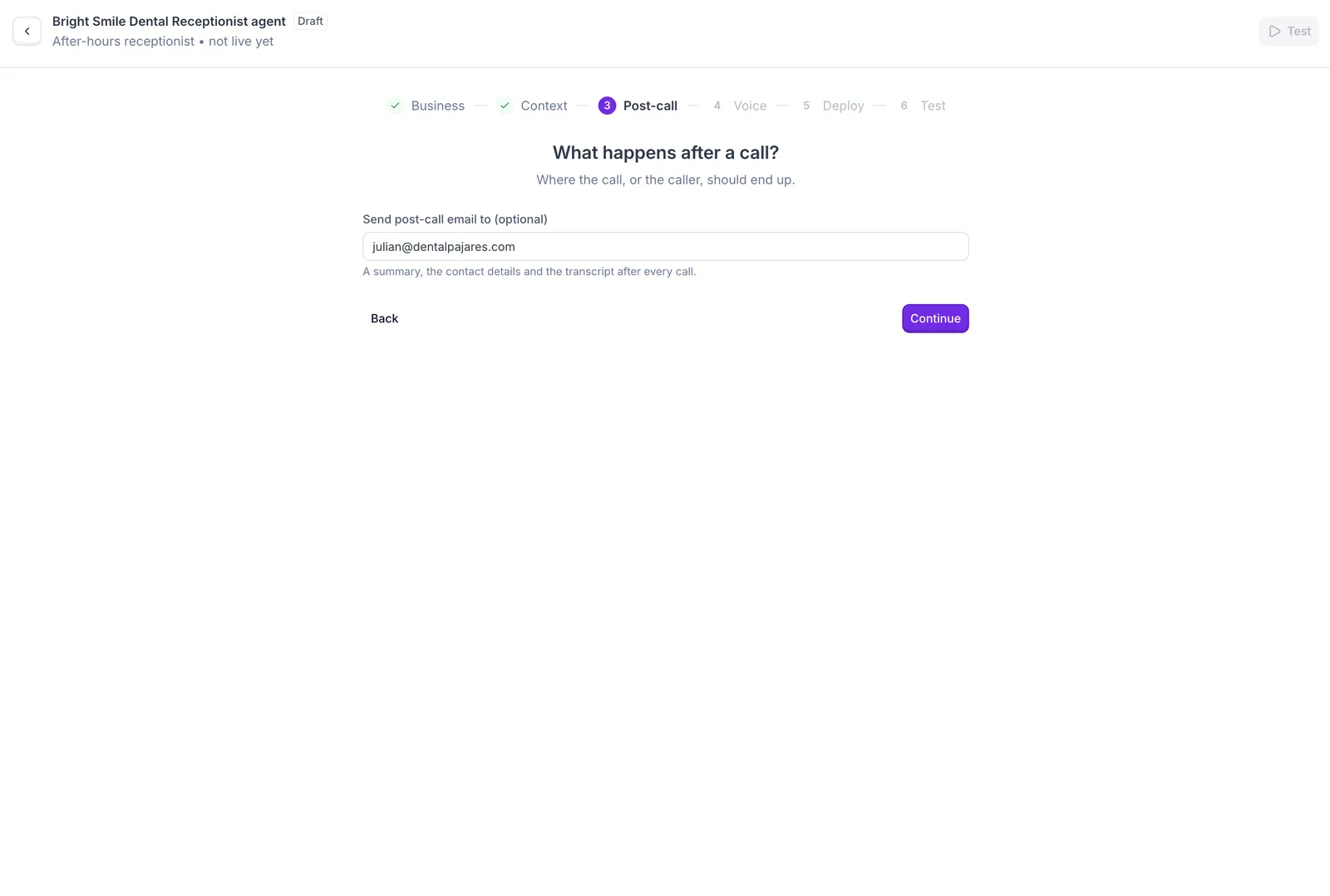
This email is how you find out who called while you were closed.
- You can enter one address. If several people should see the messages, use a shared inbox such as your front desk address rather than a personal one.
- Start your morning with the summaries. Each one gives the reason for the call and how urgent it is, so you know who to call back first.
Pick a voice
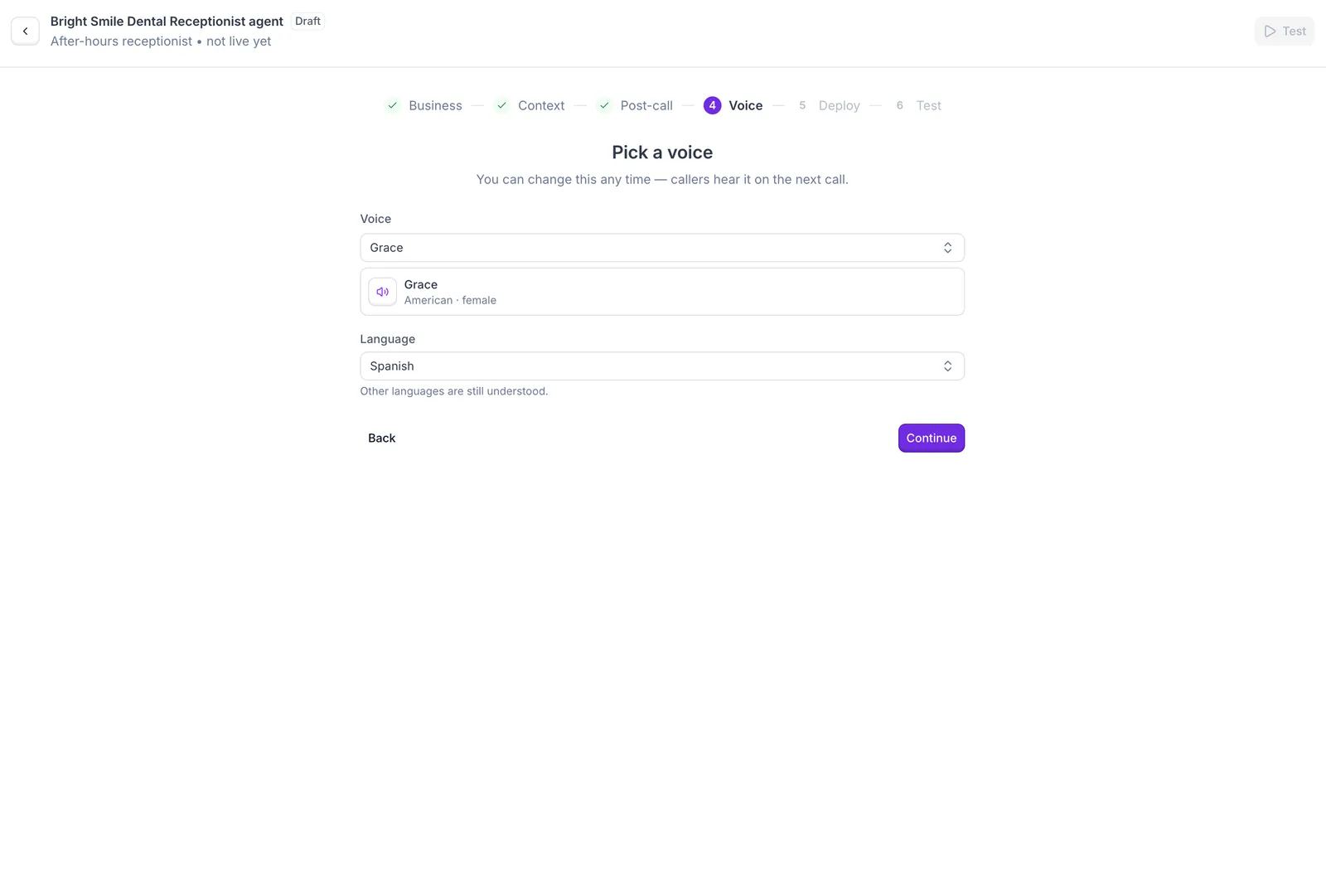
The voice is the first impression of your business after hours, so listen to a few before you decide.
- Pick a voice and accent that your regular callers will find familiar.
- Choose the language most of your callers speak. The agent understands callers in other languages, but it always replies in the language you choose.
Get your agent's phone number
This number connects your 8x8 phone system to your agent. It comes at no extra cost.
- Copy it now, because you’ll paste it into 8x8 when you forward your after-hours calls. You can find it again on your agent’s page in Synthflow.
- Continuing takes you to the test screen, where you can call your agent yourself before any real caller does.
Keep this number to yourself
Callers keep dialing your usual 8x8 number, not the agent’s number. Don’t publish the agent’s number on your website or business cards.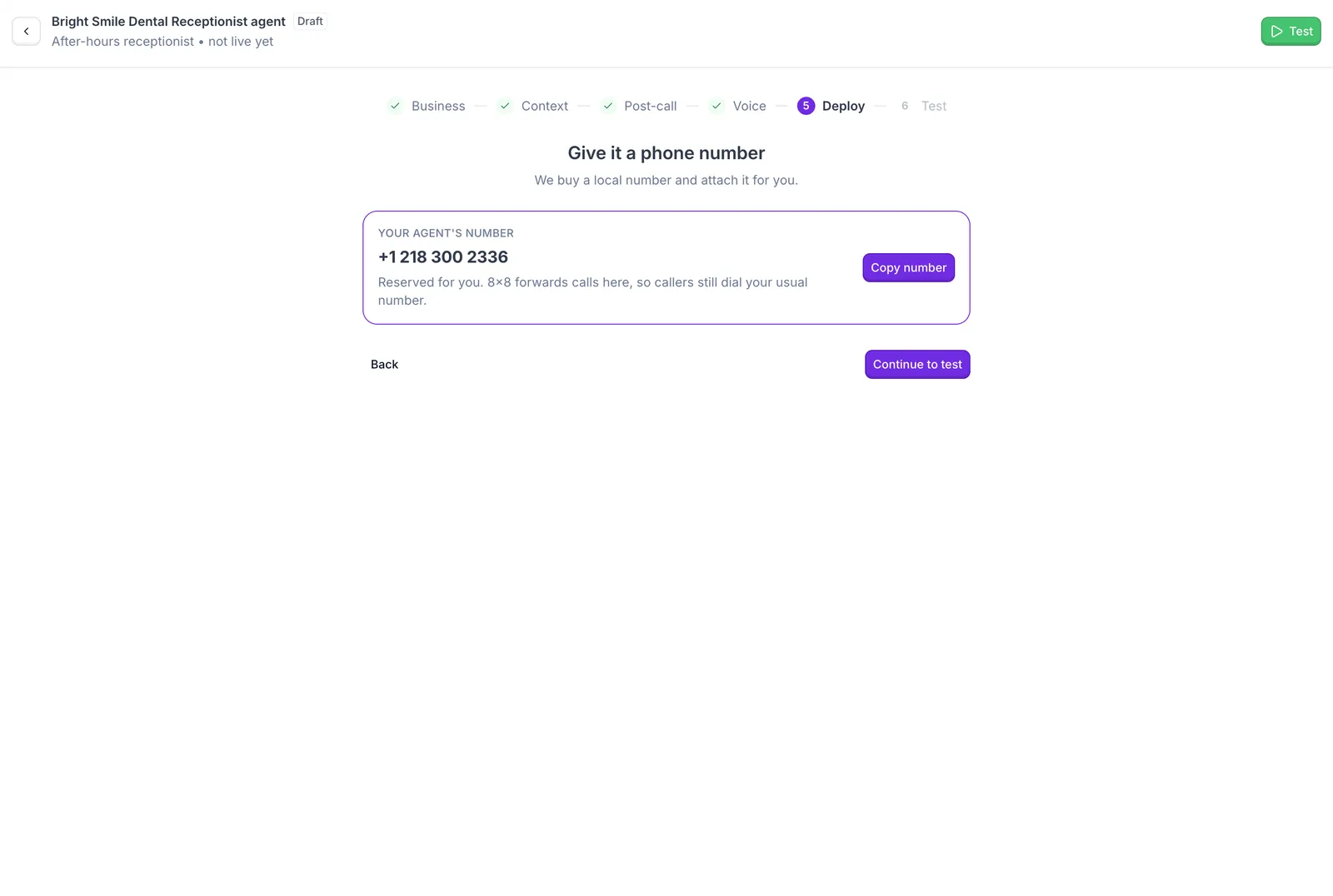
Next step
Your after-hours receptionist is ready. Test it and forward your after-hours calls from 8x8 to start answering callers.