

Set up a customer support agent
In about two minutes, you’ll have an agent that answers your customers’ most common questions, so your team can focus on the ones that need a person.
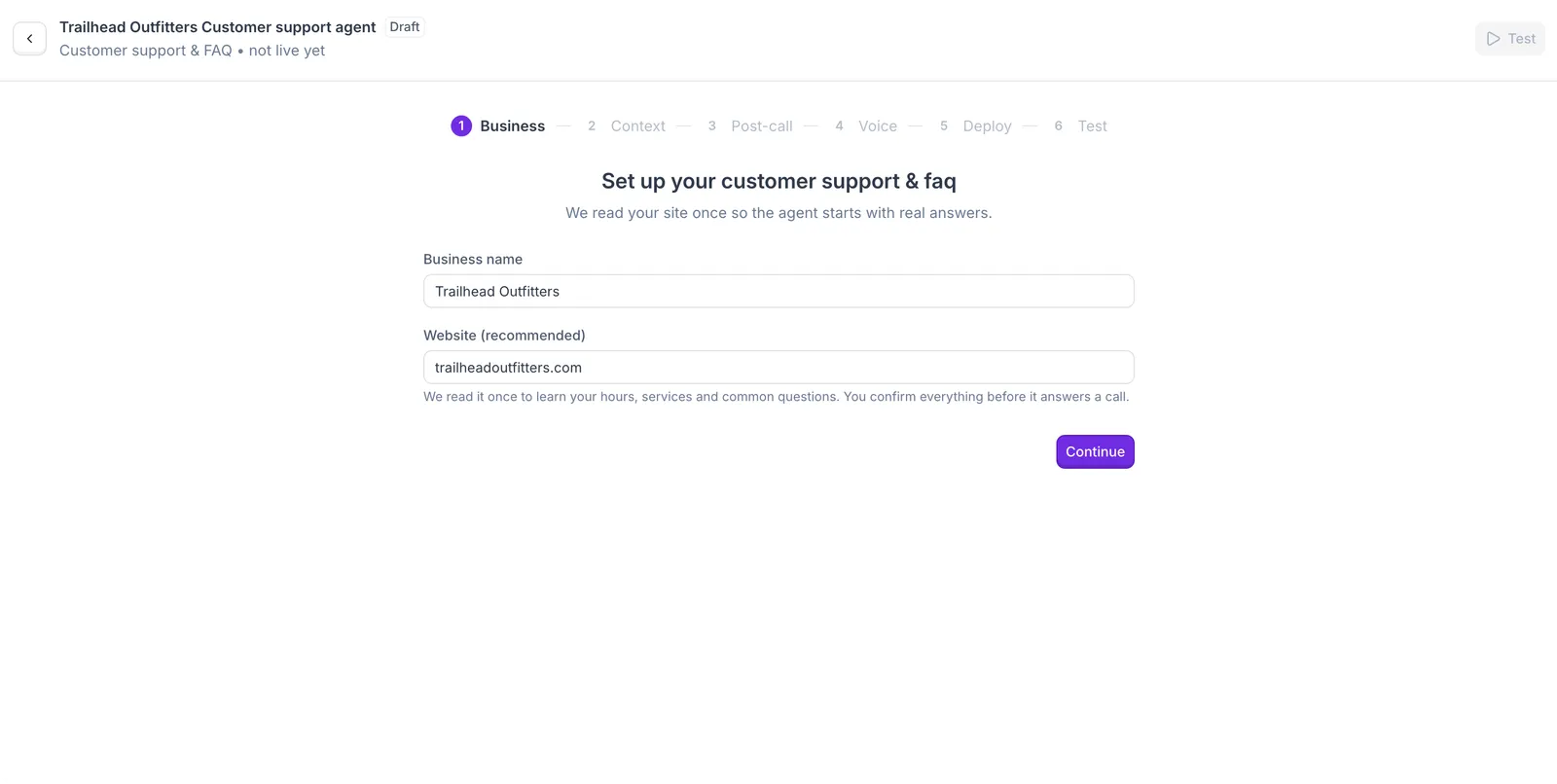
Enter your business details
A support agent is only as good as the answers it has, and your website is where most of them already live.
- Use the name callers know you by, not your registered company name. It’s how the agent introduces your business.
- If Synthflow can’t read your website (some websites block automated visits), you can still continue and add the details yourself in the next step.
Tell it what it should know
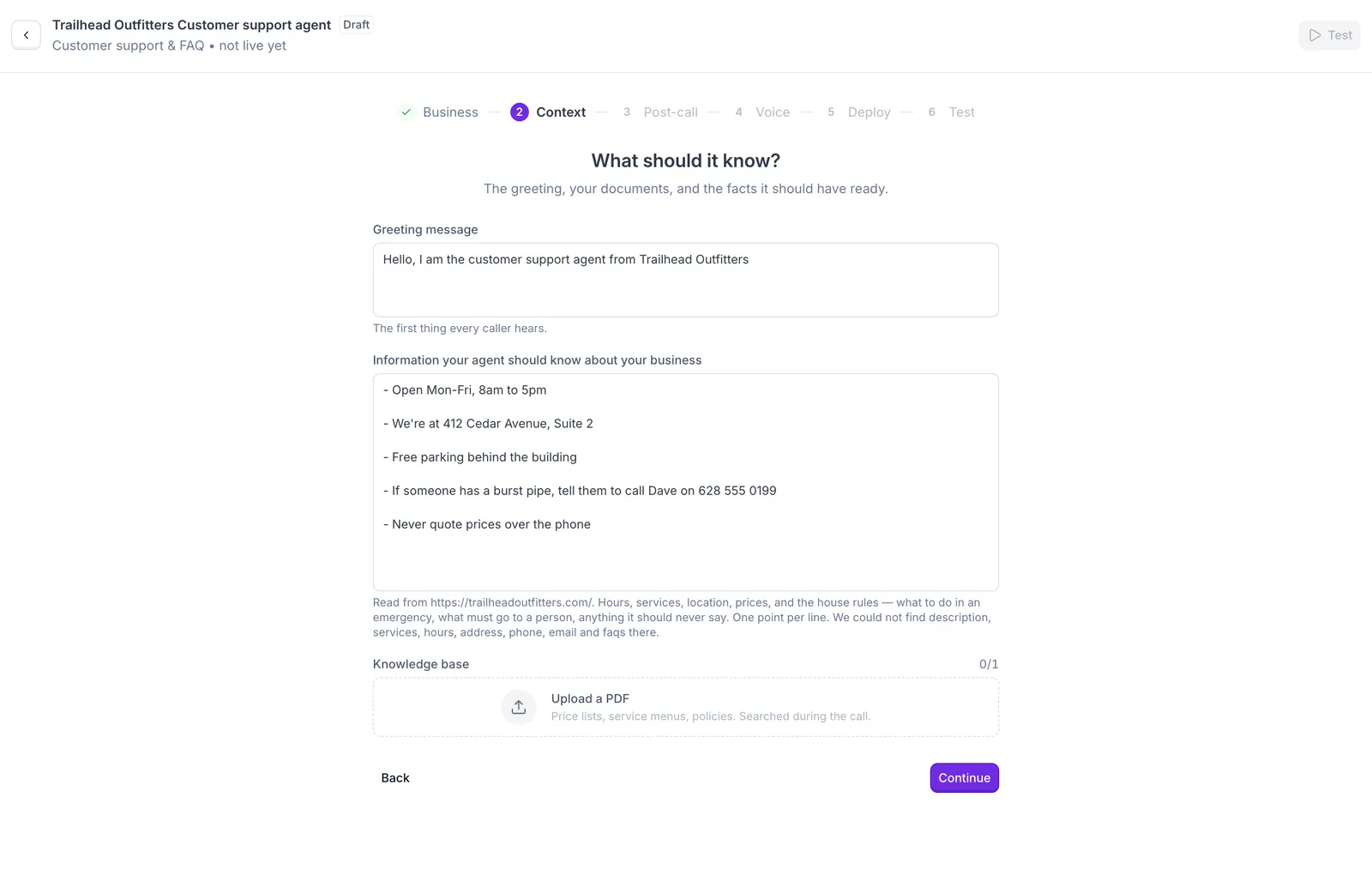
The agent only knows what’s on this screen, so this is where you decide which questions it can answer.
- Greeting: Synthflow writes it from your website, and you can edit it to sound like you. Keep it to a sentence or two, and invite callers to ask their question straight away.
- Business information: start with anything Synthflow says it couldn’t find. Then think about the questions your team answers every day, and add the answers along with anything the agent should never promise.
- Knowledge base: a document the agent can look things up in during a call, like a binder at the front desk. Your FAQ, return policy, or product guide works well here. You can upload one PDF, so combine several files into one first.
See what an outdoor gear shop might add to its business information
- Returns are accepted within 30 days with a receipt. Worn items can’t be returned.
- Online orders ship within 2 business days. Tracking links arrive by email.
- Rental gear must be booked at least 48 hours in advance.
- Never promise a refund or a replacement. Say our team will review the request.
Choose what happens after a call
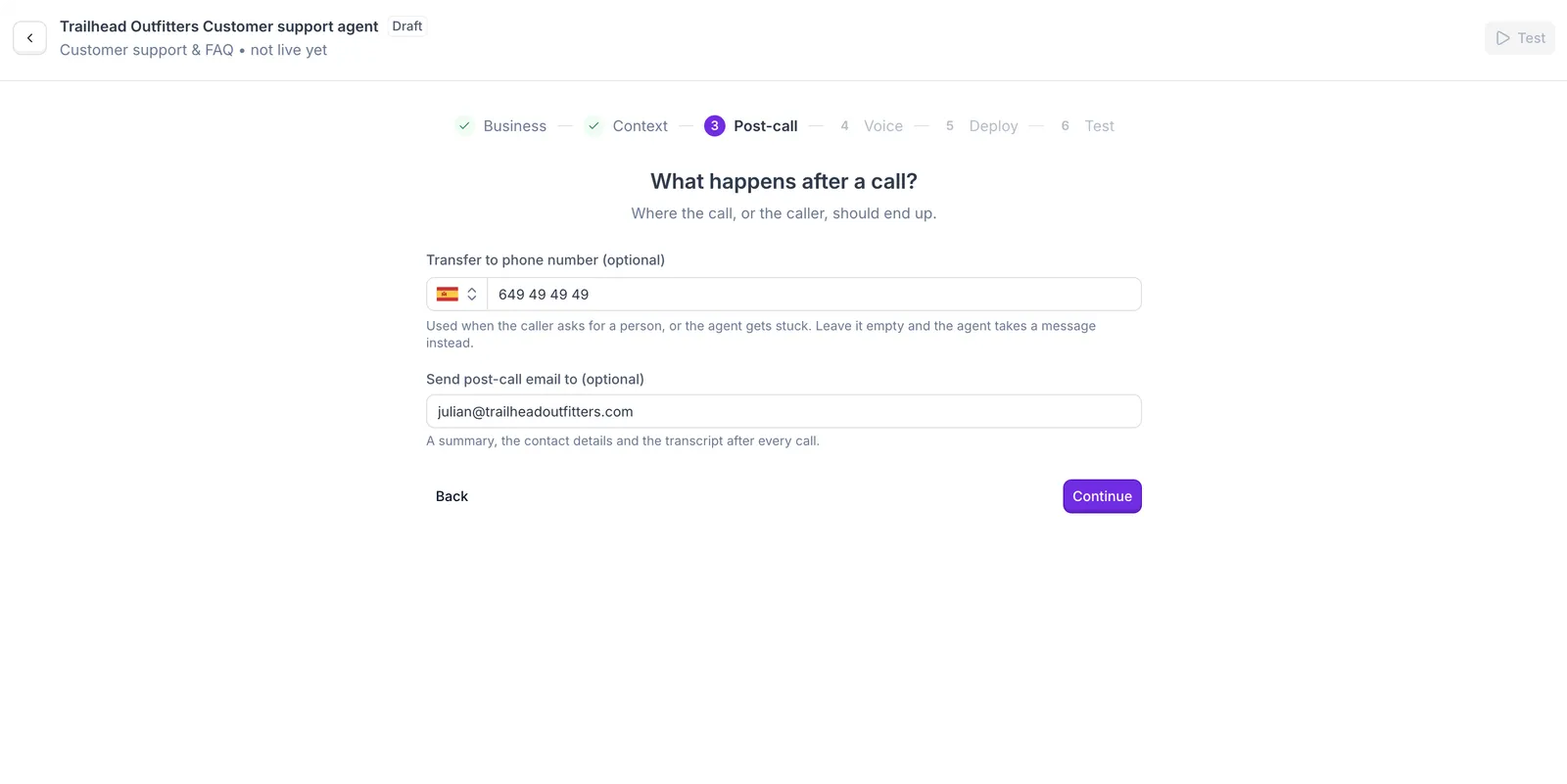
Some questions need a person. This step decides where those callers go and how you keep track of every call.
- Transfer number: use your ring group’s phone number, so callers reach your support team. It must be different from your main 8x8 number, or callers land back in your phone menu. If you don’t have a spare number, claim one in the 8x8 Admin Console.
- Post-call email: you can enter one address, so use a shared support inbox. After every call, a summary lands in that inbox with everything needed to follow up with the customer.
Pick a voice
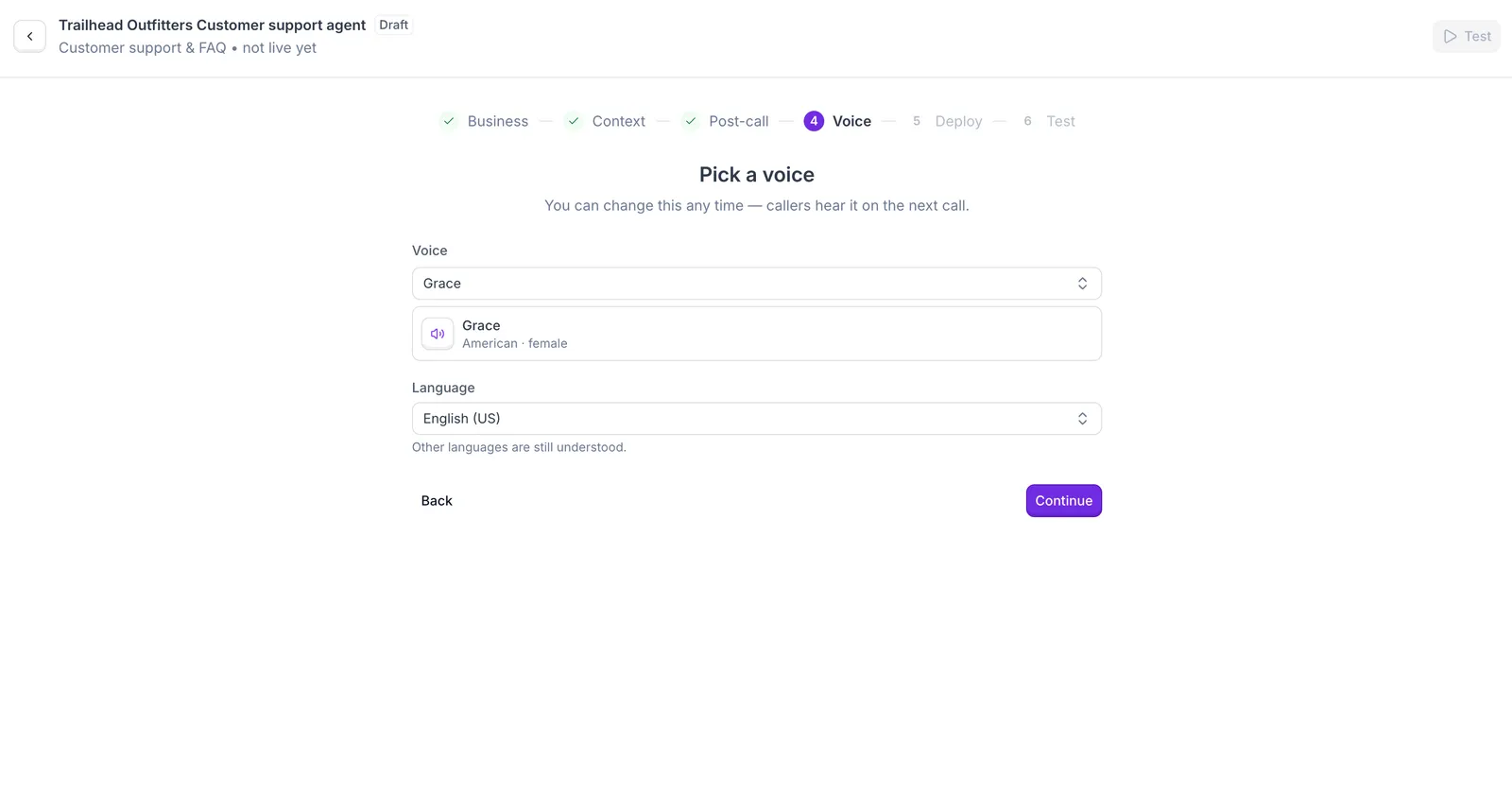
Callers who need help want to feel looked after, so pick a voice that sounds calm and friendly. Listen to a few before you decide.
- Pick a voice and accent that your customers will find familiar.
- Choose the language most of your callers speak. The agent understands callers in other languages, but it always replies in the language you choose.
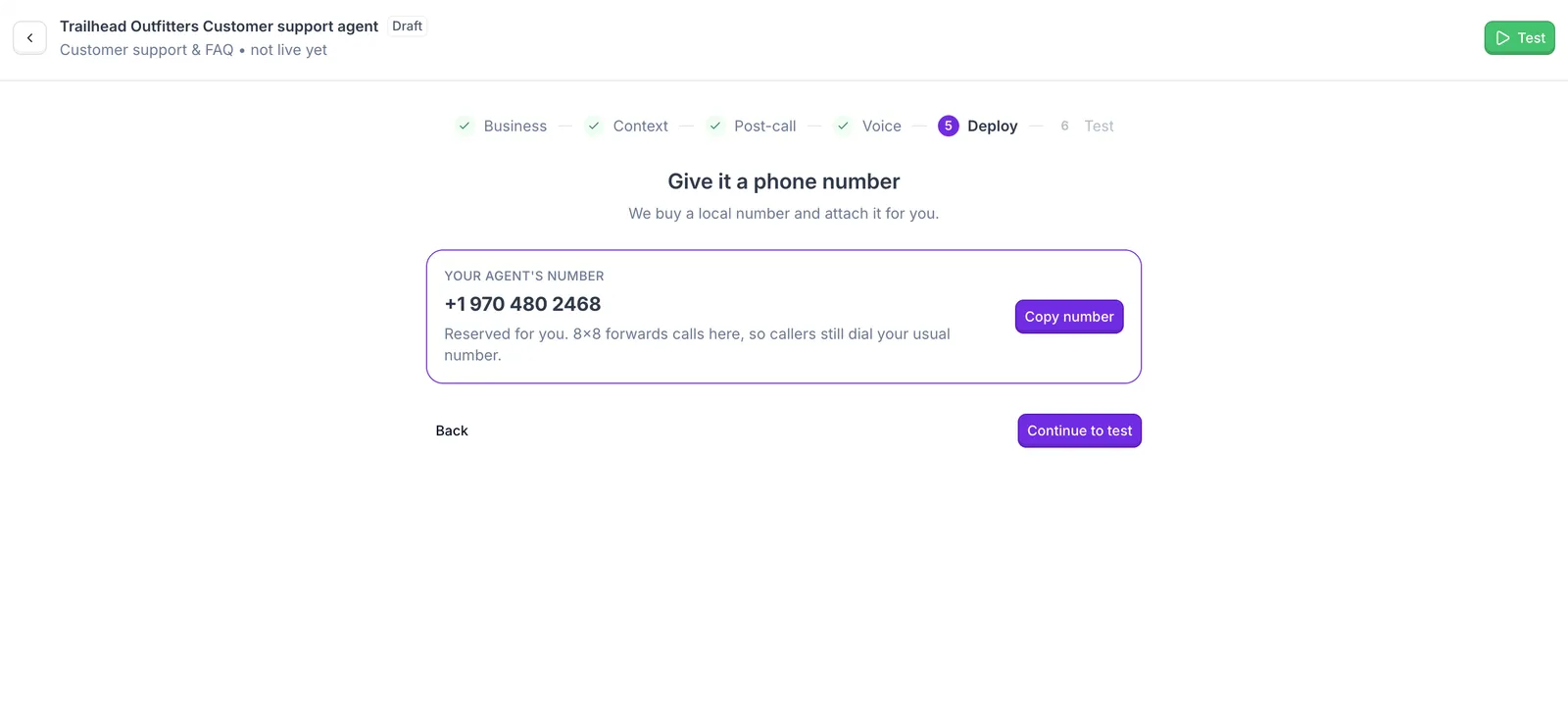
Get your agent's phone number
This number connects your 8x8 phone system to your agent. It comes at no extra cost.
- Copy it now, because you’ll paste it into 8x8 when you add the help option to your phone menu. You can find it again on your agent’s page in Synthflow.
- Continuing takes you to the test screen, where you can call your agent yourself and ask the questions your customers ask most.
Next step
Your customer support agent is ready. Test it and add “press 1 for help” in 8x8 to start answering questions.