Actions
Actions are reusable definitions you create once and attach to any agent. When a call matches their triggers, they can transfer the caller, make API requests, send or receive messages during a call, book time, extract fields, and many more options.
Hand the call to a person
Call transfers move the active call from the agent to another destination. Warm and cold transfers let you brief the recipient with a whisper or summary first, or connect without that step, with configurable timeouts and hold audio.
Synthflow supports TEL (E.164 phone numbers), SIP URIs (PBX, trunks, softphones), dynamic destinations resolved during the call, and phone books for multiple conditional targets.
Make API requests
Custom actions send HTTP requests to your external systems. The agent can run them at any time during a live call when the action’s triggers match, not only at the start or end of the conversation. Map responses into variables and use them in prompts or in steps that follow.
MCP actions connect your agent to an external MCP server. Instead of configuring individual HTTP requests, the agent discovers tools exposed by the server and the LLM decides when to invoke them. Use MCP actions when your system already provides an MCP interface or when you need multiple tools from a single endpoint.
Reach customers by text mid-call
In-call messaging sends SMS or WhatsApp while a voice call is still active. It suits codes, links, or short menus that are easier to read in text than over audio. Replies in SMS or WhatsApp are written to the transcript and surfaced as variables the agent can use.
Reuse what the caller tells you
When someone shares an order number, name, or time slot, that same detail can flow into the transfer whisper, follow-up SMS, calendar booking, and your backend request. Capture it once with placeholders instead of repeating the same wording in every action.
Variables covers syntax and where values can come from: what they said on the call, standard call fields, data your integration sent when the call started, or information your systems supplied before connect. Placeholders also work in prompts, SIP headers, and webhooks.
Full list of actions available
- Call transfers: Hand the call to another number, SIP endpoint, or routed target.
- Custom actions: Call your HTTP APIs during the conversation.
- MCP actions: Connect to an MCP server and let the LLM invoke its tools.
- In-call messaging: SMS or WhatsApp while the voice call is still active.
- Real-time booking: Check calendars and book during the call.
- Post-call SMS: Text the caller after the call when triggers match.
- Post-call email: Email a summary of the call to a fixed list of addresses once it ends.
- Information extractors: Structured fields from what the caller said.
- Custom evaluations: Post-call scoring with your rules and rubrics.
- IVR handling: Outbound DTMF for phone menus.
FAQ
Can I reuse the same action across multiple agents?
Yes. Actions are reusable definitions. Create the action once, then attach it to each agent that should use it.
How do action input variables get their values?
When you attach an action to an agent, map each input variable to a source: collect it from the caller, use an action output, use a system variable, use a pre-call variable, or enter a fixed value. See Variables for the full mapping model.
Is there a schedule callback action?
No. Synthflow does not have a dedicated callback action type. To let the agent book a callback during the conversation, use a real-time booking action pointed at the calendar of the person who should call back. To automatically re-call contacts who did not answer, build a post-call callback loop with Workflows. Every action the agent runs during a call is reported in the executed_actions field of the post-call webhook.
Which action should I use to capture information from a call?
Use Information extractors when you want structured fields after the call. Use variables when the agent needs to collect and reuse the value during the conversation.
What happens if an action is deleted after a call?
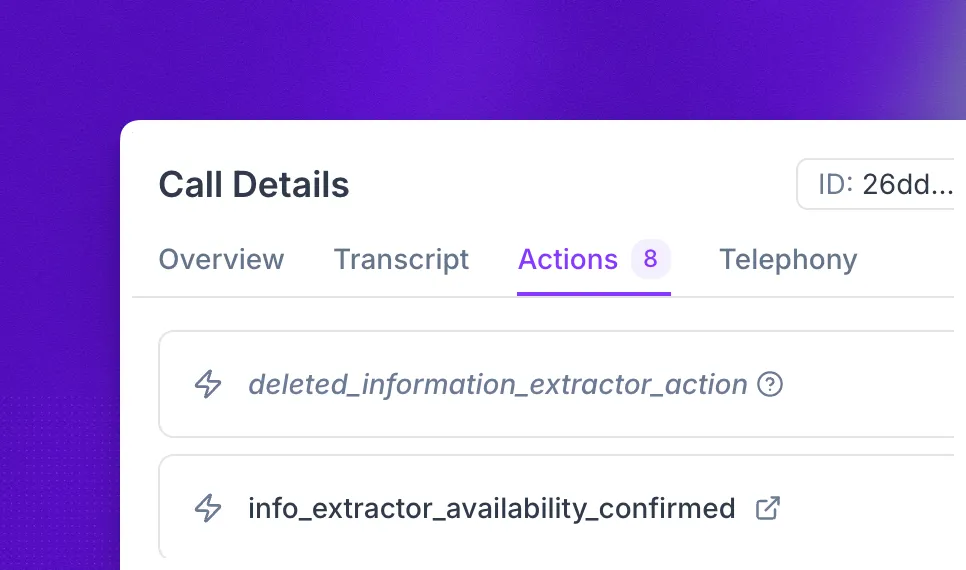
The action remains visible in the call history for past calls. Synthflow marks it as deleted so you can still understand what happened during the call.